


Certificates worth earning. Worth sharing. Worth keeping.

A drag-and-drop builder to design completion certificates that match your brand. Start from a template or a blank canvas, drop in your students' names and course details, and award them automatically.

Get Pro

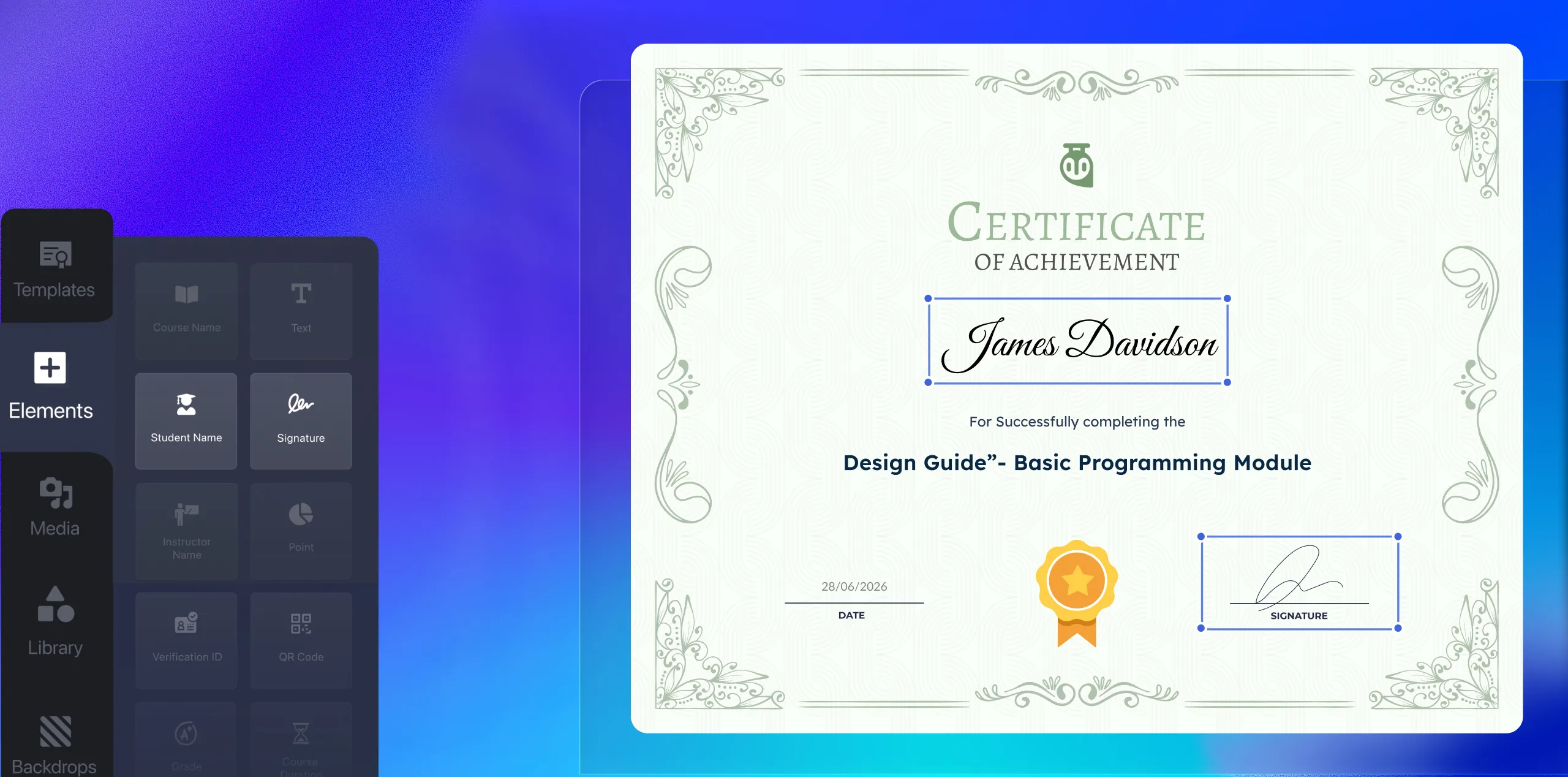
A TutorLMS certificate builder on a green-teal gradient background, with a dark left panel showing draggable elements — student name, signature, instructor name, verification ID, and QR code — alongside a live certificate preview awarded to James Davidson for completing the

Ready To Use

Start from something beautiful. Make it yours.

Choose from a library of professionally designed certificate templates — then customize every element to match your brand. Fonts, colors, layouts, and illustrations adjusted in minutes, not hours.

Template library

Pick from a library of pre-built templates by category, or open a blank canvas.

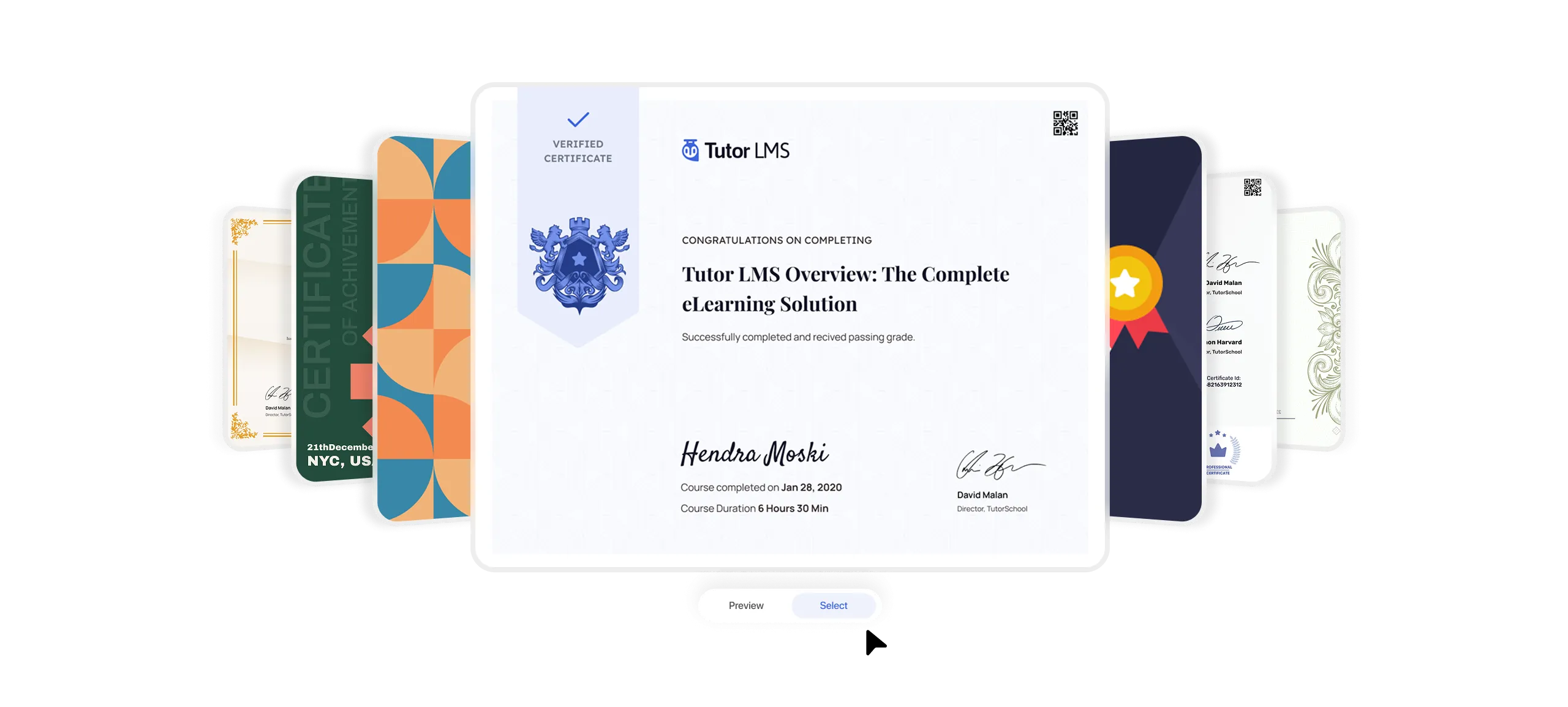
A TutorLMS certificate template library showing a fanned spread of certificate designs — including classic gold border, geometric teal and orange, dark navy with medal, and ornate white styles — with the center template active showing a verified certificate issued to Hendra Moski, with Preview and Select buttons below.

Drag & drop builder

Place every element exactly where you want on the canvas until the certificate looks exactly as you imagined it.

Dynamic data elements

Drop in student name, course name, instructor, grade, or certificate ID, and Tutor LMS fills each one automatically.

1000+ Google Fonts

Style every line with full control over size, weight, spacing, and more.

Images, shapes & badge

Use the built-in Unsplash library or your own uploads, plus shapes, illustrations, and badges.

Verification

A certificate learners can prove is real.

Each certificate gets its own verification ID and scannable QR code, turning a nice design into a
credential people can actually trust.

An instructor designs a certificate in the TutorLMS Certificate Builder on a laptop, with a yellow Graphic Design Institute template open showing a student name field and Elisa Cohen's signature — with callouts on the right highlighting QR code verification, unique certificate IDs, and instructor signature support.

QR code verification

Every certificate includes a scannable QR code that links directly to a verification page — no manual confirmation needed

Unique verification id

Each certificate carries a unique ID that can be checked independently — giving employers and institutions confidence in the credential

Instructor signature

A signed certificate carries weight. Add your signature once and it appears on every certificate issued for that course.

How It Works

Design it once.
Award it forever.

Set your certificate, publish your course, and Tutor LMS handles the rest. The moment a student meets your completion criteria, whether that's passing a quiz, finishing the lessons, or submitting an assignment, their certificate is generated and delivered automatically.

Automatic generation

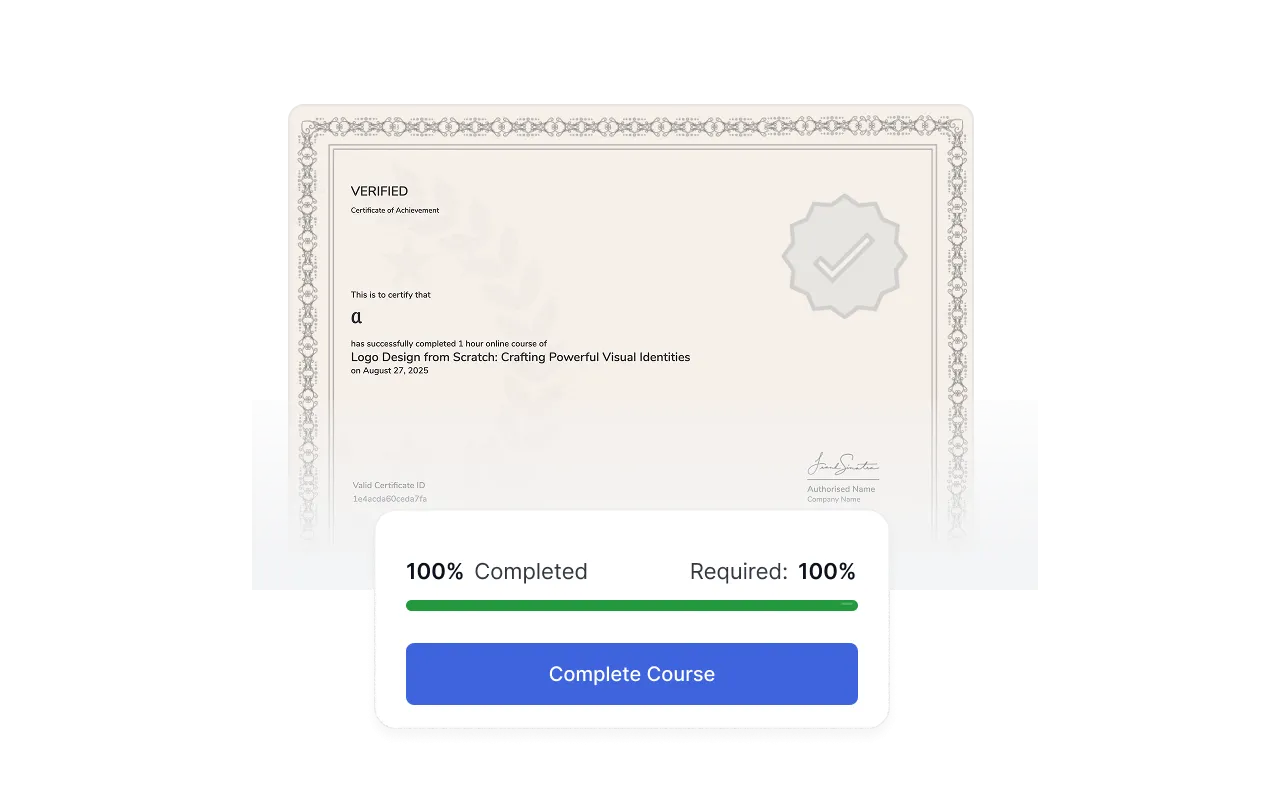
No manual review, no delay, no chasing. Certificates go out the instant completion criteria are met

A TutorLMS verified certificate of achievement automatically issued the moment a student hits 100% course completion, with a

Completion criteria control

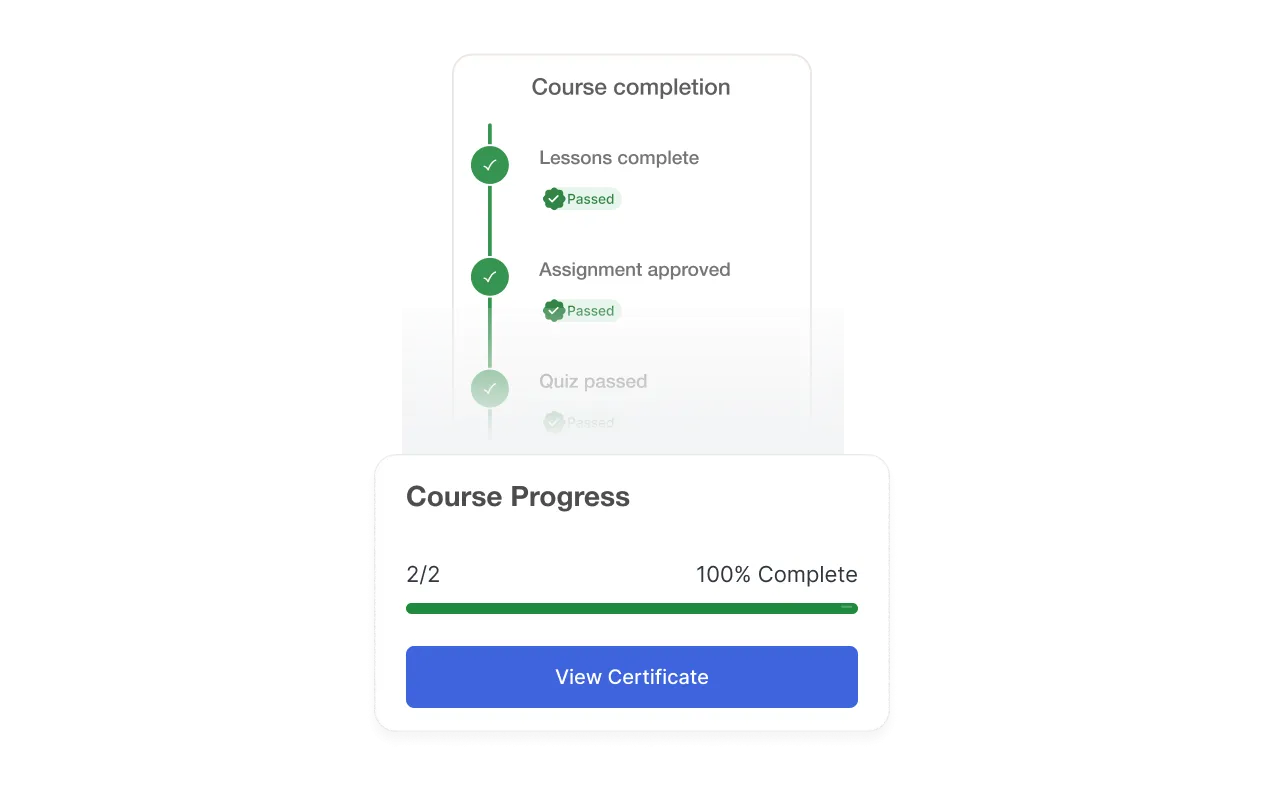
Decide exactly what earns the certificate: full course completion, a minimum quiz score, or a submitted assignment.

A course completion checklist showing lessons complete, assignment approved, and quiz passed as individual criteria, alongside a course progress panel at 100% with a

Join the world’s #1 Tutor LMS community

Build, manage, and scale your eLearning business with the most powerful WordPress LMS — all in one place.

Crafted by Humans

© 2026 All Rights Reserved