


 HALLOWEEN SALEHALLOWEEN SALEHALLOWEEN
SALEHALLOWEEN
SALE
- Explore now
What’s New in
Creation
Build courses visually and faster.
Engagement
Keep learners hooked.
Monetization
Sell courses your way.
Management
Run everything in one place.
Engagement
Monetization
Management
Add-Ons
Unlock more possibilities for your LMS.
Integrations
Connect with tools you already use.
Migration
Switch to Tutor LMS with confidence.
Blog
Learn, grow, and stay ahead in eLearning.
Documentation
Everything you need to build with Tutor LMS.
Videos
Learn visually with tutorials.
Release Notes
See what’s new in every update.
Partners
Explore our trusted Tutor LMS partners.
Themes
Exclusive Tutor LMS themes.
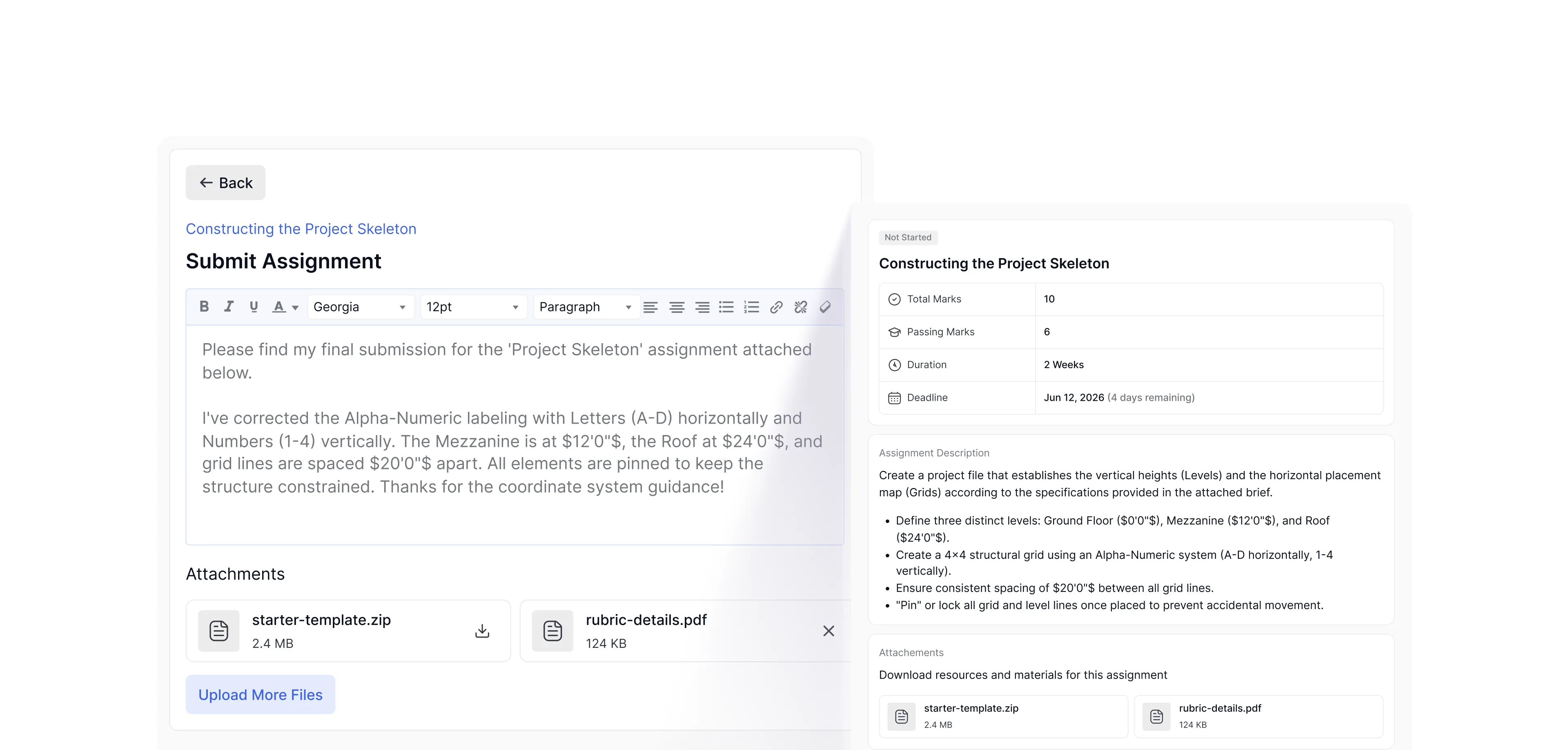
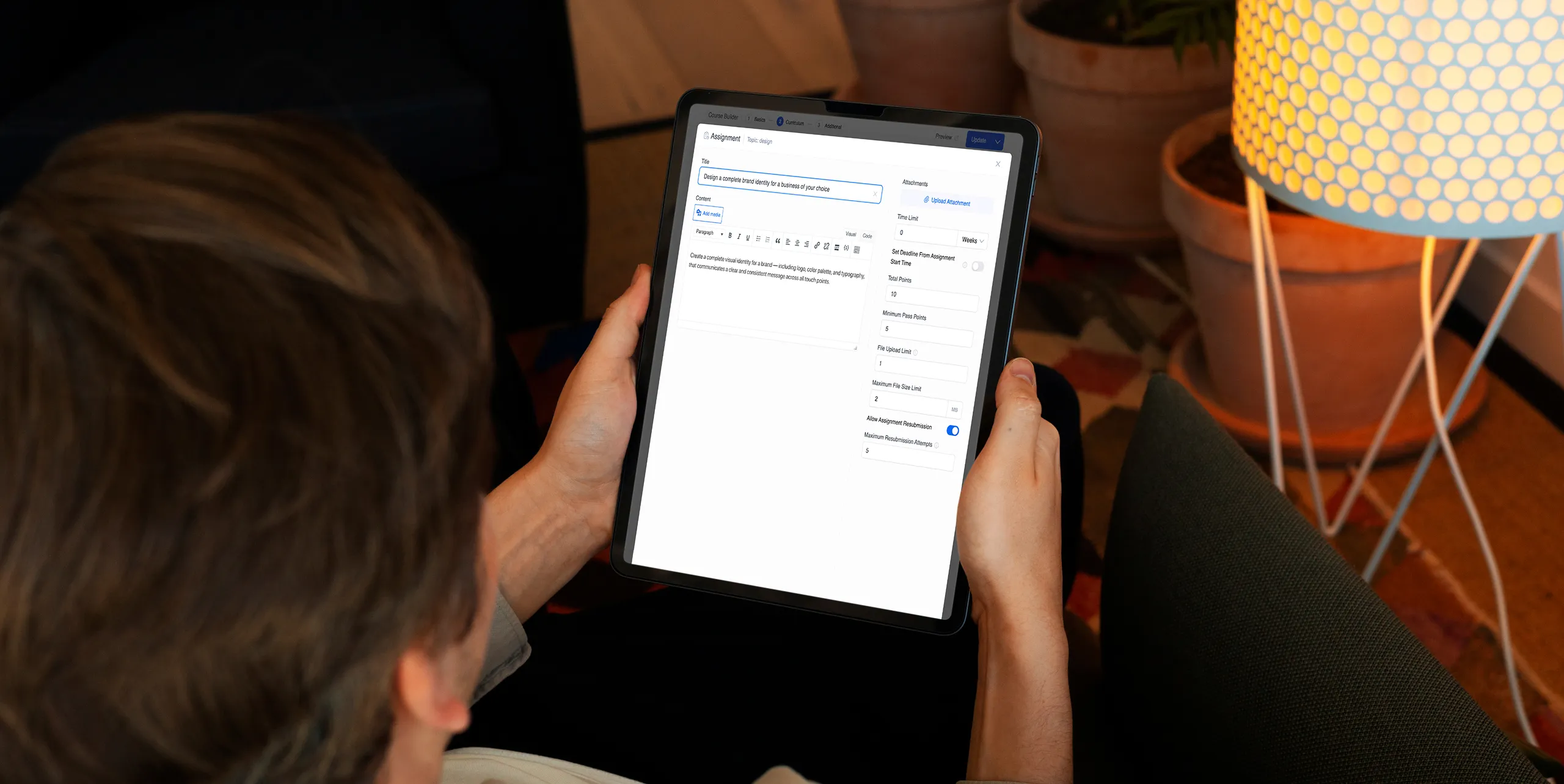
Assignment Creation
Everything an assignment needs. Set up in minutes.
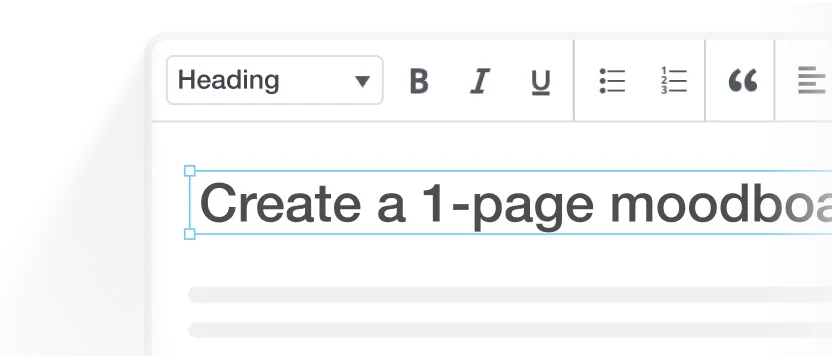
Rich content editor
Write instructions with formatted text, exactly the way you'd explain it in class.
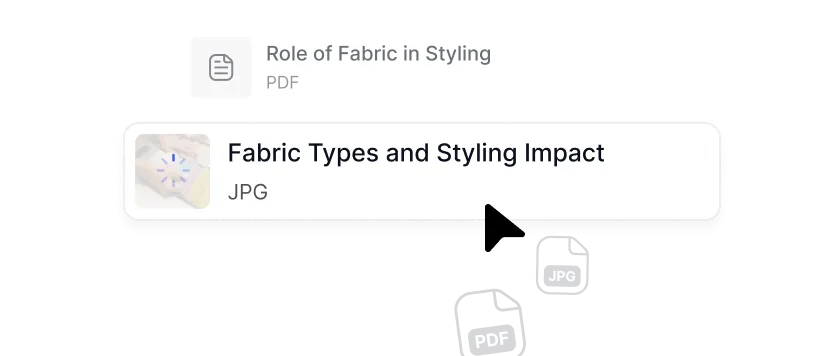
Attachments & media
Add reference files, templates, videos, or images directly to the task, so students have everything they need to start.
Built into the curriculum
Assignments drop in wherever they naturally fit, after a lesson or as the course capstone.
Timing & Access Control
Release the right task at exactly the right time.
A guided path that works perfectly with the student's pace without breaking your course schedule.
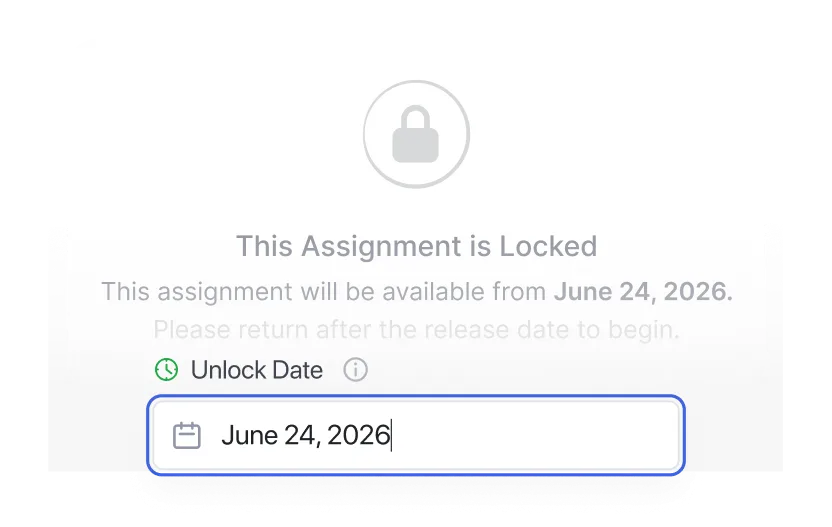
Schedule assignments
Release by calendar date, or automatically after a lesson is completed.
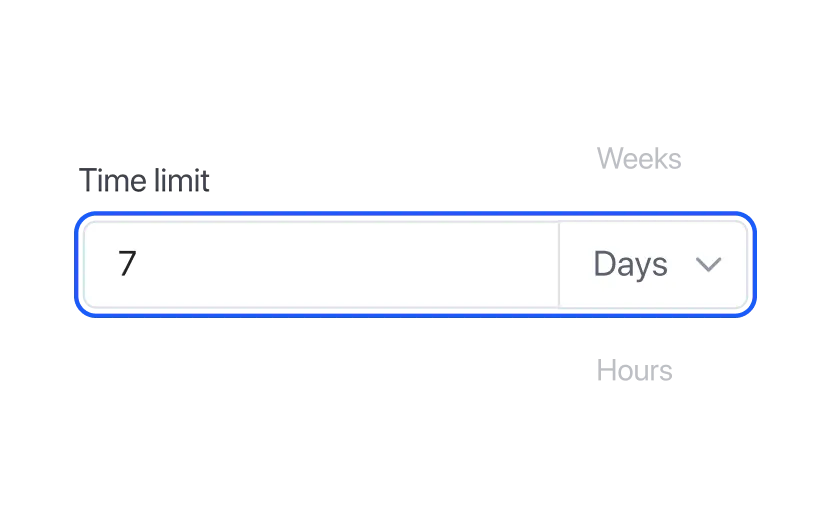
Set time limit
Hours, days, or weeks. Students know exactly how long they have from the moment they start.
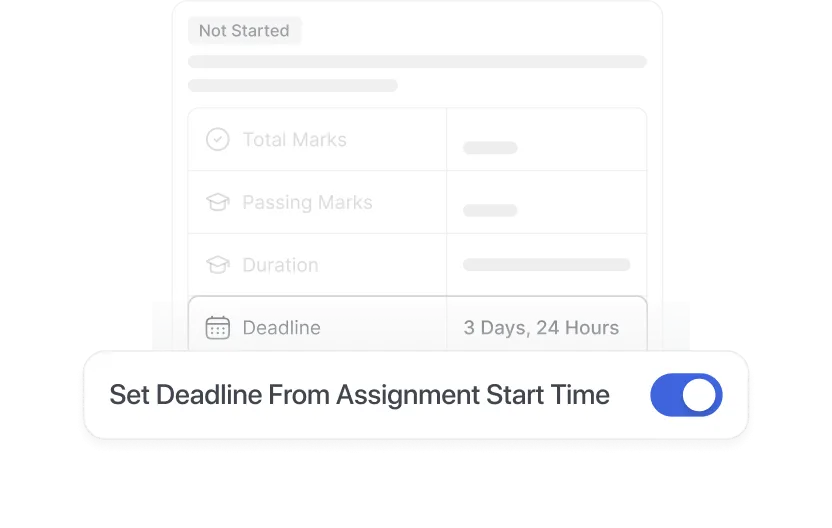
Personalized deadline
Make the clock start when each student begins, not when you publish.
Submissions
Organized submissions. Zero chaos.
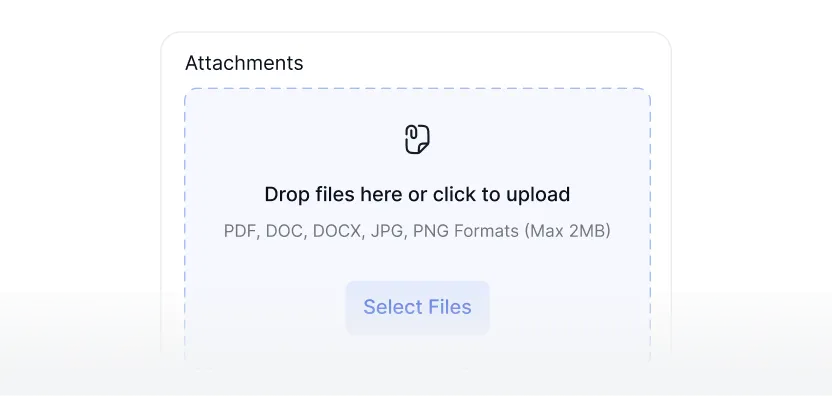
Diverse file formats
Accept documents, presentations, images, PDFs, and more.
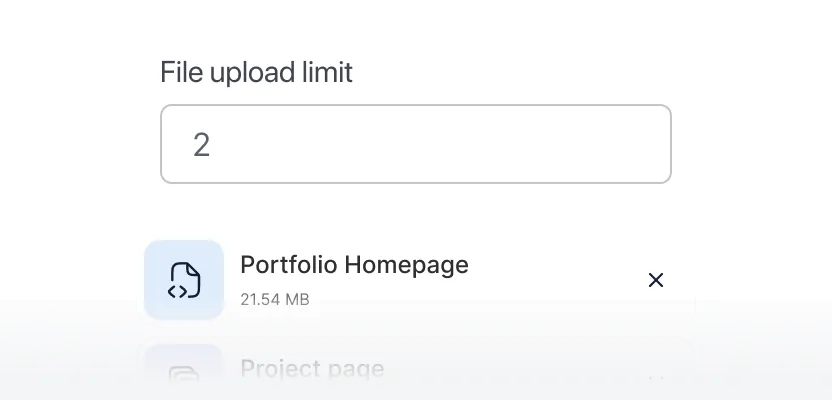
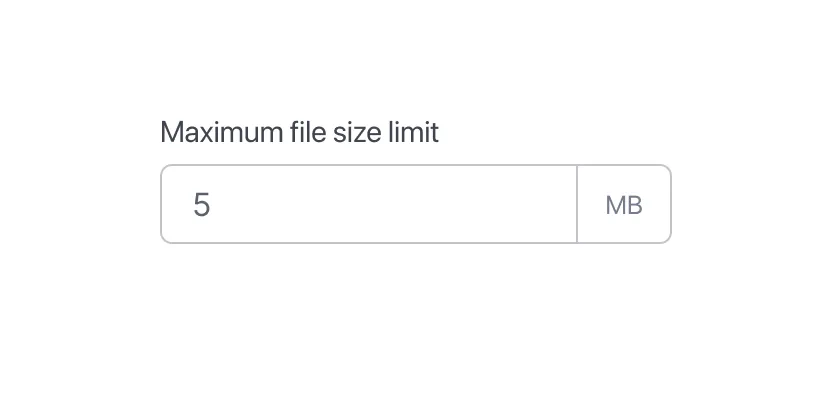
Control file uploads
Limit file count and maximum size per assignment, so you get tidy submissions.
Retakes
Set the number of allowed retakes to let students learn from their mistakes.
Grading & Feedback
Grade with confidence, not spreadsheets.
Keep grading organized with pass marks, feedback, and automatic gradebook sync.

Set custom score
Set each assignment's full score to match your course grading structure.
Minimum pass points
Define the score required to pass, and gate what comes next behind it.
Centralized gradebook
Assignment grades sync to the Tutor LMS gradebook automatically.
Feedback & comments
Tell students what worked and what to fix, delivered with the score.
Lesson Experience
Students always know exactly what’s expected.
Clear instructions, visible deadlines, and progress updates. No surprises. No "I didn't know" moments.
Assignment brief
Students review instructions, requirements, and attached resources before they submit.
Live countdown
A timer stays on screen, so students always know how much time is left.
Instant notifications
Students get an automatic email the moment you grade their work or leave feedback.
Progress tracking
Completed assignments reflect in the course progress tracker and count toward course completion.