
Upvimeo
Free
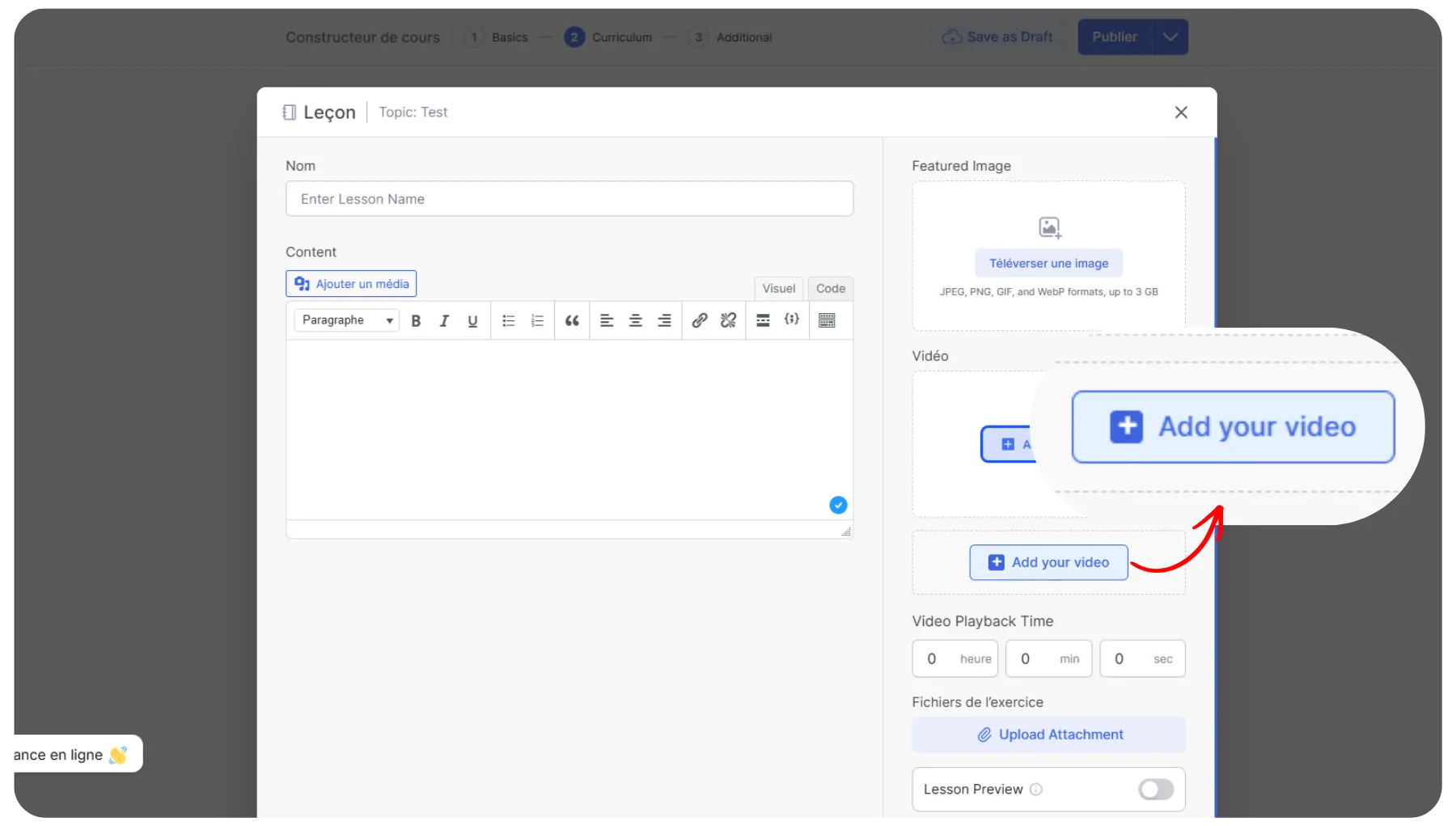
Upvimeo bypasses WordPress upload limits by streaming large videos directly from Vimeo and lets you upload videos right from the Course Builder.
About
Upvimeo bypasses WordPress upload limits by streaming large videos directly to Vimeo, and integrates natively with Tutor LMS so you can upload videos right inside the Course Builder.
Upvimeo helps you bypass WordPress server upload limits, stream video files directly from Vimeo's servers, manage seamless privacy controls, and easily embed videos directly in the Tutor LMS course builder.
Upvimeo uses the advanced TUS Resumable Upload Protocol to eliminate timeout errors, HTTP errors, supports user-generated video collection through frontend forms, and much more. These features are extremely useful for course creators, agencies, and membership sites.
Features
Native Tutor LMS course builder integration: Tutor LMS users can upload Vimeo videos right inside the Course Builder. This native integration saves you time and effort by eliminating the need to manually copy and paste the embed codes.
Direct-to-Vimeo resumable uploads: Bypass your WordPress server's PHP upload limits by streaming large video files directly from your browser. The advanced TUS Resumable Upload Protocol ensures your uploads won't fail due to timeouts or broken connections, regardless of your server restrictions.
Seamless privacy controls and organization: Protect your premium course content by configuring video privacy settings, such as "Hide from Vimeo" or "Only me", directly during the upload process. Keep your curriculum perfectly organized by creating Vimeo folders and instantly assigning your new videos to them.
FAQs
Do I need a paid Vimeo account to use this plugin?
You can use UpVimeo with a Free Vimeo account. However, certain advanced privacy features require a Vimeo Plus, Pro, or Business plan, such as hiding videos from Vimeo.com or restricting embeds to specific domains, etc. These are limitations set by Vimeo’s API.
Do I need to share my Vimeo account login with my instructors?
No. You connect the admin account once in the settings, and the instructors can upload videos to your account via the plugin without any Vimeo login credentials.
Why do I need a Vimeo API App?
Vimeo requires secure authentication to upload files securely to your specific account. Creating an App gives you a unique key (Client ID) that authorizes your WordPress site to connect with the Vimeo account.
Does this bypass my hosting upload limit (e.g., 2MB)?
Yes. As the file is streamed directly from Vimeo (using the TUS protocol), it never actually "touches" your WordPress server's PHP processing. So, your server limits do not apply.