Tutor LMS 4.0 RC Is Released with Improved Compatibility, UI updates, and More
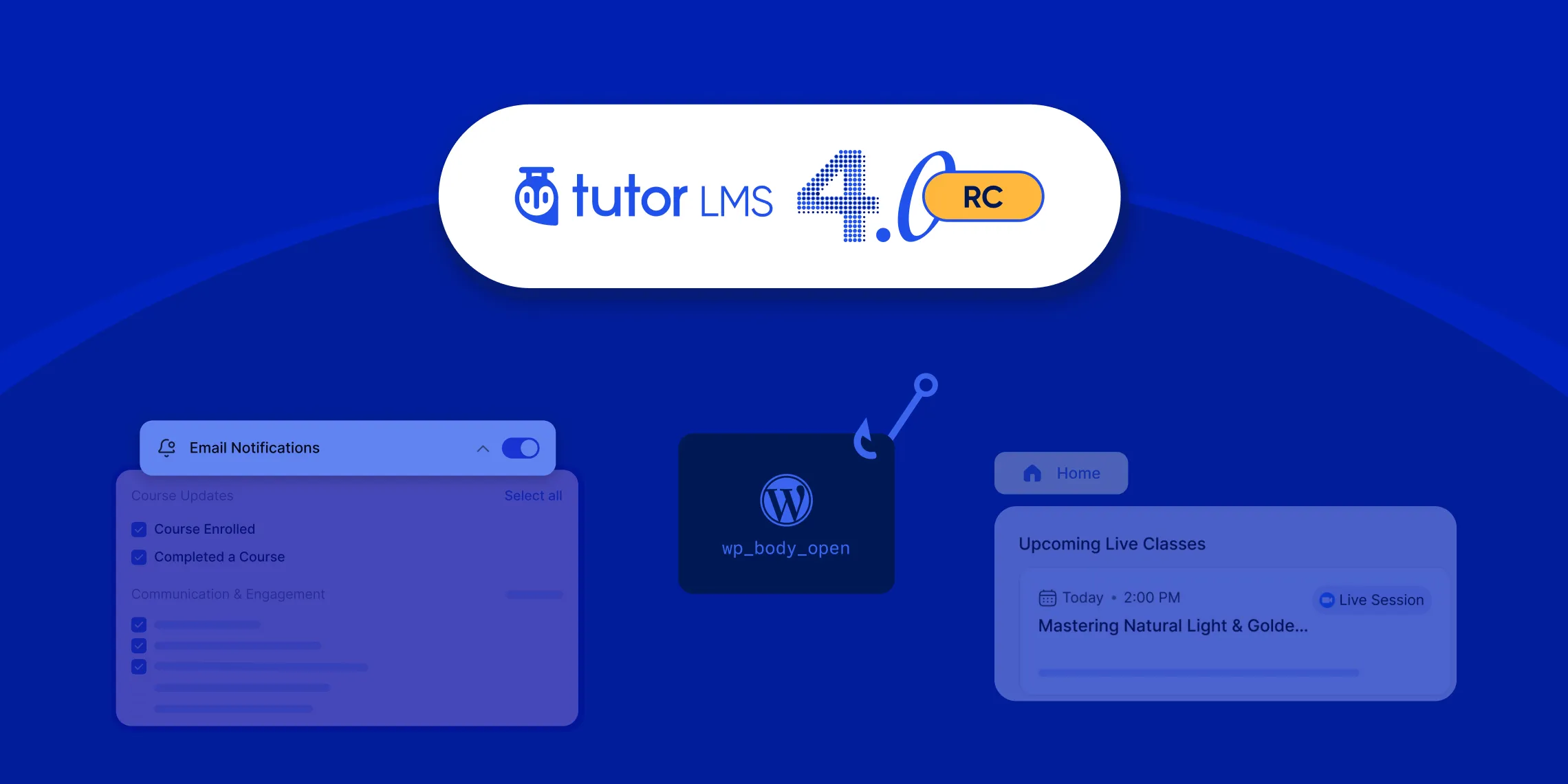
We’re excited to announce the release of Tutor LMS v4.0 RC!
If you are already using earlier 4.0 beta versions, this update is meant for real-world testing before the final release. The focus is on improving compatibility across themes and plugins, refining the dashboard and learning experience, and fixing important issues reported during beta testing.
This release is not about introducing major new features. Instead, it focuses on polishing the system so it works reliably across different setups, themes, browsers, and workflows.
Key Highlights of Tutor LMS 4.0 RC
Tutor LMS 4.0 RC brings several key improvements. Here are a few of those:
- Improved Live Class section on the homepage.
- Better compatibility with Yoast SEO and Rank Math SEO in the 4.x dashboards.
- Significantly enhanced theme compatibility across all Tutor LMS pages and layouts.
- Full compatibility update with the Twenty Twenty-Five theme.
- Better dashboard and learning area consistency with system default themes.
- Enhanced login experience and social login modal UI, etc
If you want to check the full changelog, check out the official Tutor LMS 4.0 RC release note page.
⚠️ Note: This is an RC (Release Candidate) version of Tutor LMS 4.0. We recommend using it in a staging environment rather than directly on your live site.
Overall, improvements were made in three main areas of this RC version. These are plugin and theme compatibility, improving user experience, and system stability. Alongside that, several bugs related to course flow, enrollment, coupons, subscriptions, and UI behavior have been addressed. Now, let’s take a look at the core improvements in the Tutor LMS 4.0 RC.
Improved Compatibility Across Tutor LMS
One of the biggest focuses of this release was compatibility. As Tutor LMS is used on different types of eLearning websites, users often combine it with multiple themes, SEO plugins, and third-party tools. This release improves how Tutor LMS behaves across those environments.
- Better Theme Compatibility
We improved theme compatibility across Tutor LMS pages and layouts to make the learning experience more consistent. This includes:
- Better compatibility with multiple WordPress themes
- Improved responsive behavior across devices
- Better support for the Twenty Twenty-Five theme
System default theme handling has also been improved. Previously, some inconsistencies appeared in the dashboard and learning area when default themes were applied. That behavior has now been resolved for a more consistent experience across the whole website.
- Improved SEO Plugin Compatibility
We also improved how Tutor LMS works with popular SEO plugins, such as:
- Yoast SEO and
- Rank Math SEO
Some users experienced dashboard conflicts or layout-breaking issues when these SEO plugins were active in their eLearning site. Those compatibility issues have now been resolved in this release. So, your online courses will now be more SEO-optimized and rank better in search engines.
- Added WordPress Hook Support
This version also adds support for the WordPress wp_body_open hook in custom templates. This improvement gives developers and theme authors more flexibility when integrating analytics tools, accessibility features, custom scripts, or third-party services into Tutor LMS-powered websites.
User Experience Enhancements
Several refinements in this release focus on improving the overall learning experience and interface consistency based on user feedback. It includes the dashboard, login modal, course navigation, and a few other sections. Let’s have a quick look at the core improvements in the learning experience.
- Improved Learning Experience
To begin with, the Live Class section on the homepage has been improved for Tutor LMS Pro users. It results in a cleaner layout on students’ homepages and improved usability for managing live sessions.
Alongside this, the login experience has also been refined. We improved the social login modal UI and resolved the earlier layout inconsistencies that affected visual alignment.
Moving further into the admin side, the Manage Devices section has received UI improvements to make active session management clearer and easier to navigate.
On the learning flow side, the “Continue Lesson” issue in the course builder has been fixed. It allows students to resume lessons without disruption. In addition, course completion warning behavior in strict mode has been improved for Pro users, giving clearer guidance before course completion.
All of these changes help create a smoother and more predictable learning experience for students and instructors.
- Course Flow and Enrollment Stability
In addition to UI and dashboard refinements, the Tutor LMS 4.0 RC version also improves the reliability of course and enrollment workflows.
We fixed an issue where enrollment pause behavior was inconsistent. So, it ensures a smoother enrollment control across Tutor LMS courses. Similarly, backend verification issues affecting the “Retake Course” and “Reset Progress” actions have been resolved to improve the reliability of course management.
To improve security and consistency, actions such as ‘Mark as Complete’, ‘Complete Course’, and ‘Reset Progress’ will no longer appear to logged-out users.
Also, the ‘Skip Assignment’ functionality has been fixed. So students can now skip the elective assignment without affecting their learning journey.
Coupons, Orders, and eCommerce Stability
Several fixes in this release improve eCommerce functionality. Here are a few of those:
- Future-dated coupons previously appeared as expired in the admin dashboard. That behavior has now been fixed, and these coupons will be displayed as ‘Scheduled’ now.
- The Order History UI has been refined to address inconsistencies that affected layout and alignment.
- Improved compatibility issue with Easy Digital Downloads monetization. In earlier versions, deactivating this plugin could trigger fatal errors in certain cases. That issue is now resolved for users who are relying on Easy Digital Downloads monetization.
Overall, these fixes help reduce inconsistencies and improve reliability across the whole Tutor LMS plugin.
How to Download Tutor LMS 4.0 RC
You can download Tutor LMS 4.0 RC version from the links below:
We recommend installing the RC versions on a staging or test environment rather than a live production site. This helps you explore new features and updates safely while providing valuable feedback.
Note: You need to be a Tutor LMS Pro subscriber to download the pro version of Tutor LMS 4.0 RC.
Share Your Feedback
Your feedback during the beta version phase helps us prepare a more stable RC version. If you still notice any bugs, compatibility issues, or unexpected behavior while testing Tutor LMS 4.0 RC, please let us know via the feedback form below.
Final Words
If you have been waiting to test Tutor LMS 4.0 in a more stable environment, this is the right time to explore the RC release. With dozens of fixes and targeted improvements to compatibility and experience, this release strengthens Tutor LMS as a robust choice for online course creators.
We appreciate the continued support and valuable feedback from our community. Your reports and suggestions directly shape the future of Tutor LMS.
Stay tuned for more updates as we continue building the best learning management system for WordPress.

Start Using Tutor LMS Today
Ready to take your online courses to new heights? Download Tutor LMS now and enjoy a journey of eLearning excellence.