Video lesson
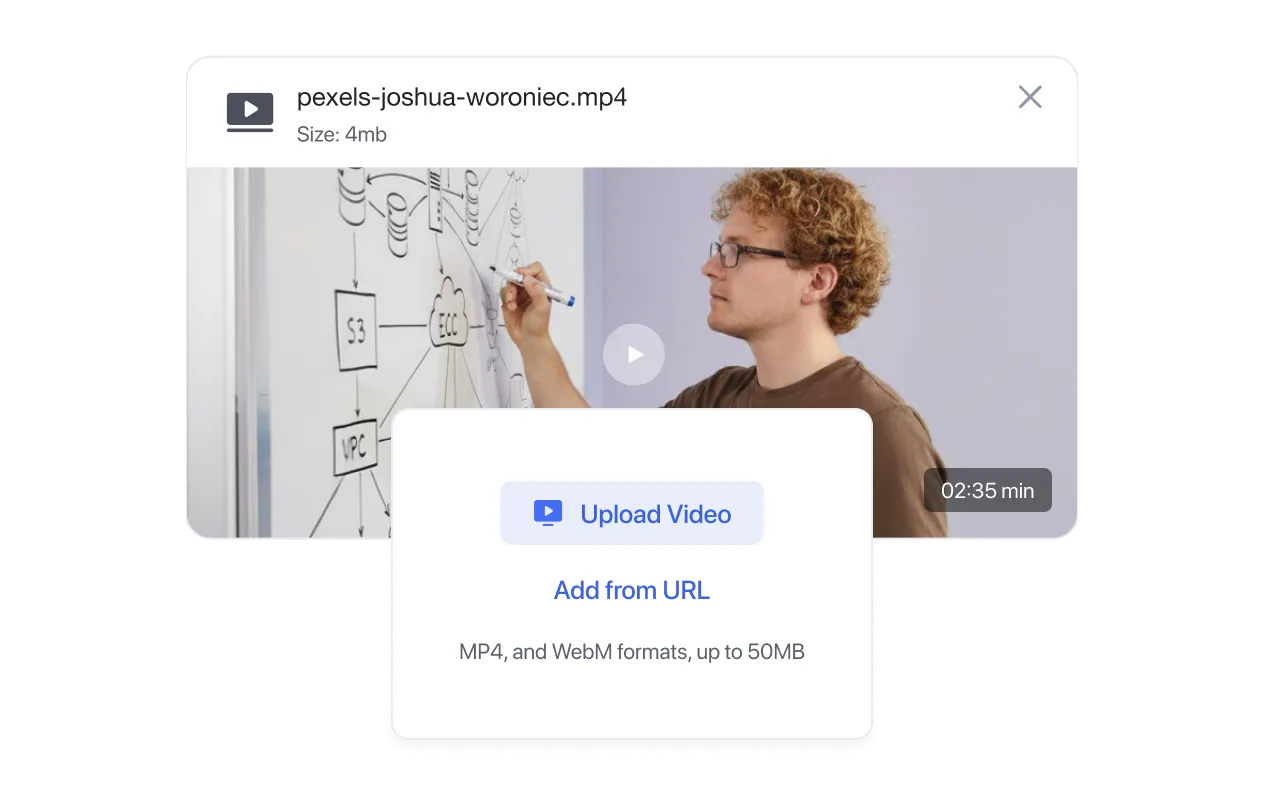
Upload, embed, or stream from YouTube/Vimeo
What’s New in
Creation
Build courses visually and faster.
Engagement
Keep learners hooked.
Monetization
Sell courses your way.
Management
Run everything in one place.
Engagement
Monetization
Management
Add-Ons
Unlock more possibilities for your LMS.
Integrations
Connect with tools you already use.
Migration
Switch to Tutor LMS with confidence.
Blog
Learn, grow, and stay ahead in eLearning.
Documentation
Everything you need to build with Tutor LMS.
Videos
Learn visually with tutorials.
Release Notes
See what’s new in every update.
Partners
Explore our trusted Tutor LMS partners.
Themes
Exclusive Tutor LMS themes.
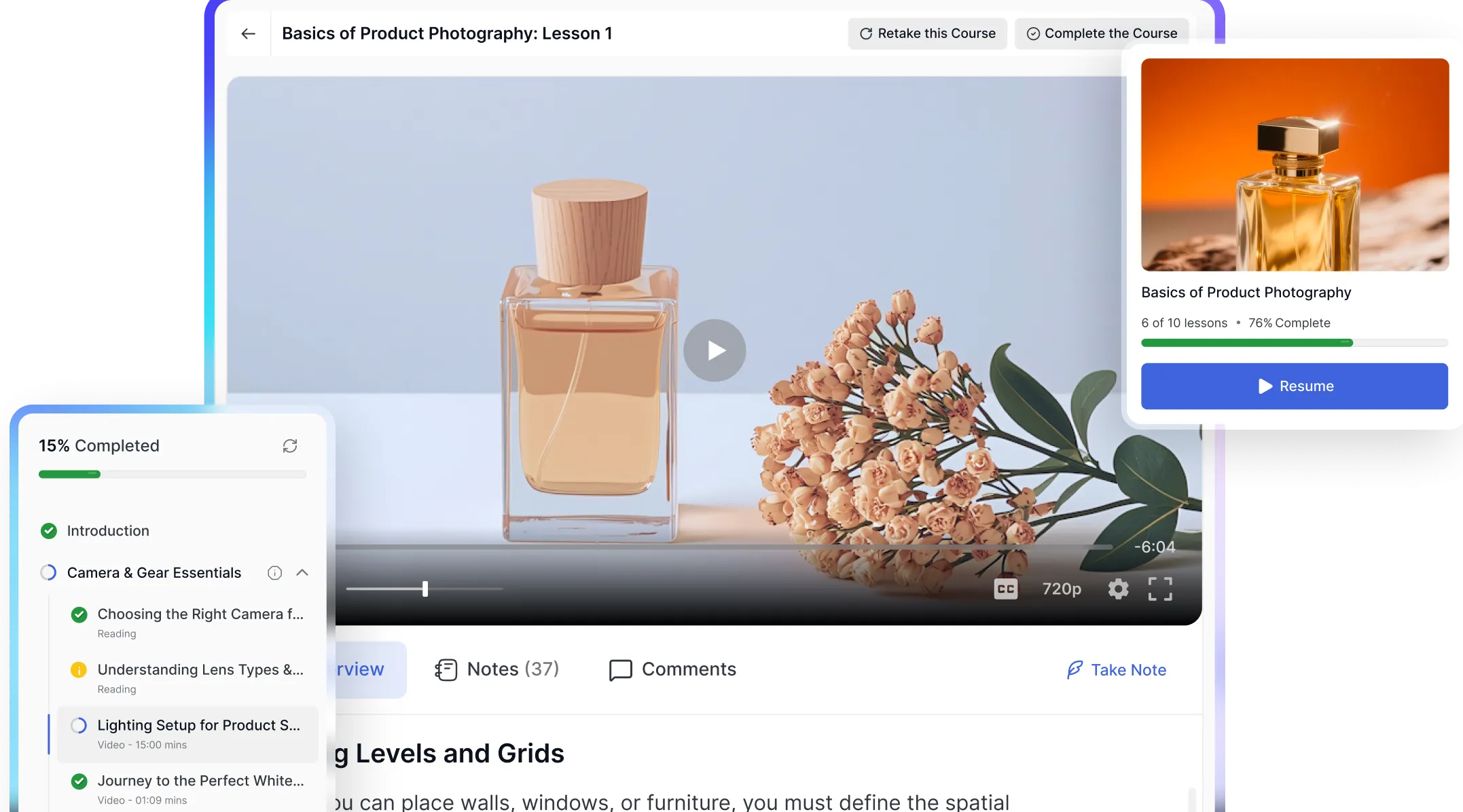

Lesson Types
Every subject is different. Some things need video. Some need a live conversation. Some need a challenge. Tutor LMS supports all lesson formats - mix them freely in a single course.
Upload, embed, or stream from YouTube/Vimeo
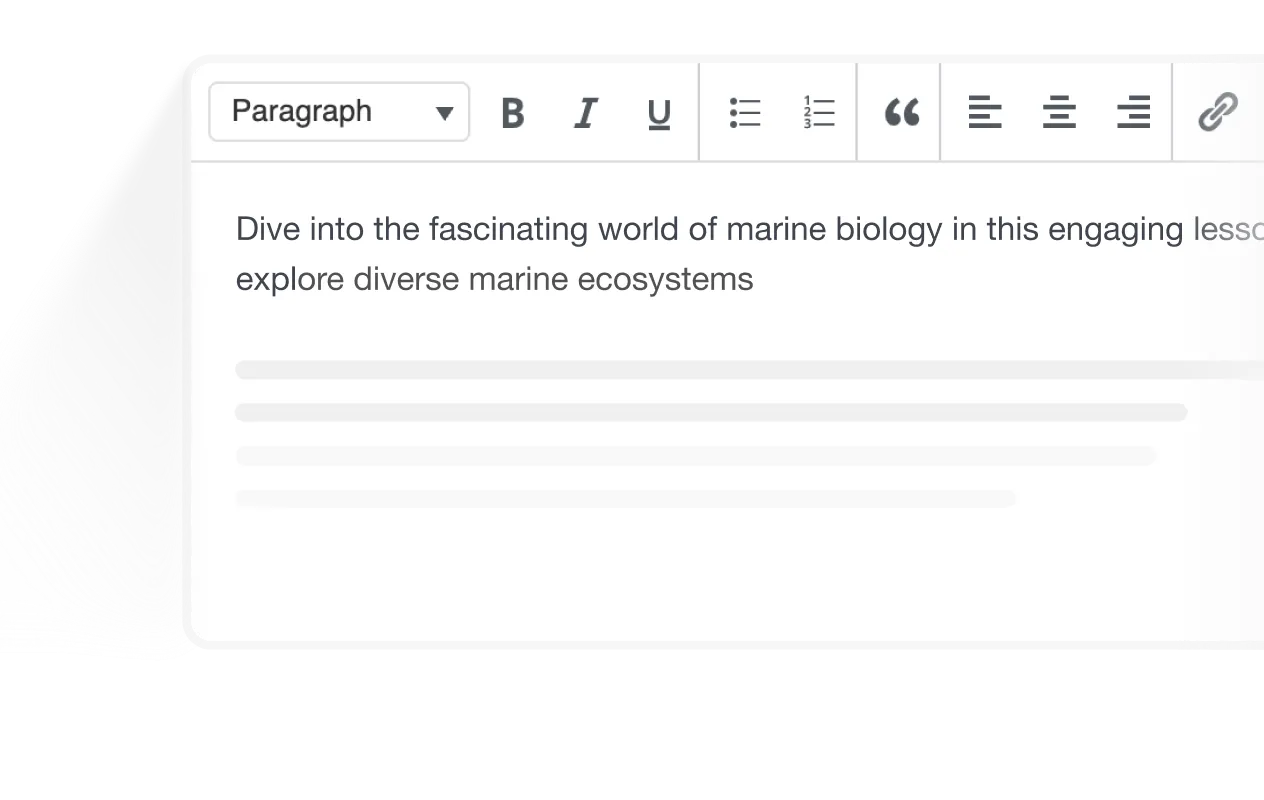
Rich editor with text formatting, multimedia content, and organized layouts

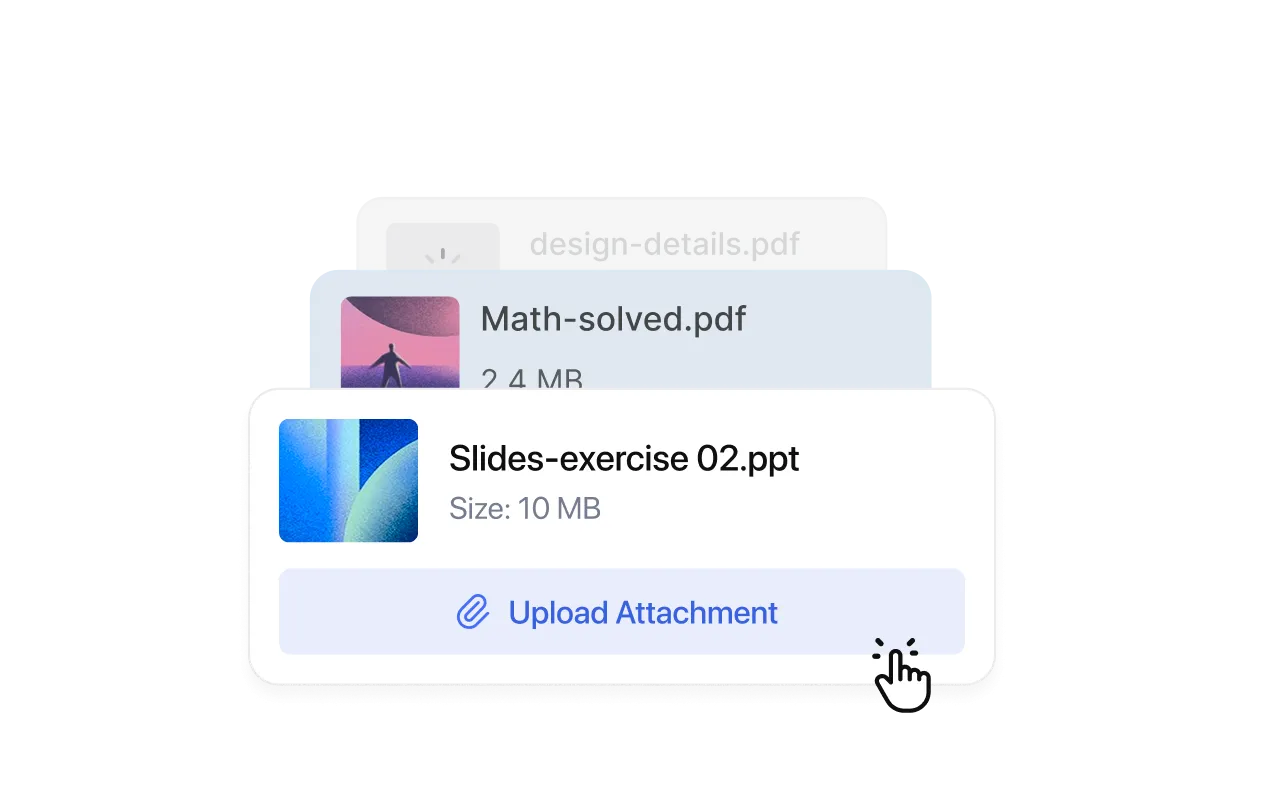
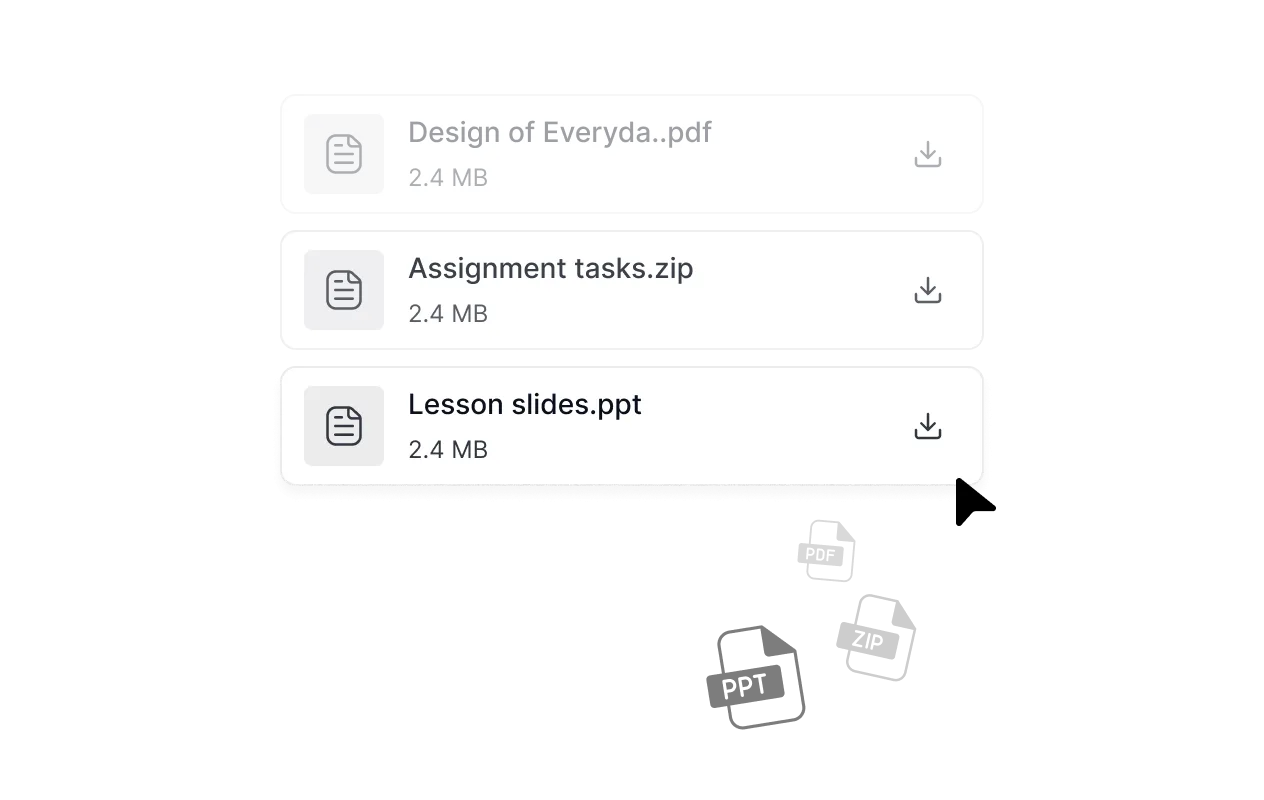
PDFs, slides, worksheets, ZIP files, and exercise materials
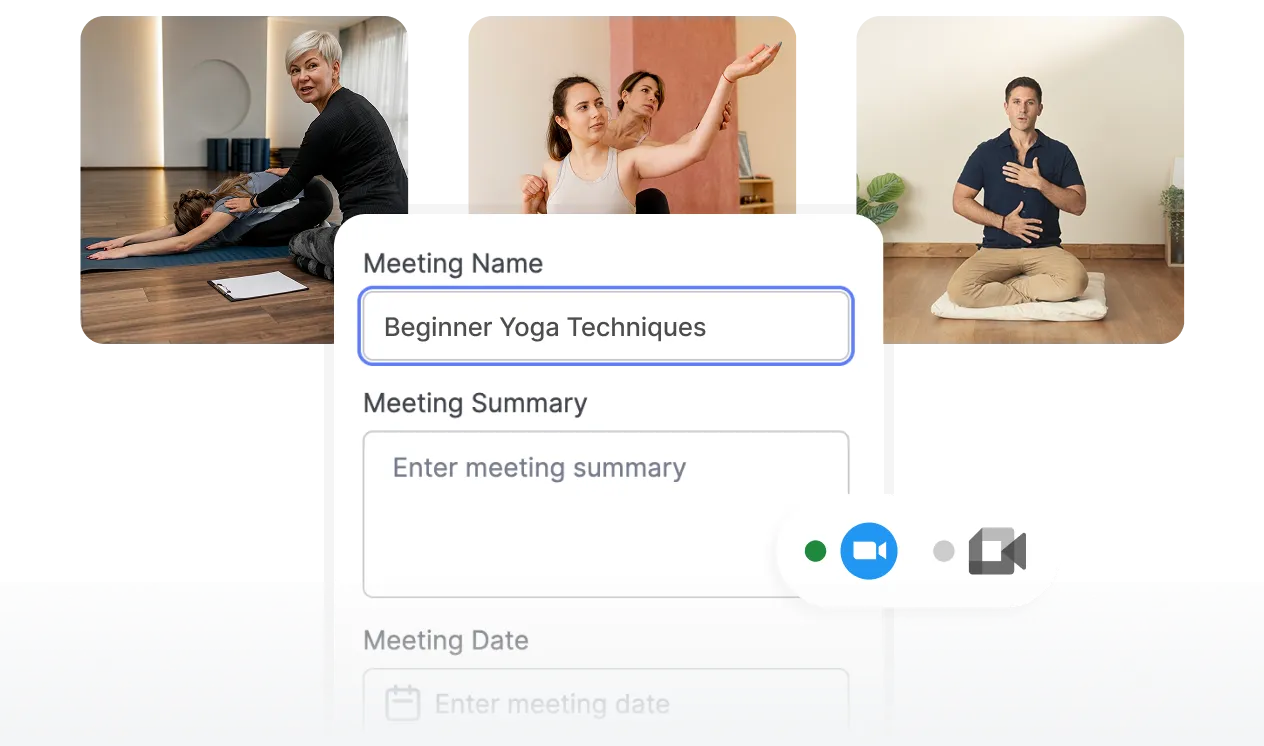
Run Live classes with Zoom, Google Meet, or Jitsi
Learner Experience
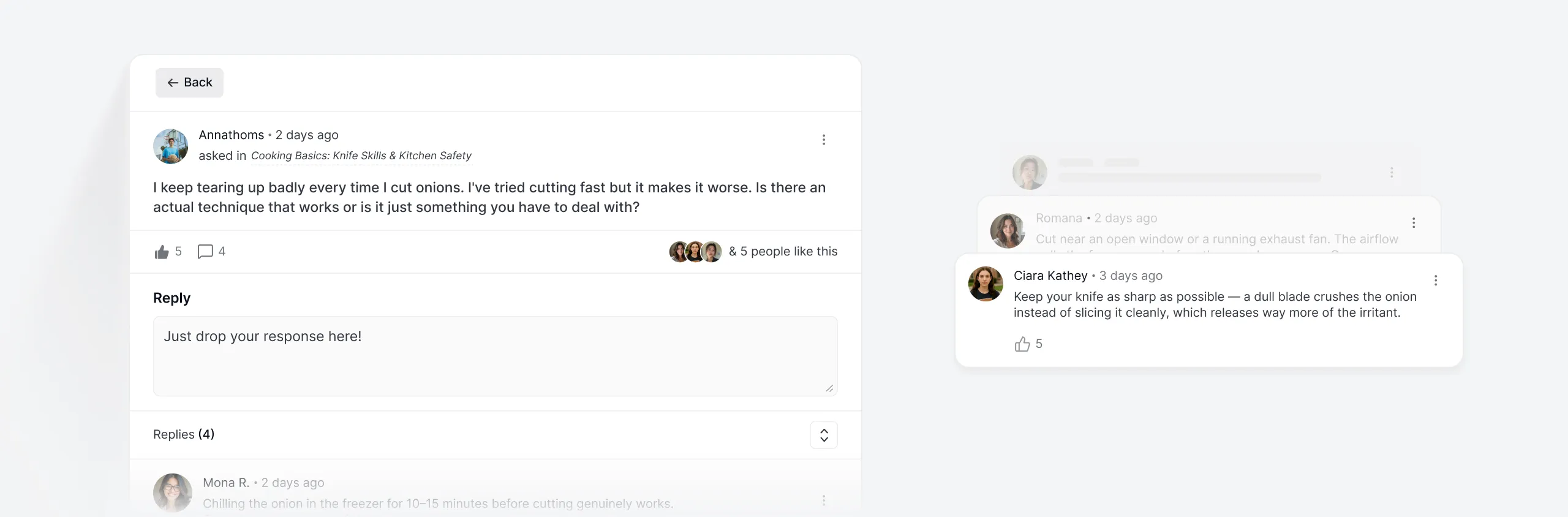
Everything a student needs during a lesson — notes, Q&A, resources, comments is one tap away without interrupting the learning flow.
Students ask question mid-lesson and get answers from instructors or peers - threaded per lesson so
Attach downloadable PDFs, slides, worksheets, ZIP files, and exercise materials directly to any lesson.
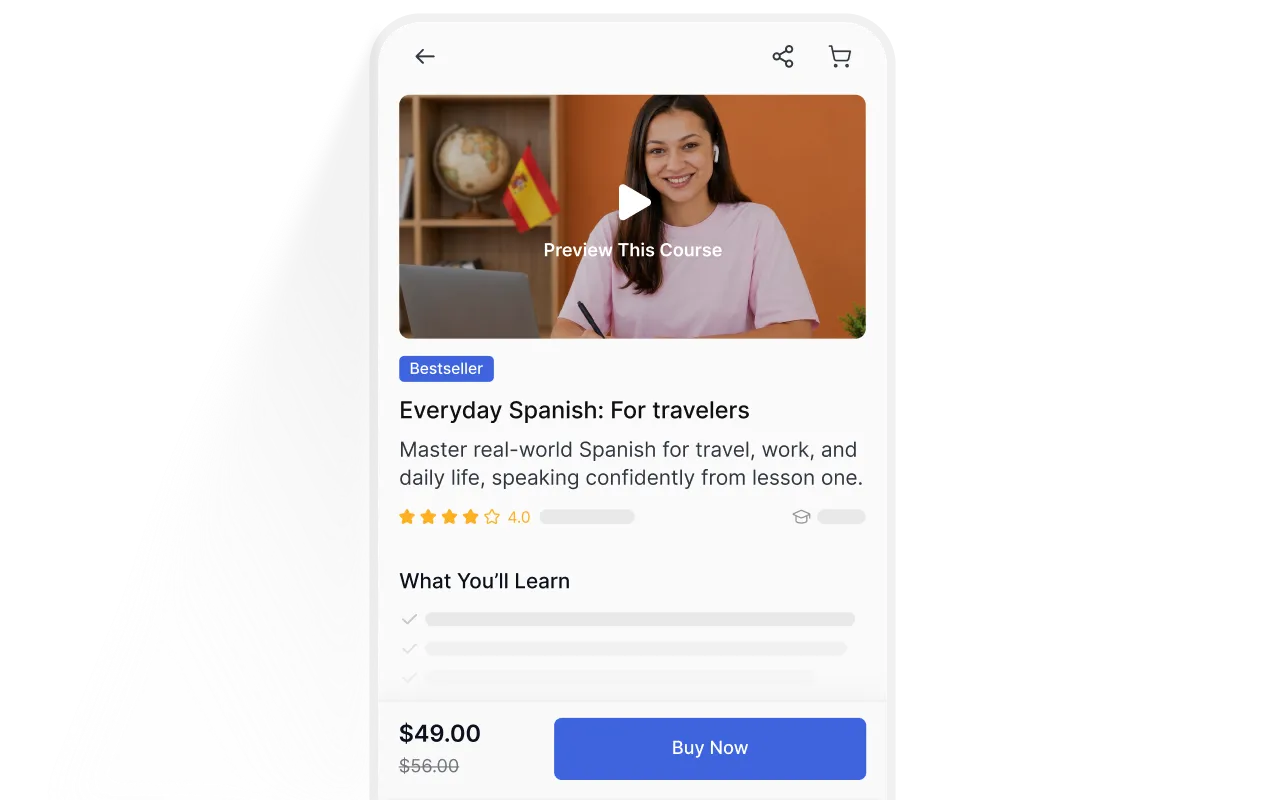
Optimized for mobile with thumb-zone navigation and smooth content loading.

Completion status is shown per lesson so students always know exactly where they are and what's next.
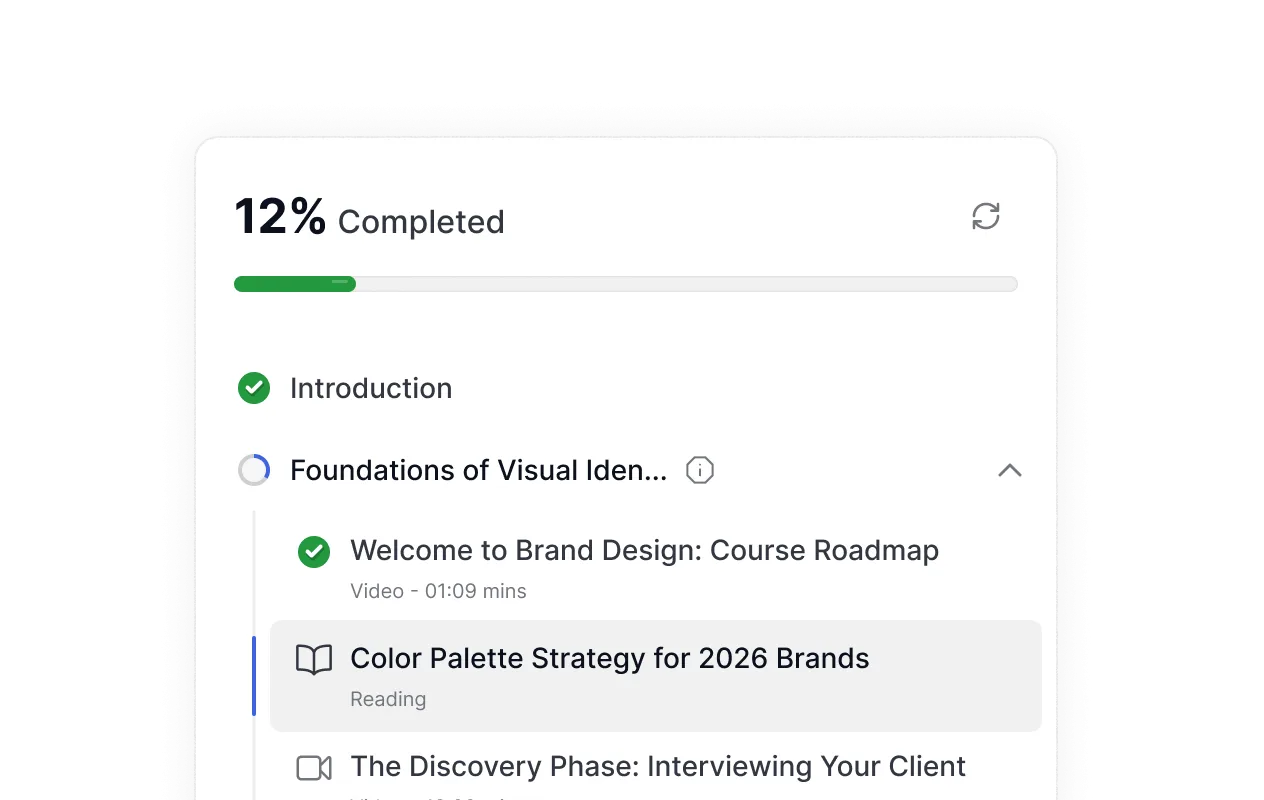
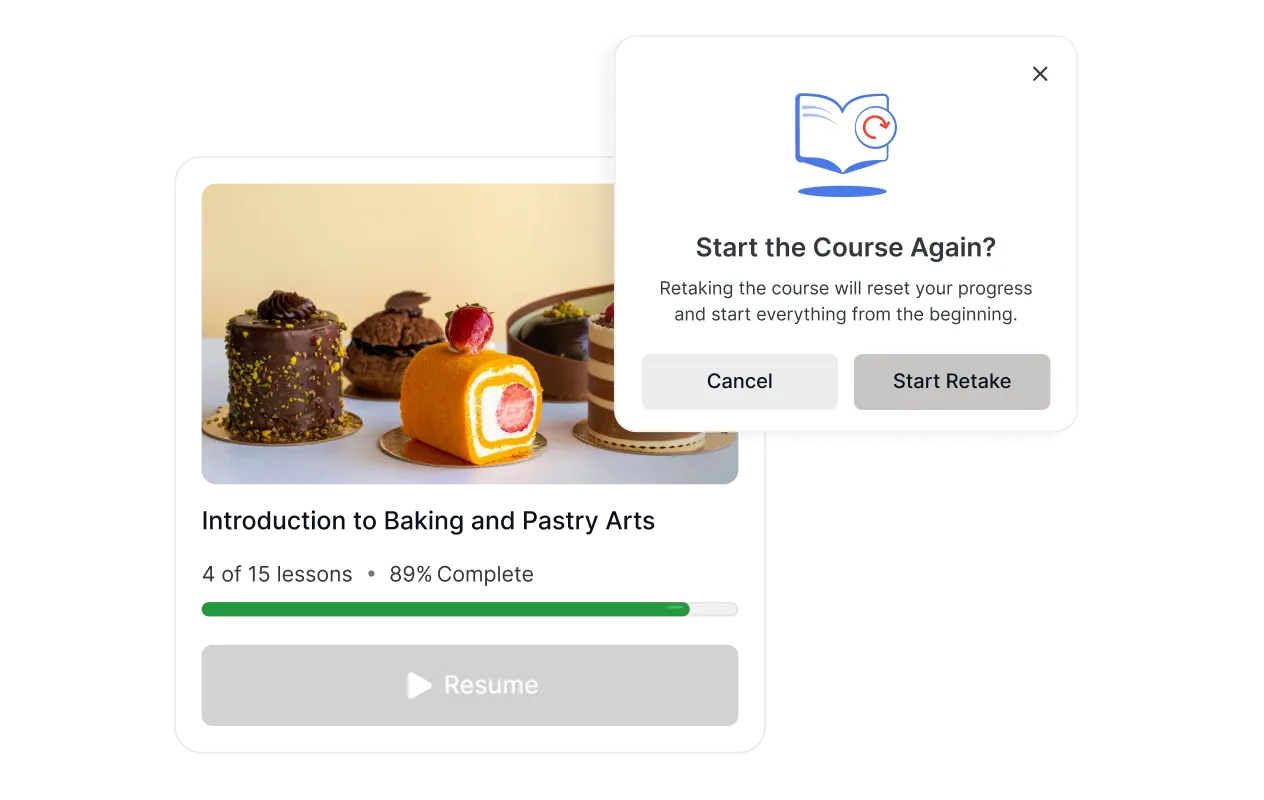
Students pick up exactly where they left off. Video lessons remember the timestamp.
In-Lesson Notes
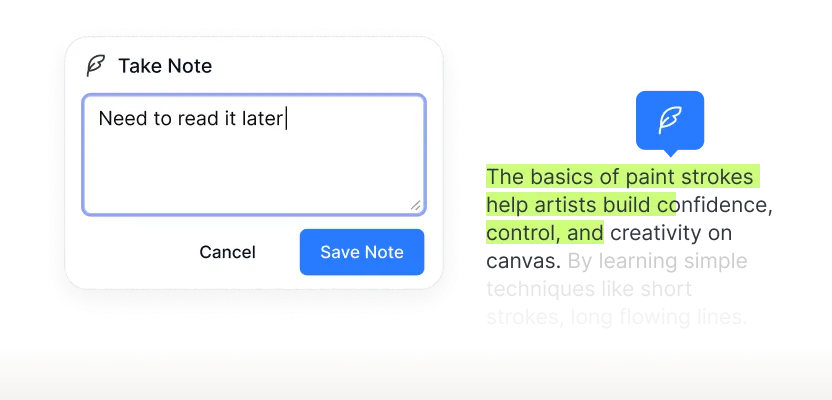
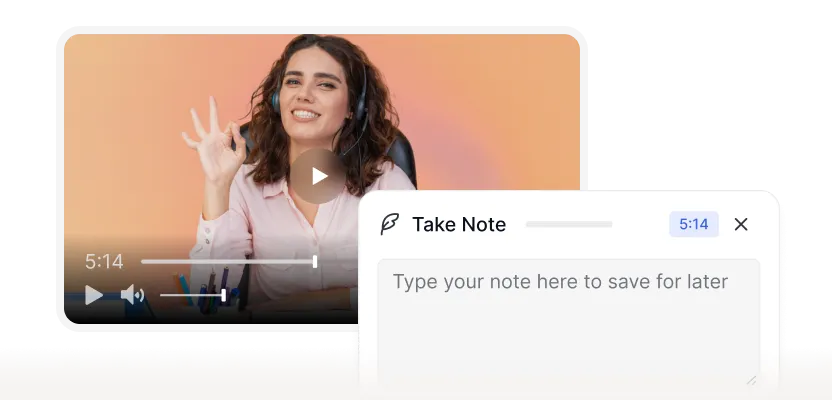
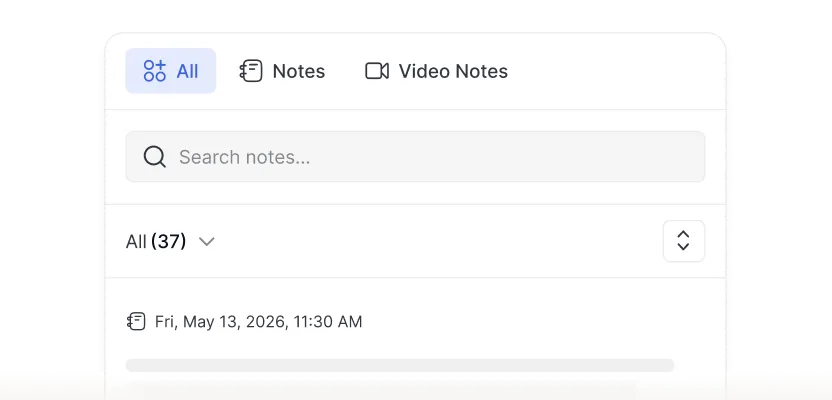
Students take notes at the exact moment something clicks – timestamped to the video, searchable later, and always in one place.
Mark text in a reading lesson and drop a note.
Take a note at any timestamp for video lessons.
Find any note across all courses instantly.
Lesson Builder
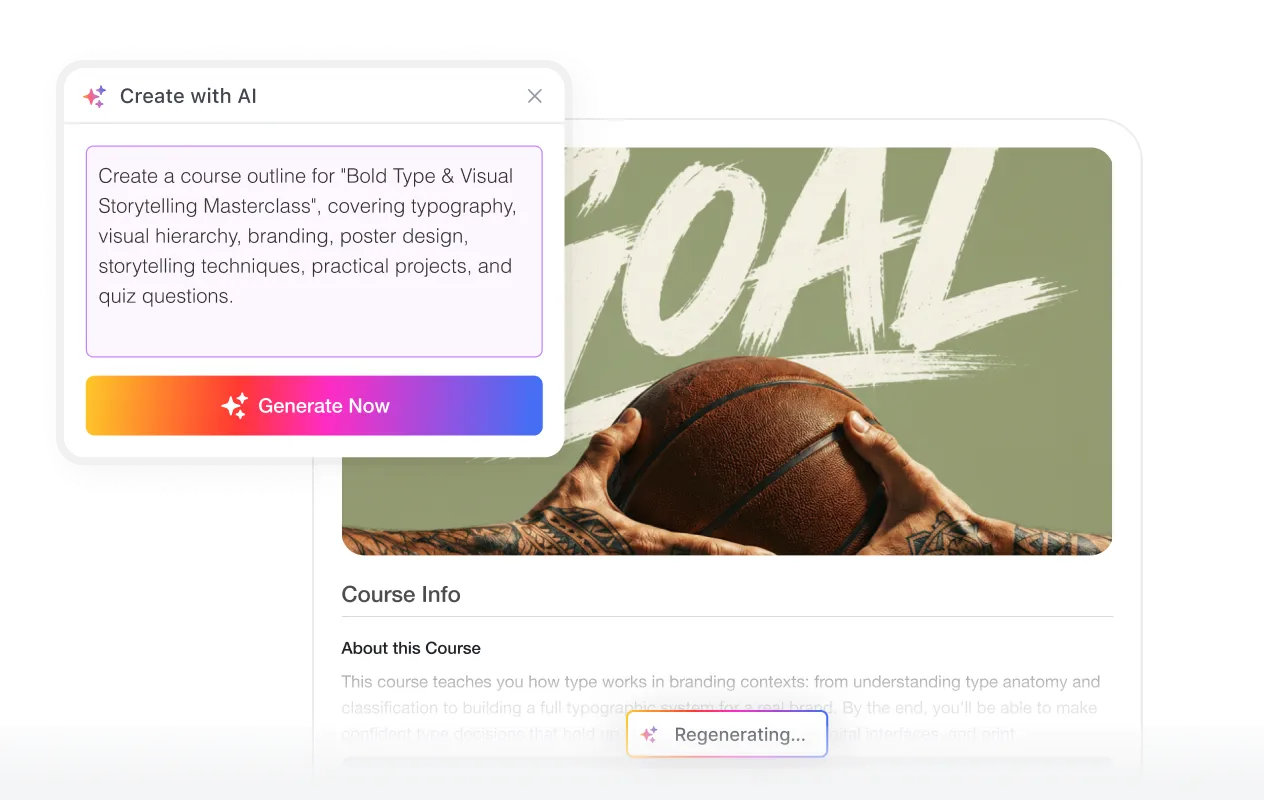
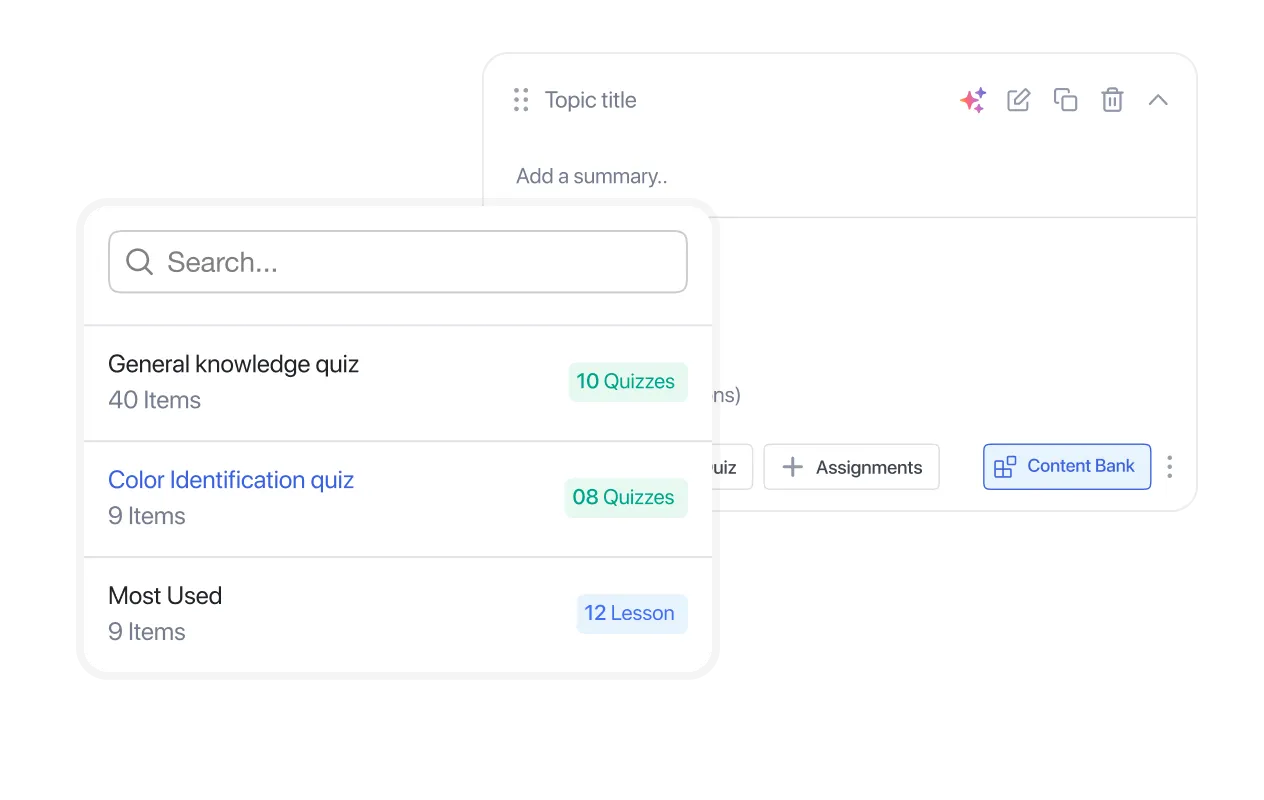
The lesson builder is built for instructors who have courses to ship, not a platform to learn. Everything works the way you'd expect.
Set a countdown, and the quiz auto-submits when it ends. Hide the timer to keep the pressure low.
Drop students straight into the quiz on a timer. No "click to begin," no stalling.
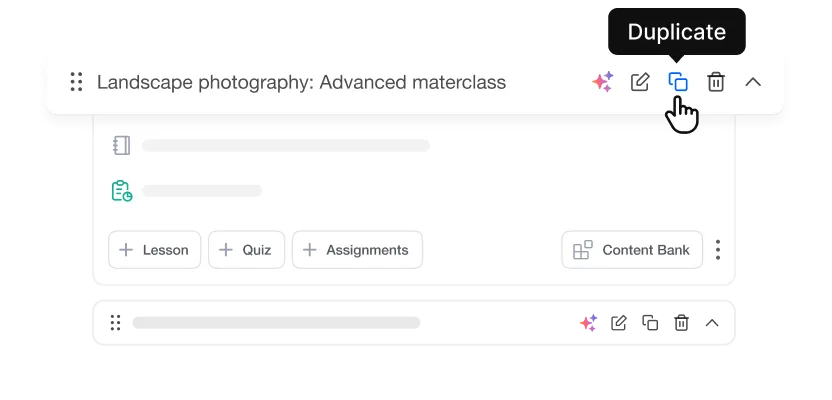
Clone any lesson as a starting point and customize for a new audience or context.
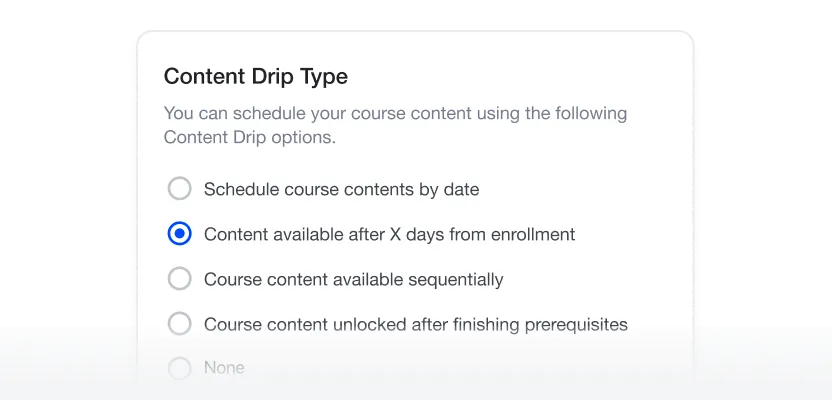
Release lessons on a schedule or after a prerequisite is met for students to progress at the right pace.
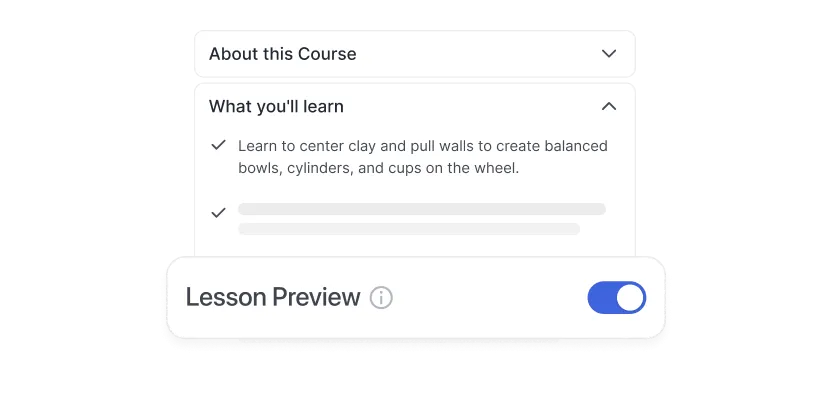
Let prospective students sample your best content before enrolling in the course.
4.7
G2 Ratings
# 1
Product Hunt
4.8
Trustpilot
By submitting your email, you agree to our Terms and Privacy Policy
Build, manage, and scale your eLearning business with the most powerful WordPress LMS — all in one place.
Crafted by Humans
© 2026 All Rights Reserved