Quizzes that learners actually look forward to.
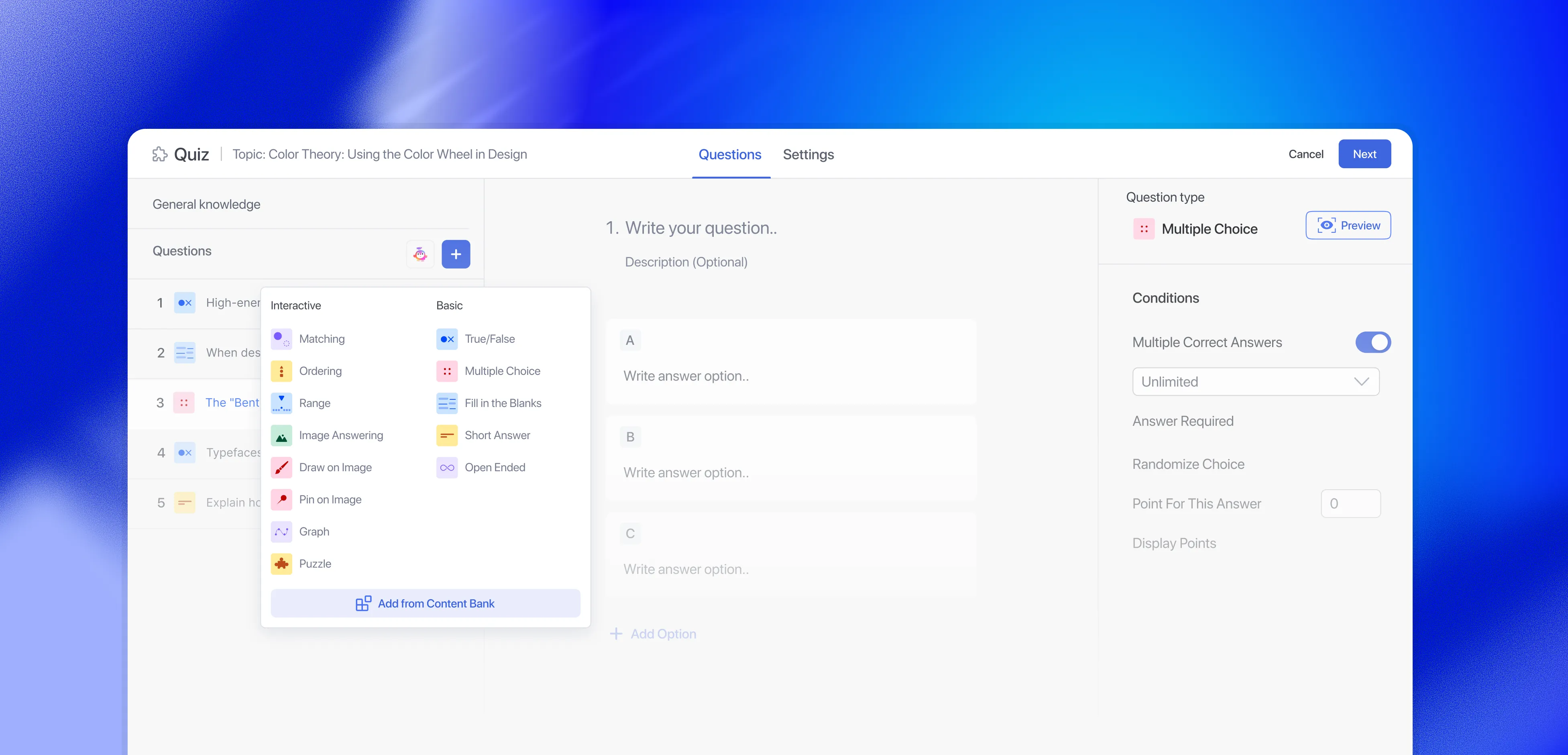
Question Types
Flexible assessment styles for every learning scenario.
Recall, reasoning, or hands-on skill, every kind of question has a format built for it. Mix any of them inside a single quiz.
Quick Comprehension
Fast, focused questions that confirm students understood before they move on.
Multiple Choice
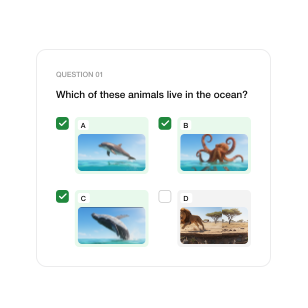
Single Choice
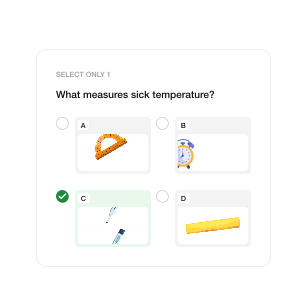
True/False
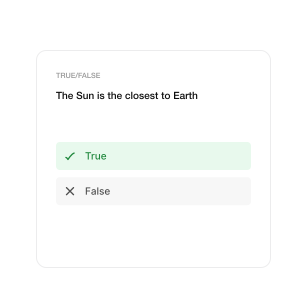
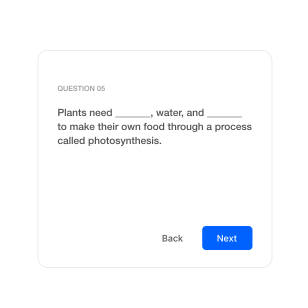
Fill in the Blanks
Written Responses
Push students beyond recall. See how well they can explain, argue, and reflect.
Open Ended
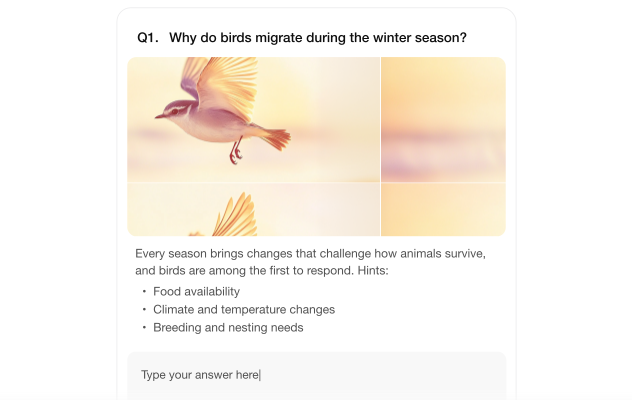

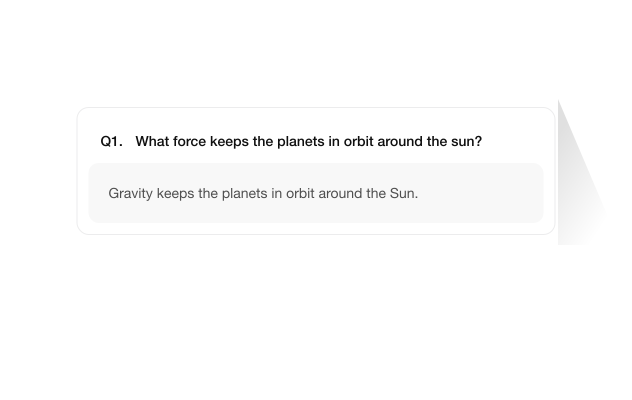
Short Answer
Interactive Formats
Play, don’t test. Get eight interactive formats that turn assessment into something students actually want to do.
Matching
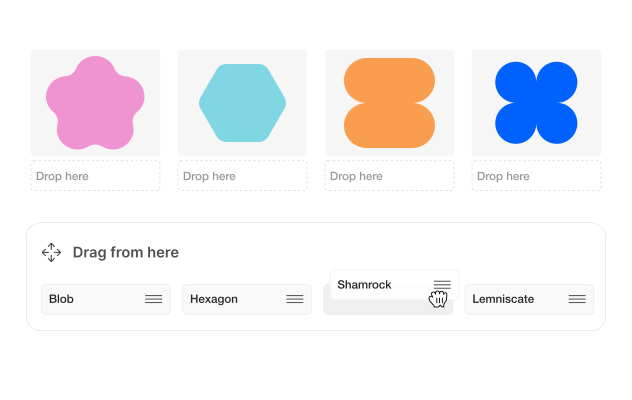
Image Answering
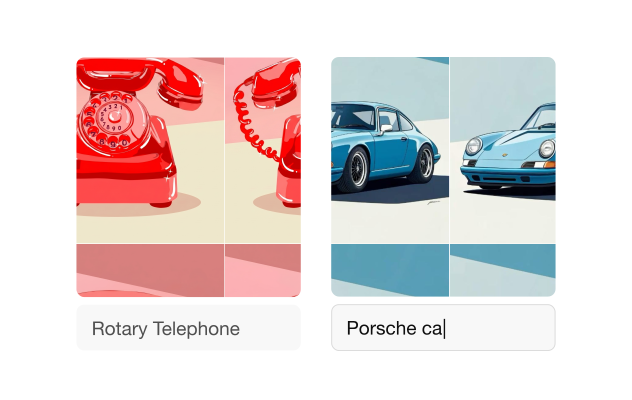

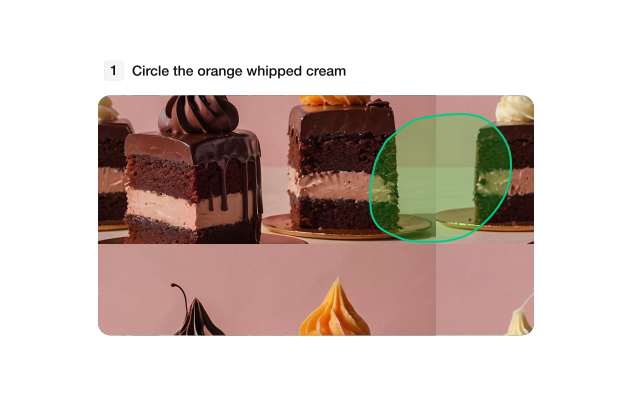
Image Marking
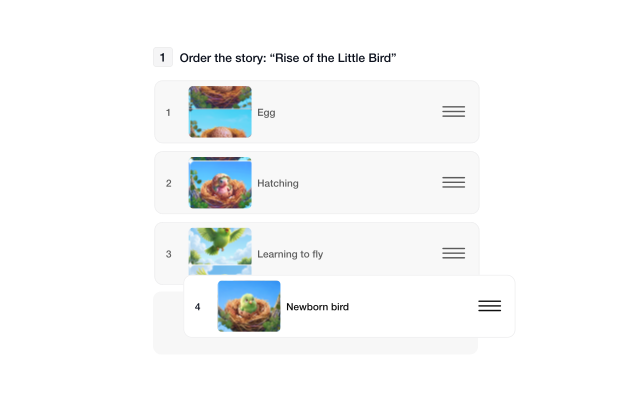
Ordering
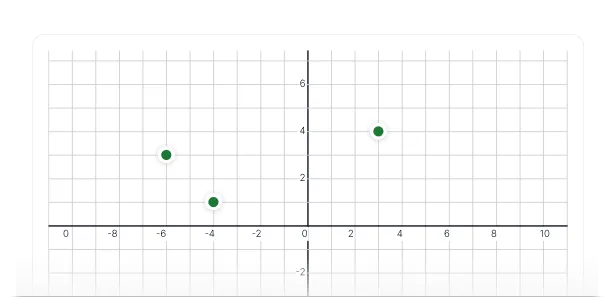
Graph
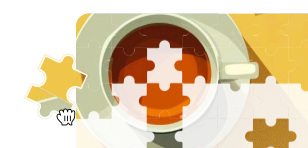
Puzzle
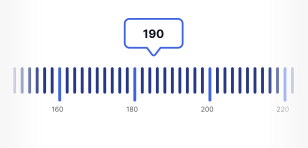
Range
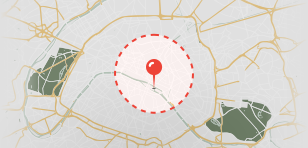
Pin
Advanced Control
Powerful quiz controls without the technical headache.
Time limits, attempt caps, question pools, pass thresholds — configure exactly how your quiz behaves.

Attempts management
Cap how many times a student can retake, or leave it unlimited for practice.
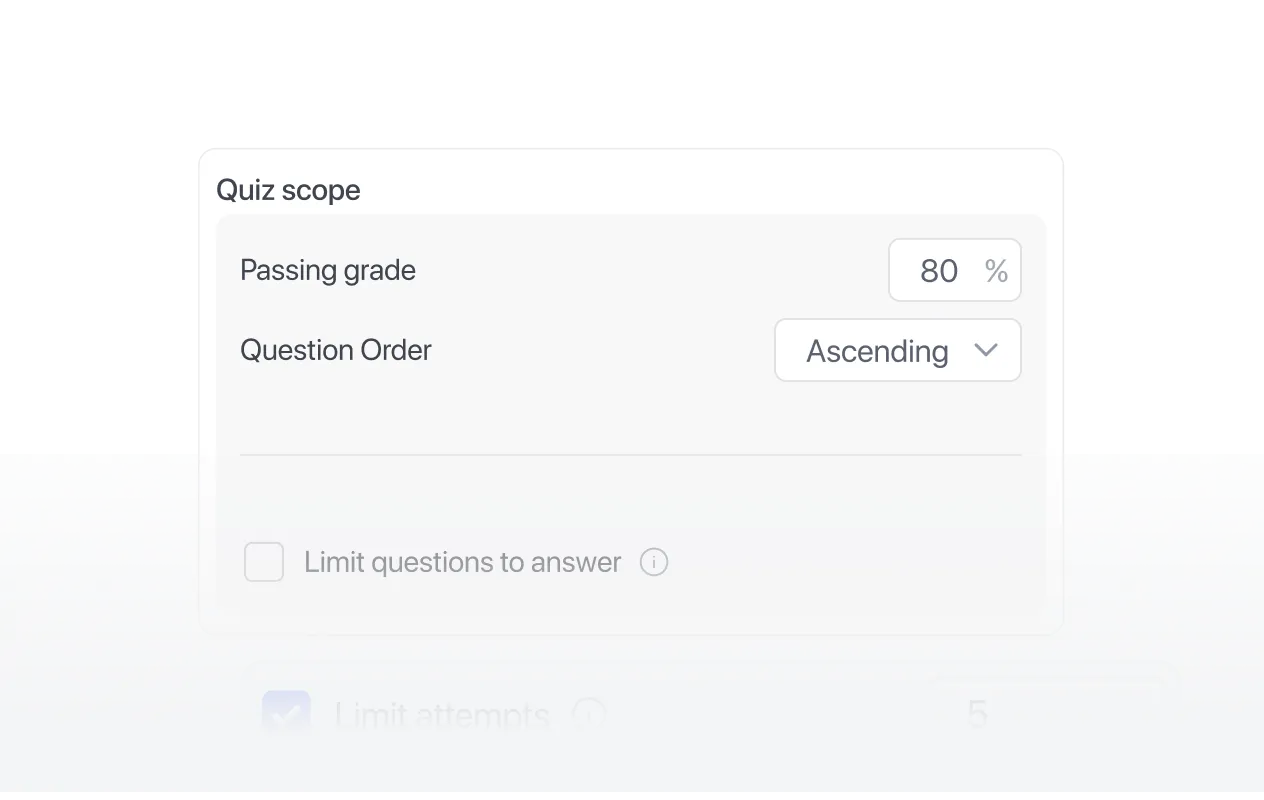
Pass grades
Set the minimum score that counts as a pass, per quiz.
Question pools
Pull a random set from a larger bank, so no two attempts are identical.
Time limits
Set a countdown, and the quiz auto-submits when it ends. Hide the timer to keep the pressure low.
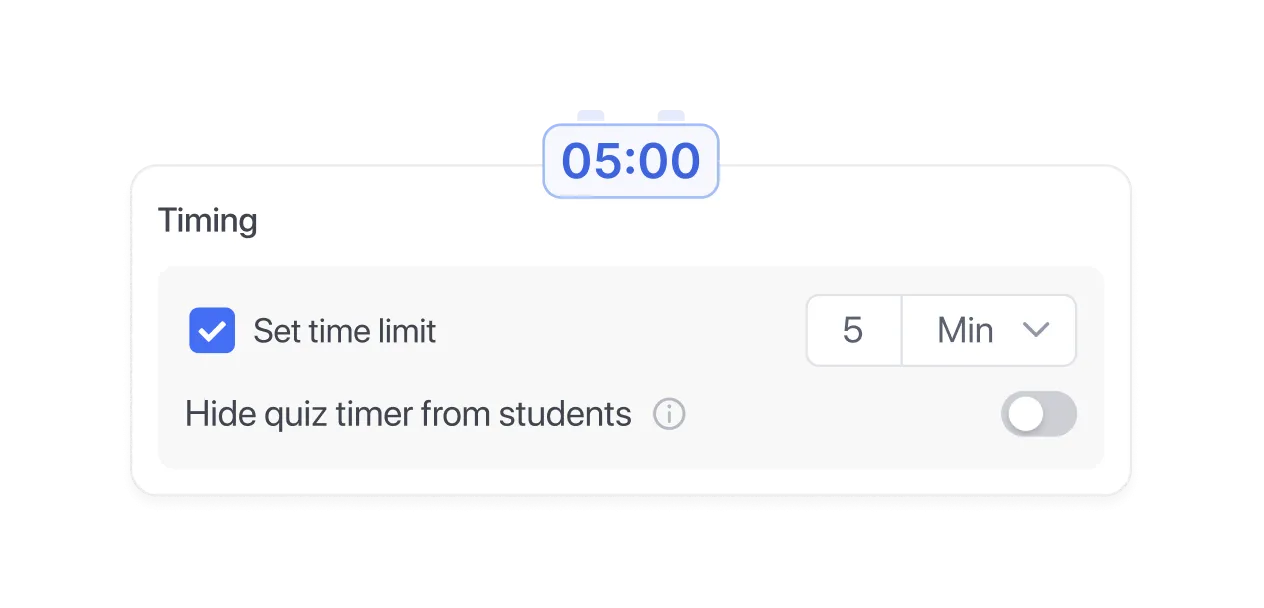
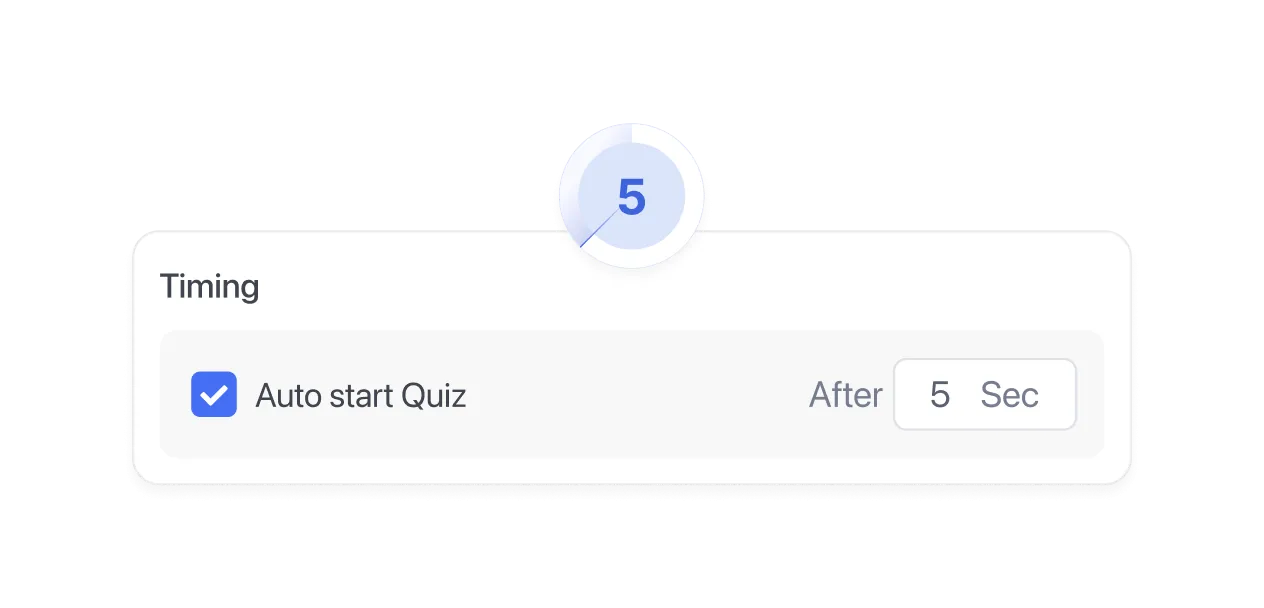
Auto start with timer
Drop students straight into the quiz on a timer. No "click to begin," no stalling.
Results & Grading
You taught it. Now see if it landed.
From instant auto-grading to manual review of written responses, the full grading workflow lives inside Tutor LMS. No spreadsheets, no chasing submissions.
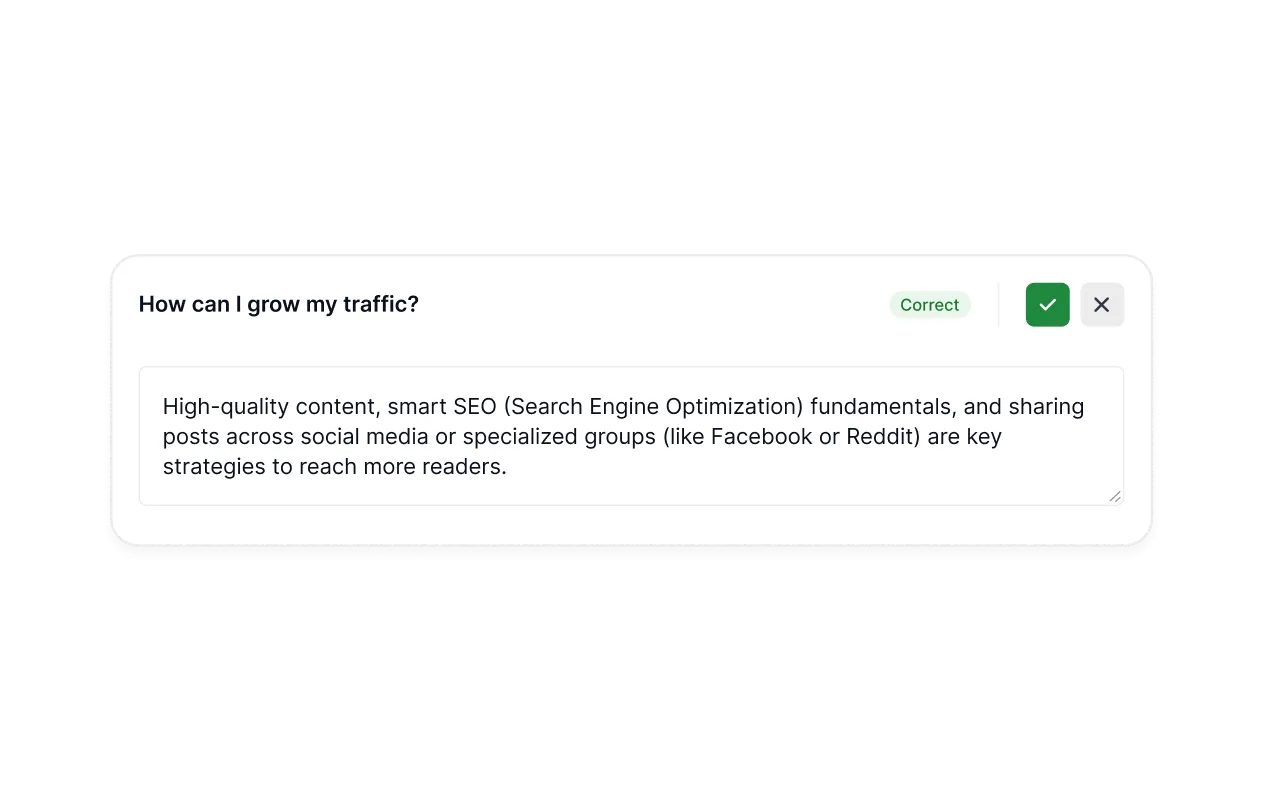
Manual review
Open-ended and essay responses go straight to your gradebook queue, ready to review and score.
Retake rules
Control when and how often students can retake. Protect your grading time.
Grade visibility
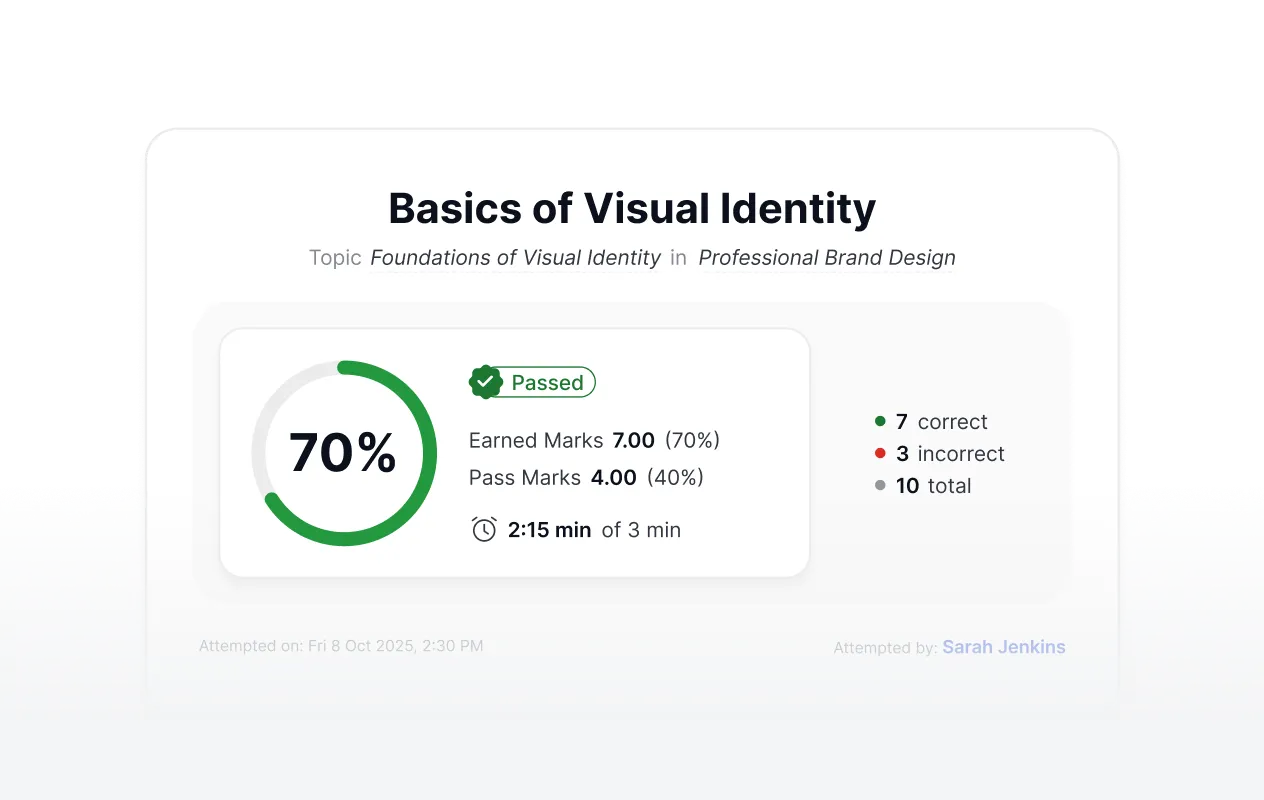
Choose when students see their score — immediately, after review, or after a deadline.
Feedback & explanations
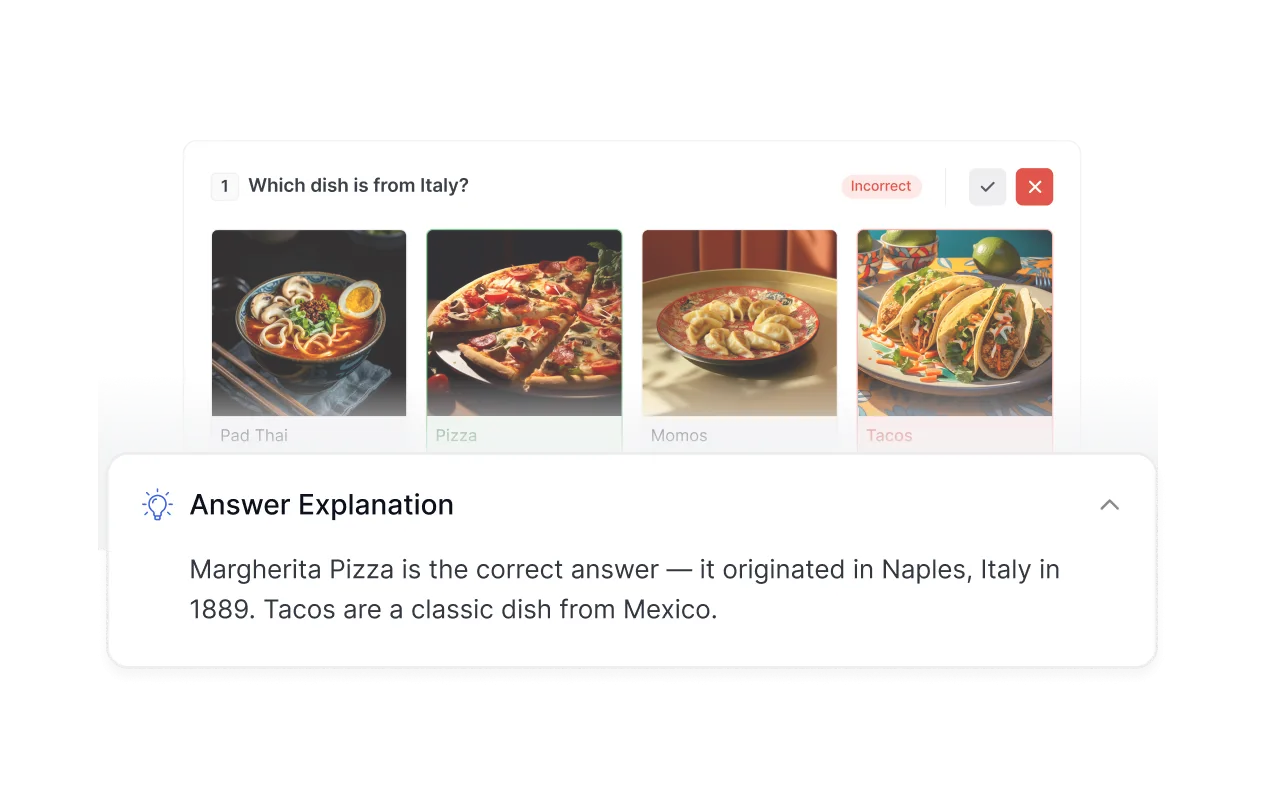
Add answer explanations that students see after submitting. Turn wrong answers into learning moments.Control when and how often students can retake. Protect your grading time.
Assessments Experience
Customize how learners experience the assessment.
Flexible layouts, navigation controls, and answer-visibility settings – so the experience matches the seriousness of what you're teaching.
Question layout
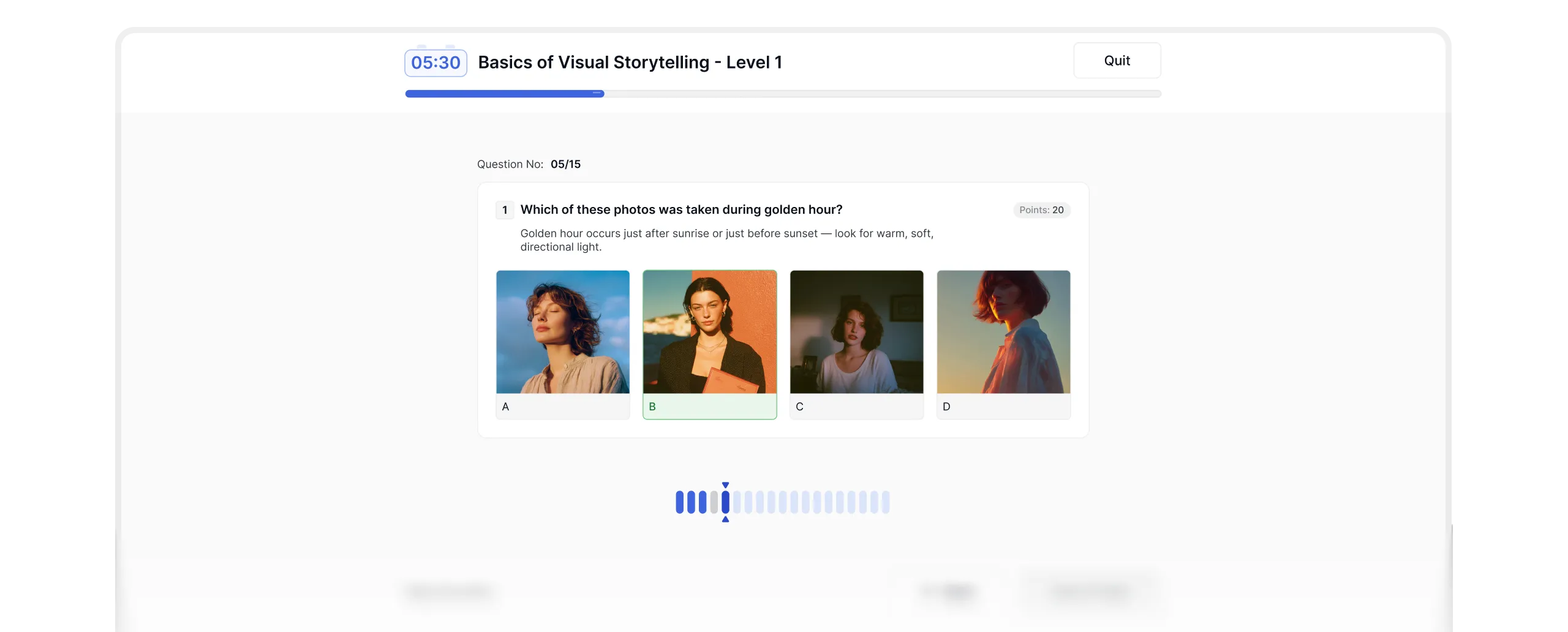
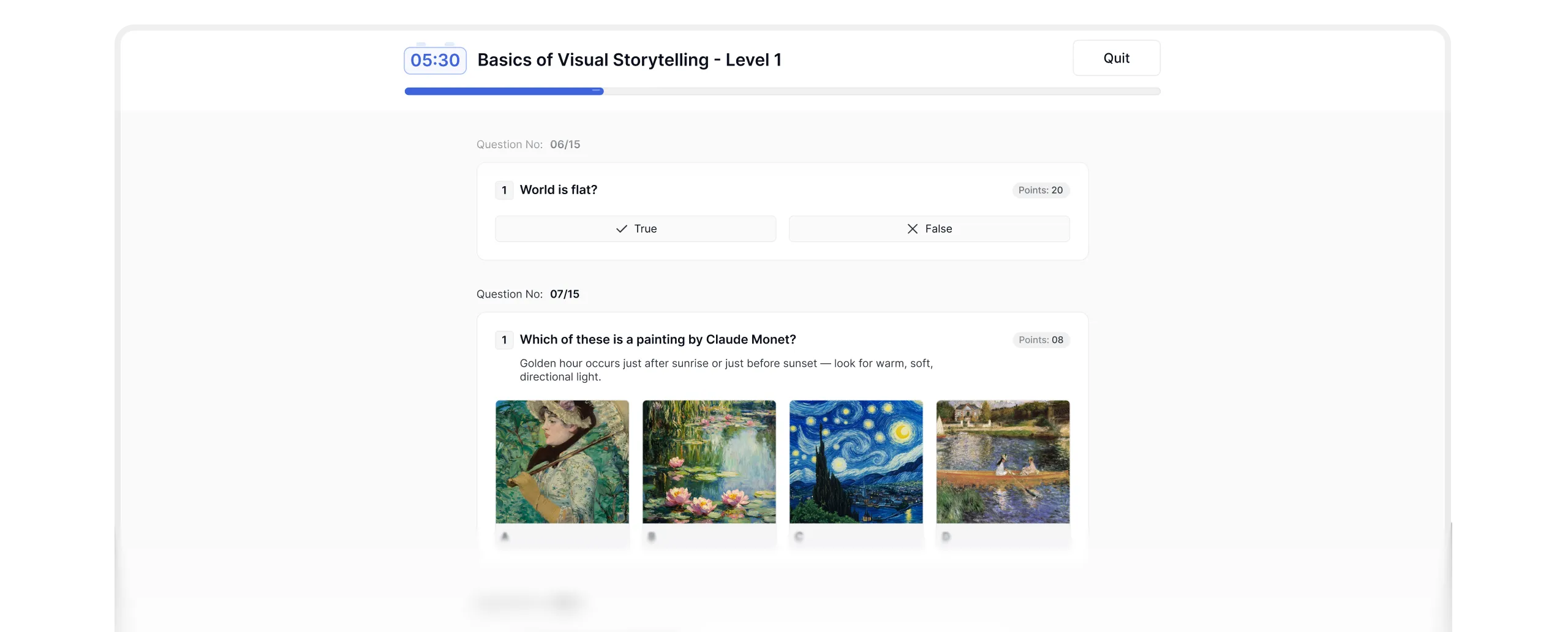
Single question or full page — your call.
Answer reveal control
Decide whether students see the correct answer after submitting — right away, only after the quiz ends, or not at all.
Pagination control
Control how students move through questions, one at a time or free navigation.
4.7
G2 Ratings
# 1
Product Hunt
4.8
Trustpilot