- Explore now
What’s New in
Creation
Build courses visually and faster.
Engagement
Keep learners hooked.
Monetization
Sell courses your way.
Management
Run everything in one place.
Engagement
Monetization
Management
Add-Ons
Unlock more possibilities for your LMS.
Integrations
Connect with tools you already use.
Migration
Switch to Tutor LMS with confidence.
Blog
Learn, grow, and stay ahead in eLearning.
Documentation
Everything you need to build with Tutor LMS.
Videos
Learn visually with tutorials.
Release Notes
See what’s new in every update.
Partners
Explore our trusted Tutor LMS partners.
Themes
Exclusive Tutor LMS themes.
4.0
The future of eLearning
Dashboard & Navigation
Designed for flow.
Every screen, every interaction, every detail has been reconsidered, so learners can focus on learning instead of figuring out where to go next.
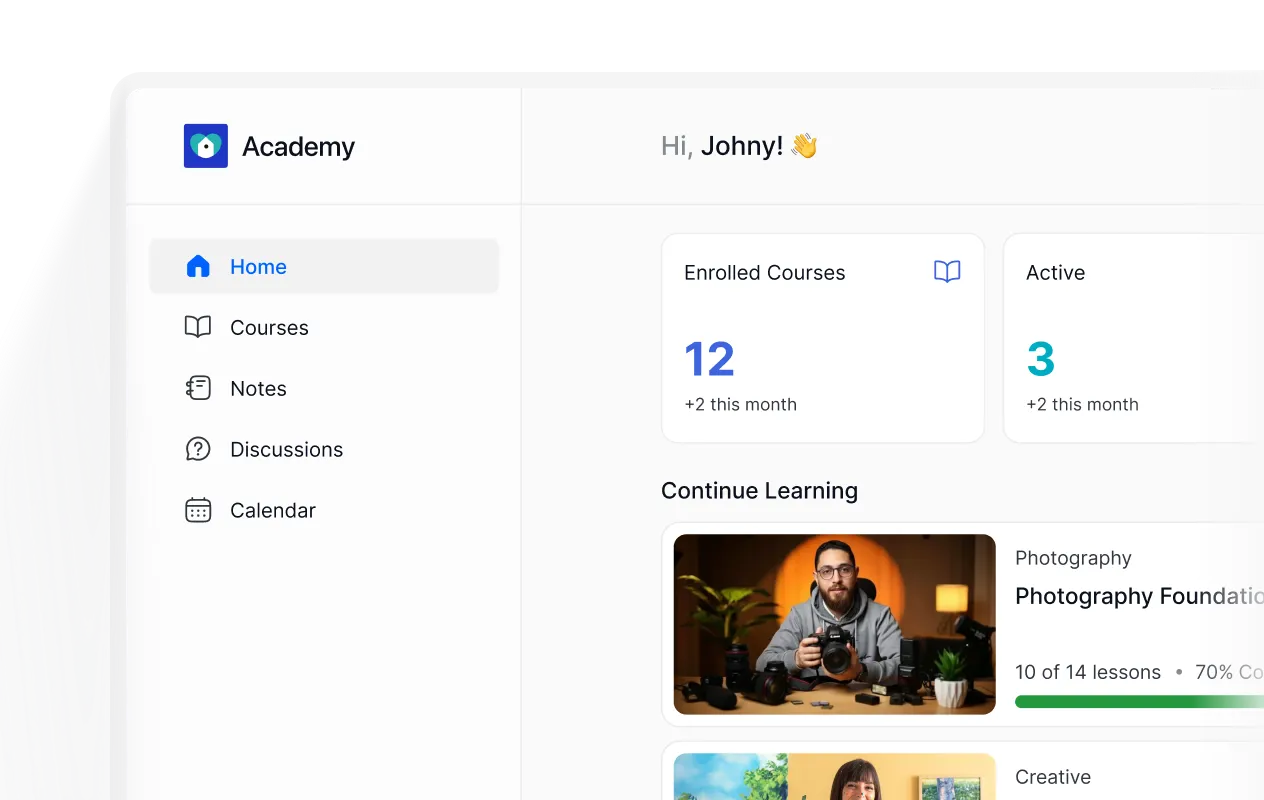
New dashboard with clarity & purpose
Everything a learner needs — enrolled courses, progress, and upcoming content all laid out clearly from the moment they log in.

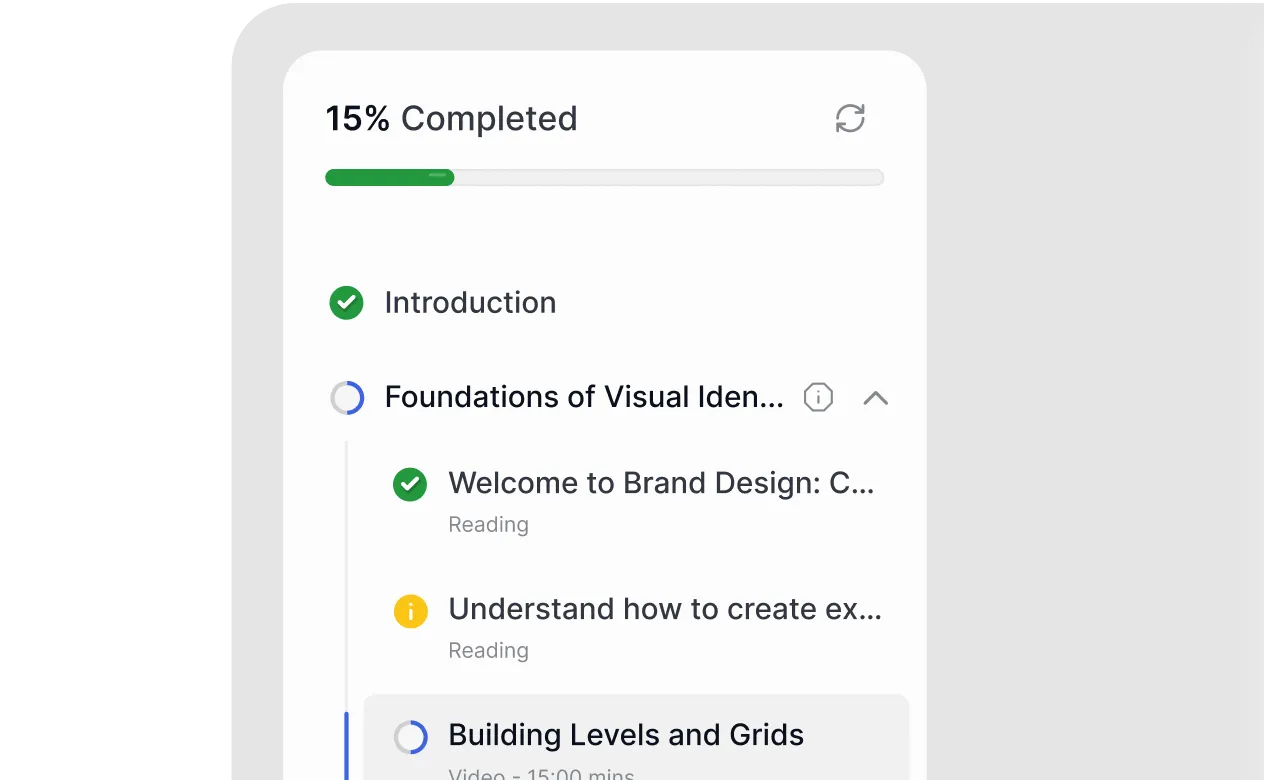
Navigation that feels natural
A cleaner in-course layout with visible progress, structured topics, and lesson status so learners always know where they are and what's next.
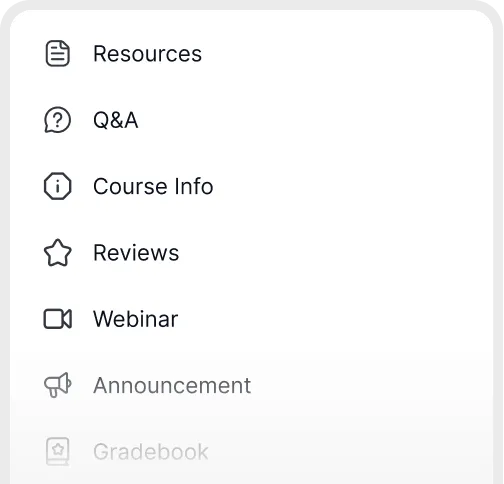
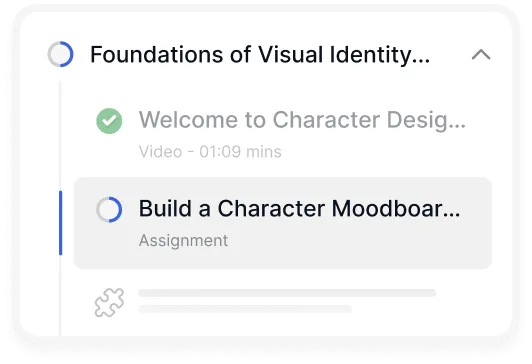
A learning area built for focus
The entire learning area has been rebuilt from the ground up — faster, cleaner, and designed to keep learners in the zone.

Learner First Design
Everything they need.
Exactly where they expect it.
Notes, discussions, resources, lesson comments – all accessible without leaving the lesson. No more tab-switching. No more hunting.
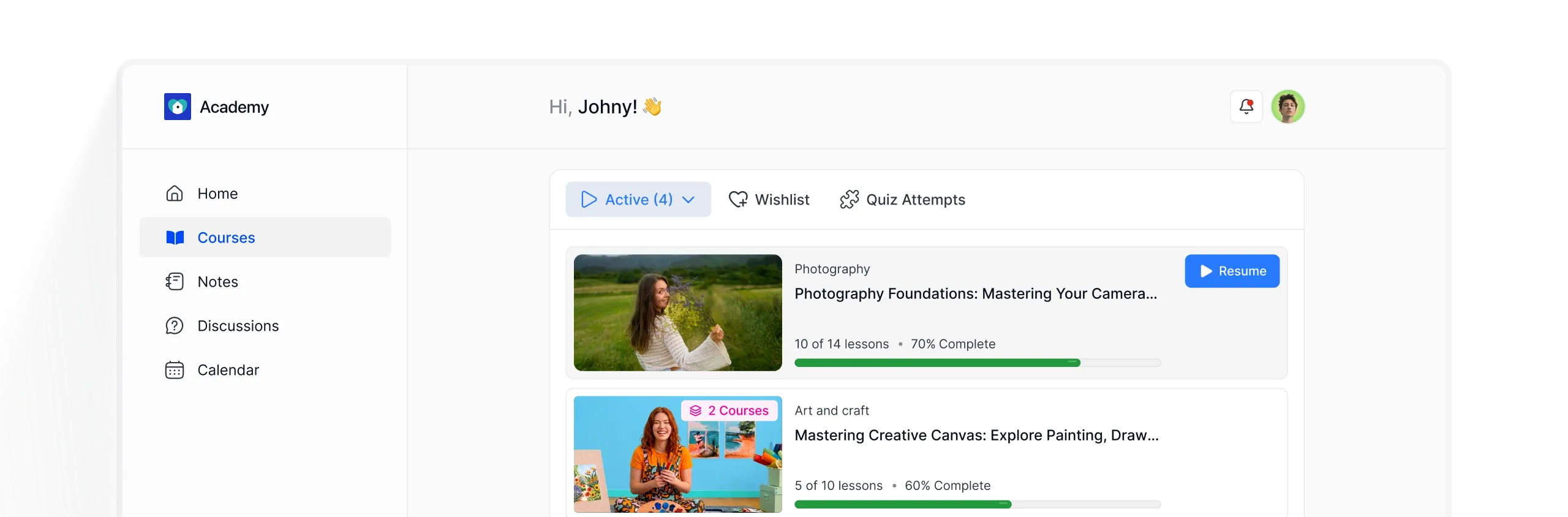
Courses
All enrolled courses, progress tracking, and continue-learning shortcuts organized in one clear view.
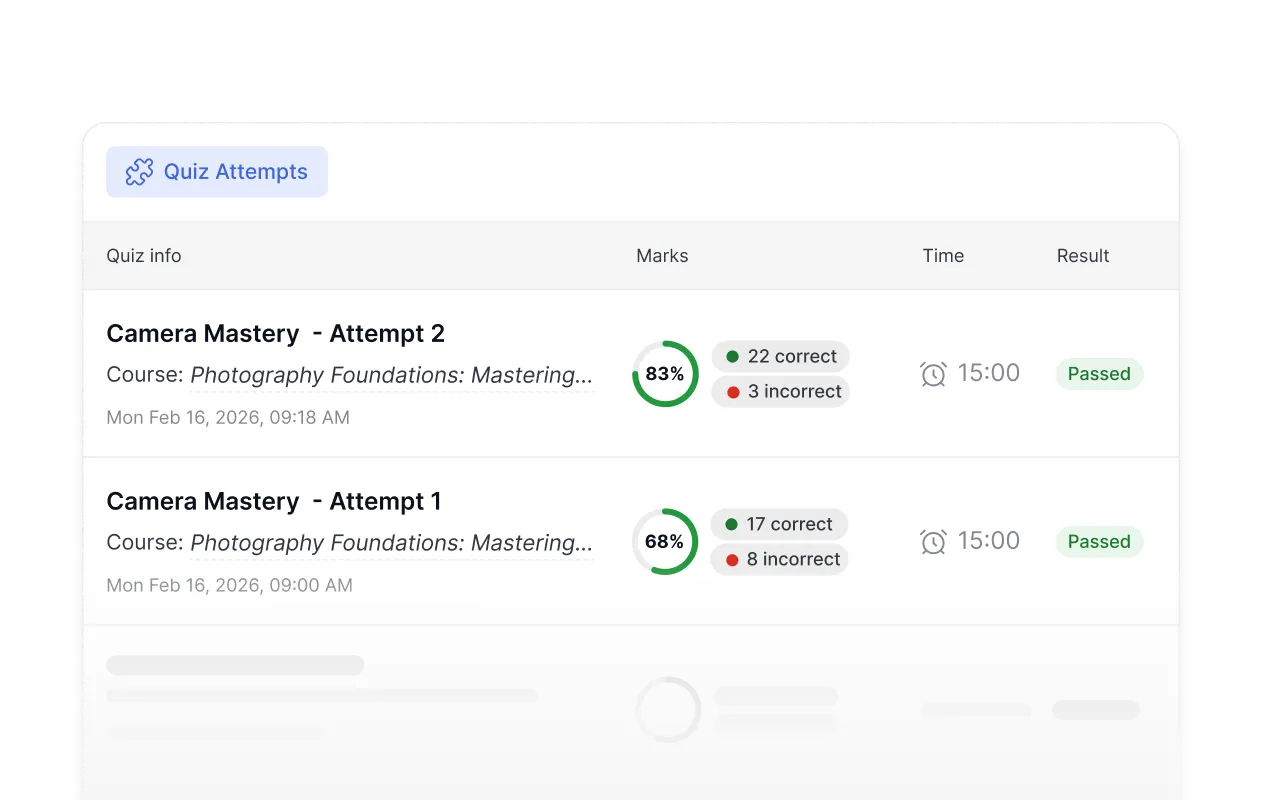
Quiz attempts
A full log of every quiz attempt — scores, correct answers, and time taken, so learners always know where they stand.
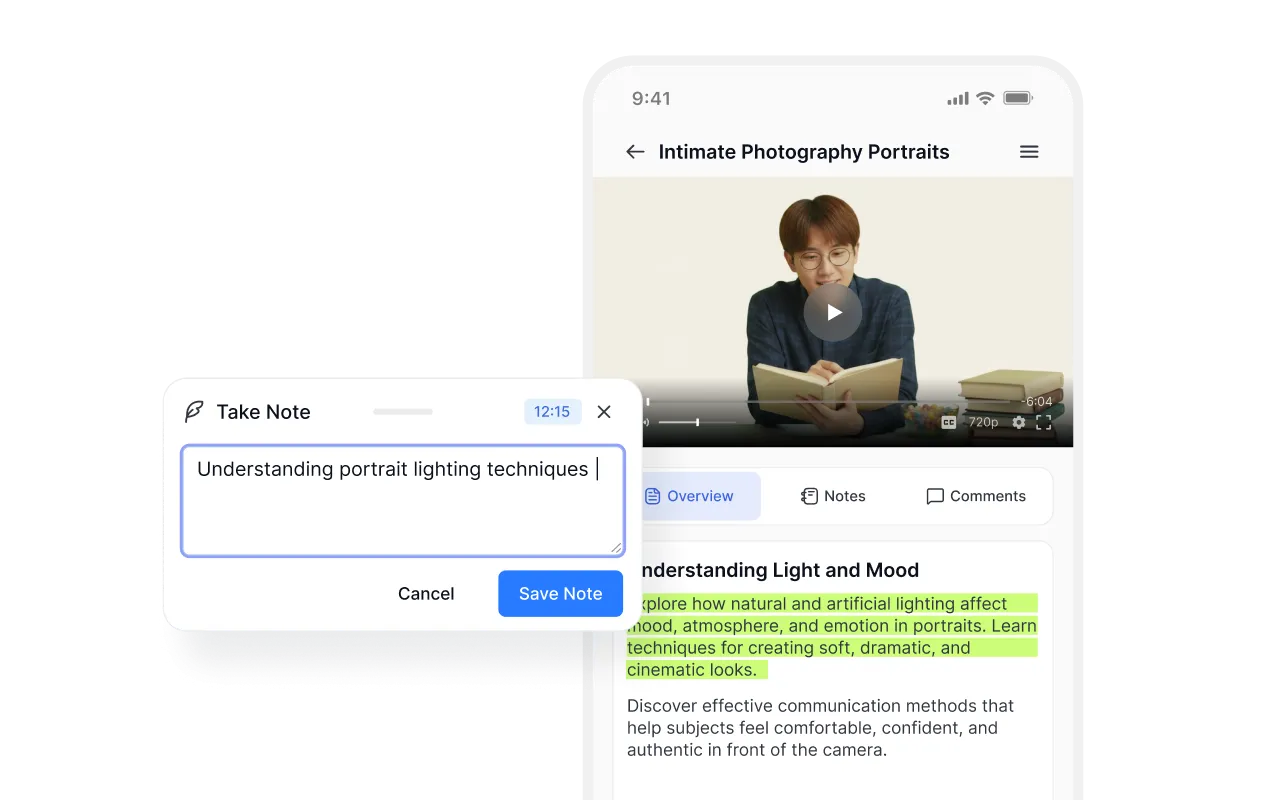
Notes
Highlight key moments from lessons and videos, jot down thoughts, and build a personal study guide without ever leaving the course.

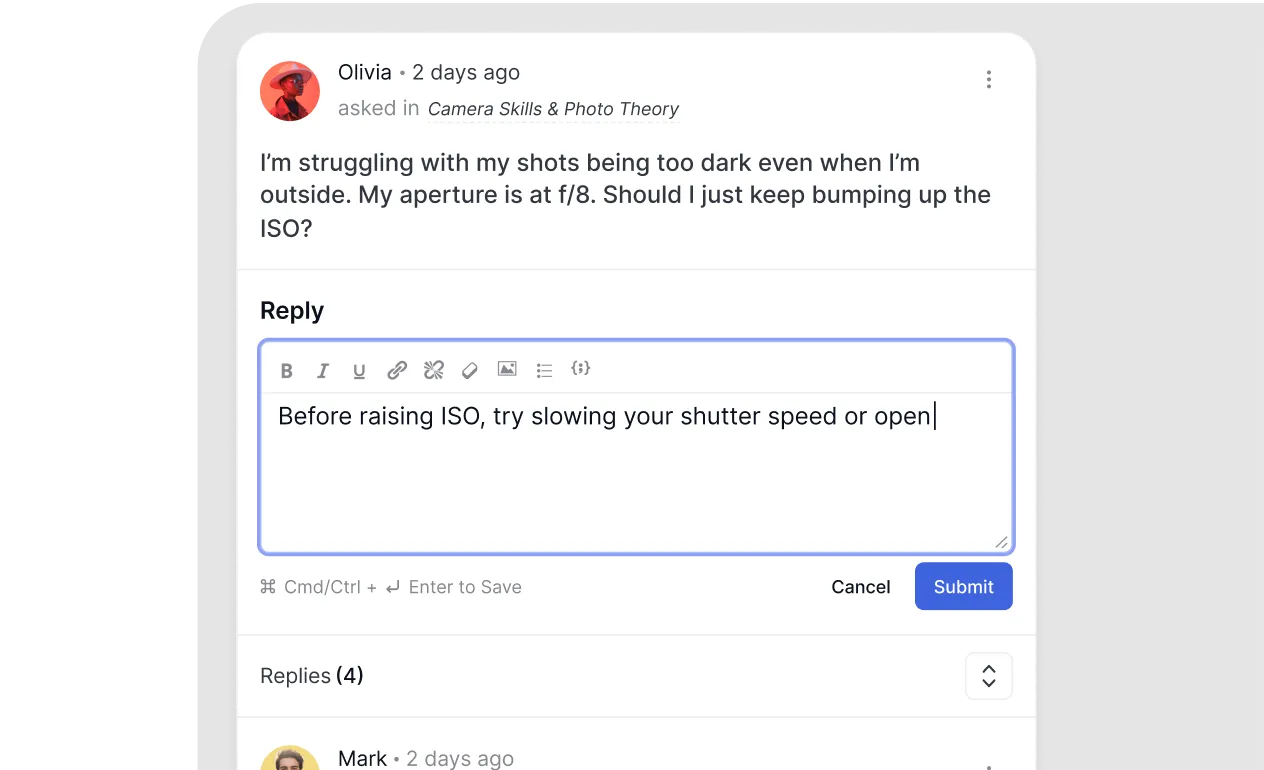
Discussions
Ask questions, share thoughts, and get answers from instructors and peers, right inside the course.
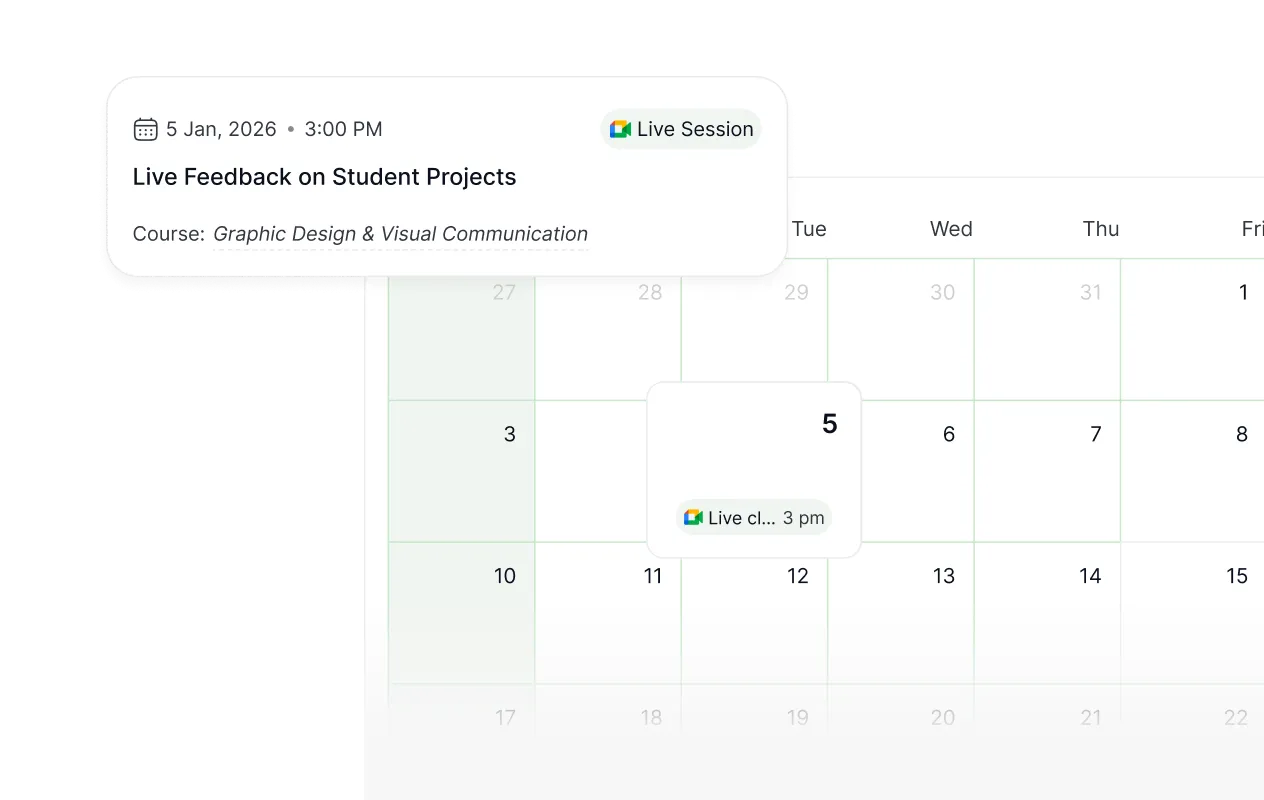
Calendar
Upcoming lessons, live classes, and deadlines beautifully laid out in a calendar view so nothing slips through.
Interactive Assessments
5 new ways to make assessment actually fun.
Most LMSs treat assessment as the boring part. Tutor LMS 4.0 turns it into the part learners look forward to — with five new interactive quiz types designed to keep them engaged.
Pin
Drop a pin on an image or map to test spatial and visual recognition.
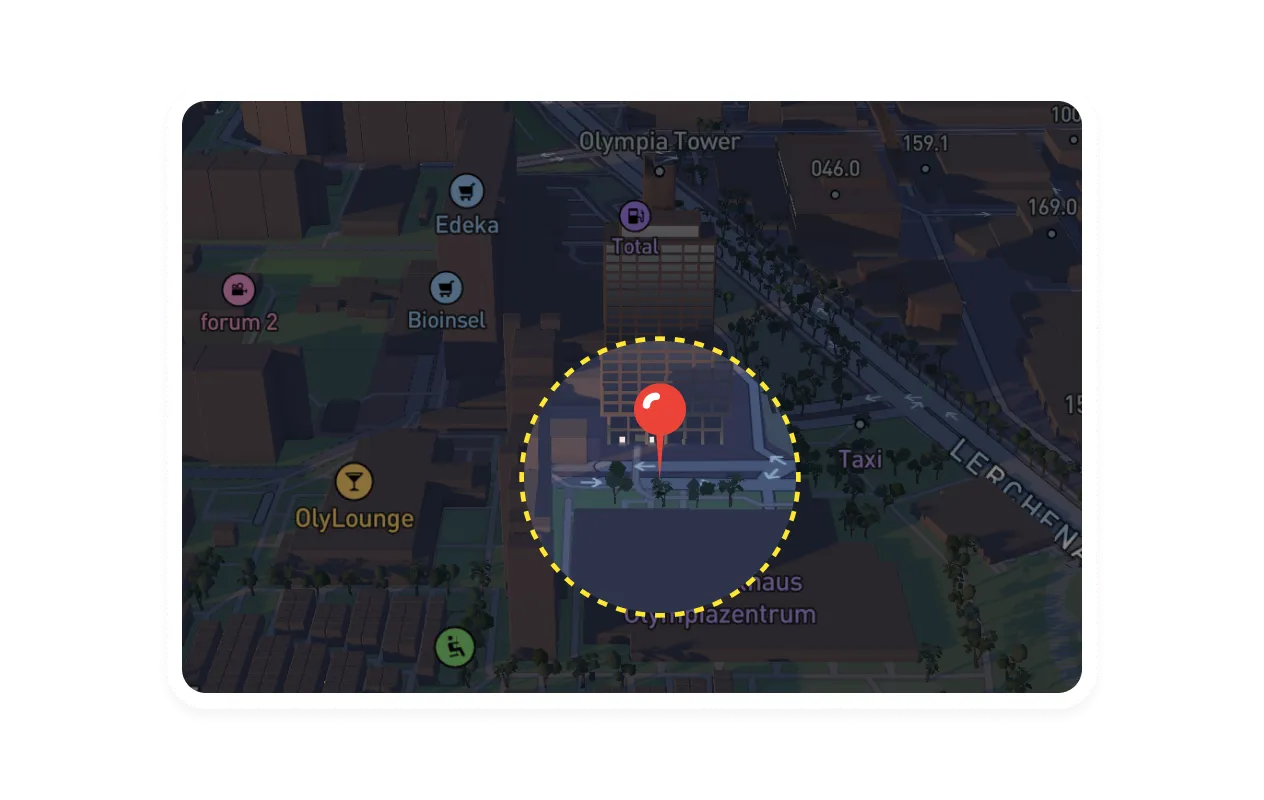
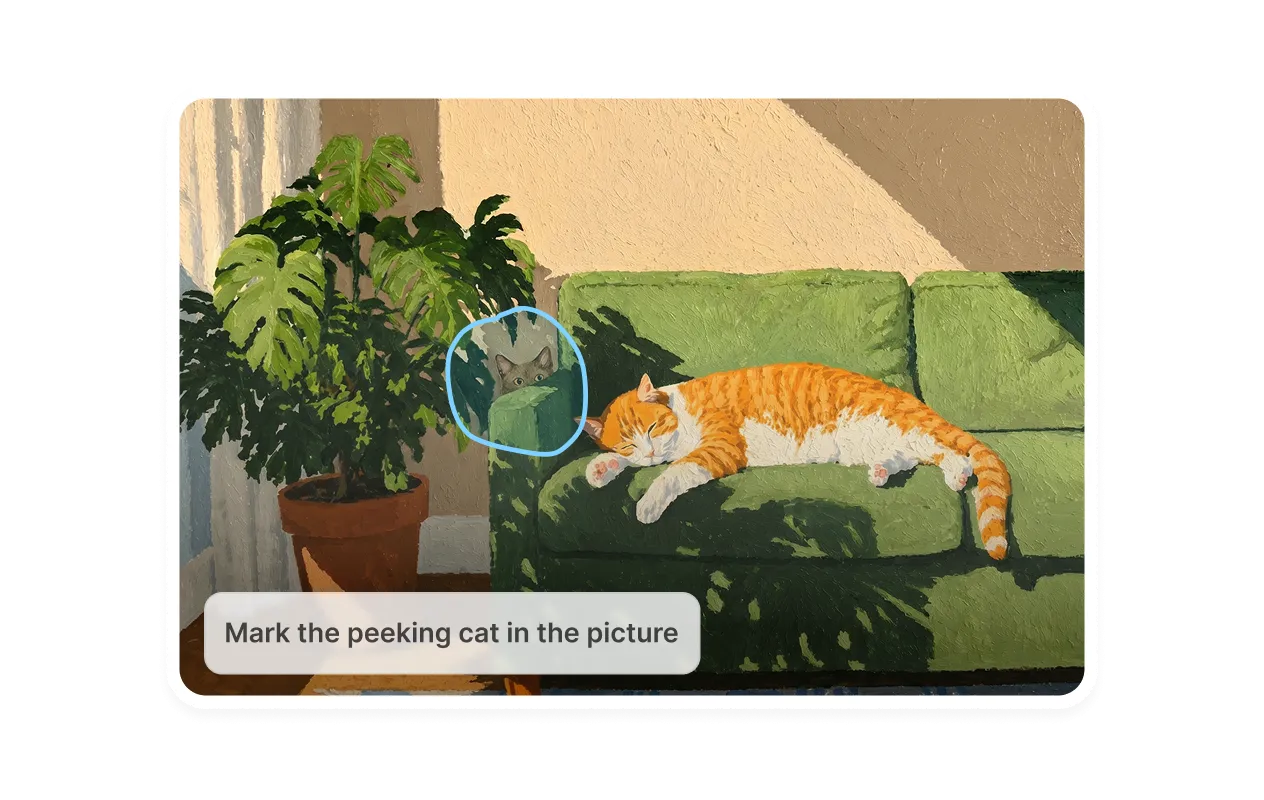
Image Marking
Specific areas within an image are marked to demonstrate visual understanding.
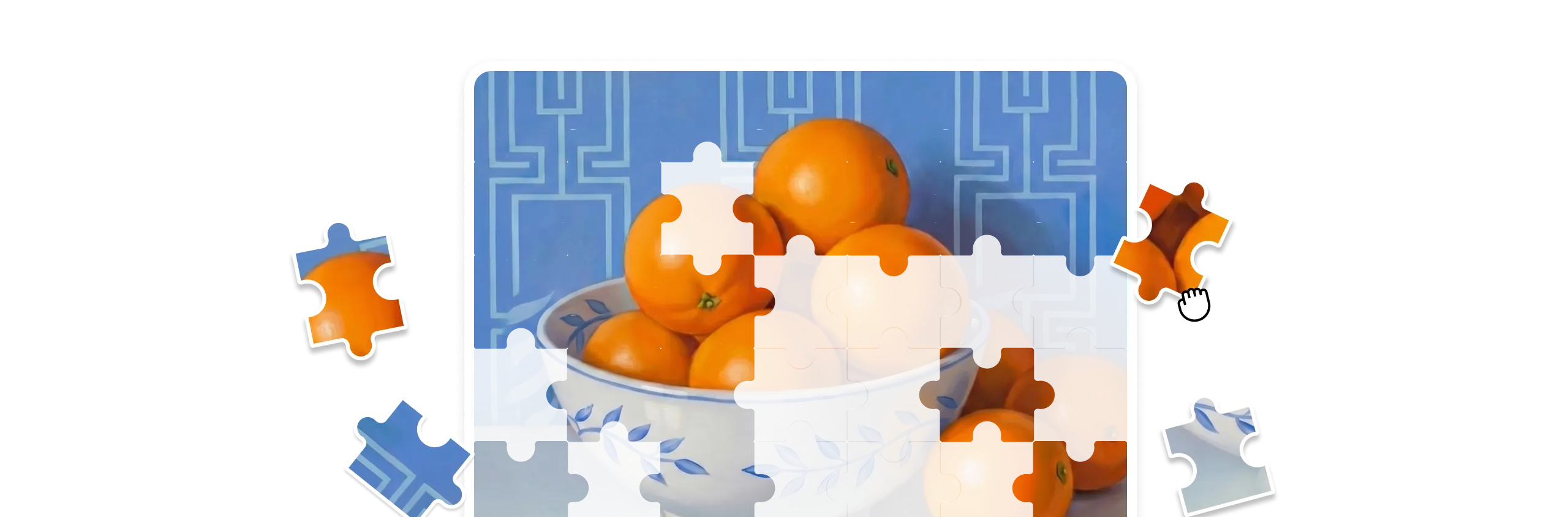
Puzzle
Puzzle pieces are dragged and rearranged to complete the picture, simply assessment through play.
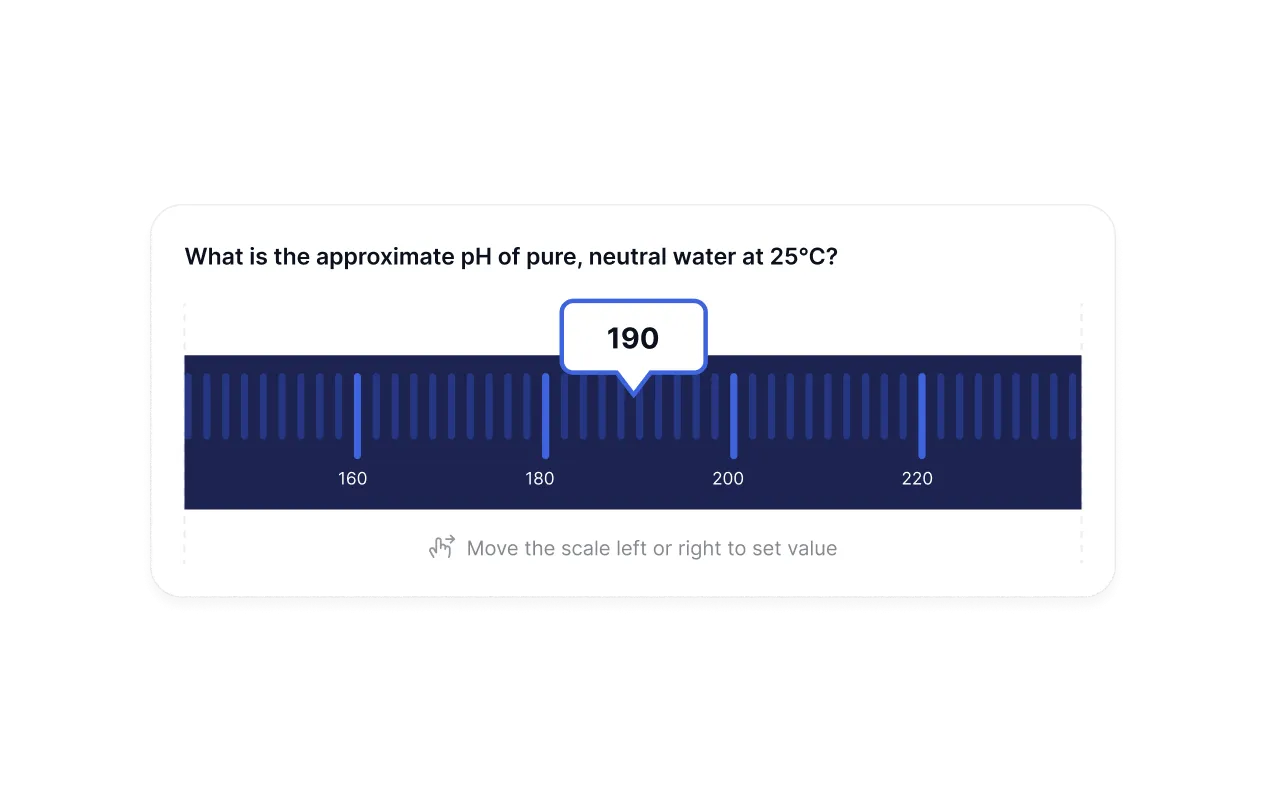
Range
A sliding scale is used to input answers, great for numerical and estimation-based questions.
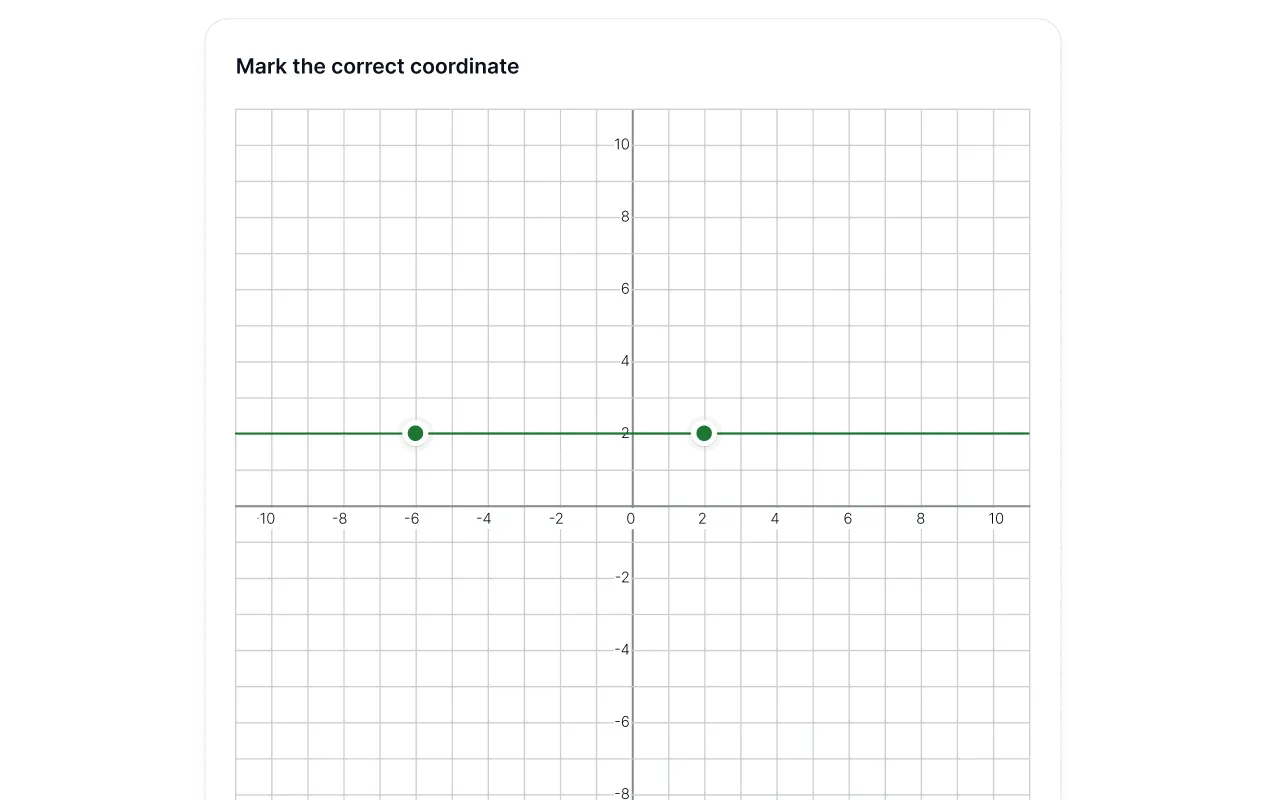
Graph
Points are plotted on a graph to answer questions, perfect for math and data-driven subjects.
Your academy, in your pocket.
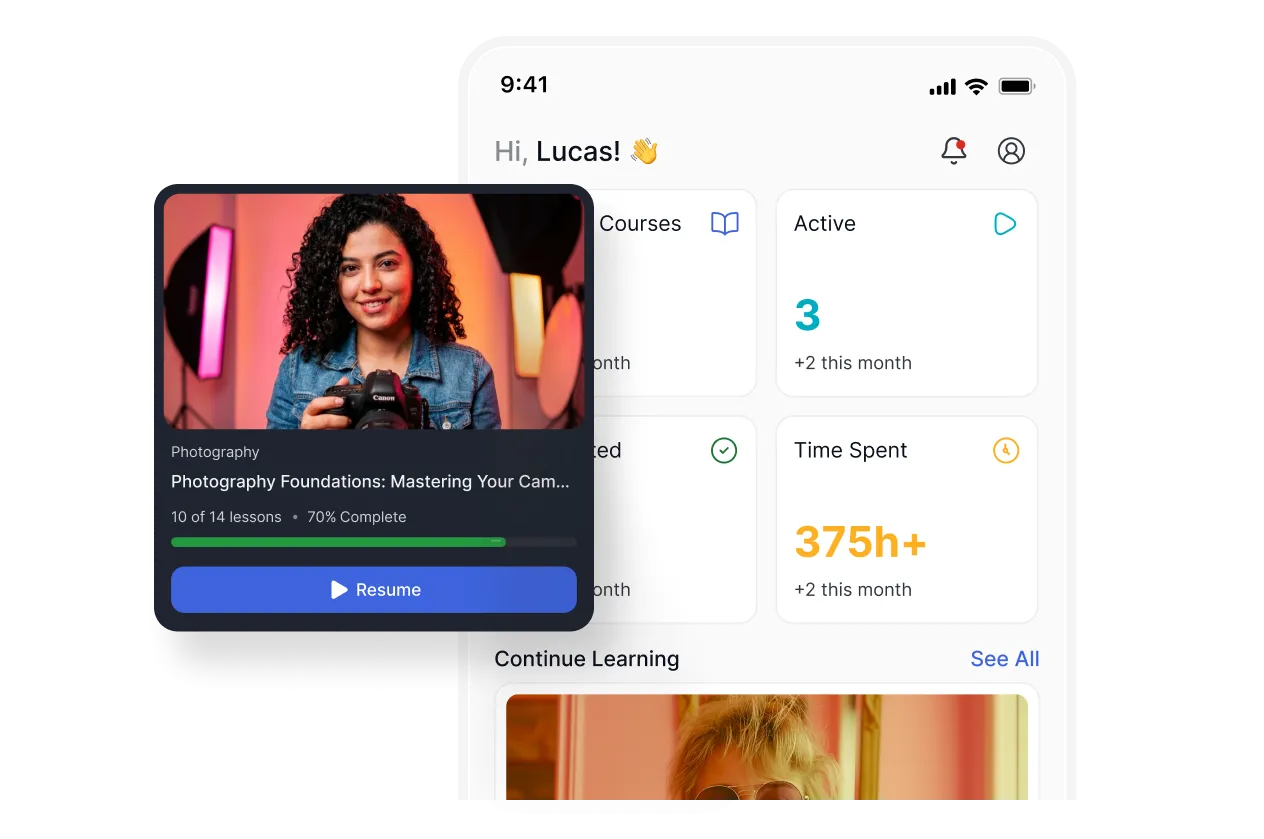
Native app like experience
The mobile interface mirrors a polished native app — smooth transitions, touch-friendly controls, and a layout built for small screens without any compromise.
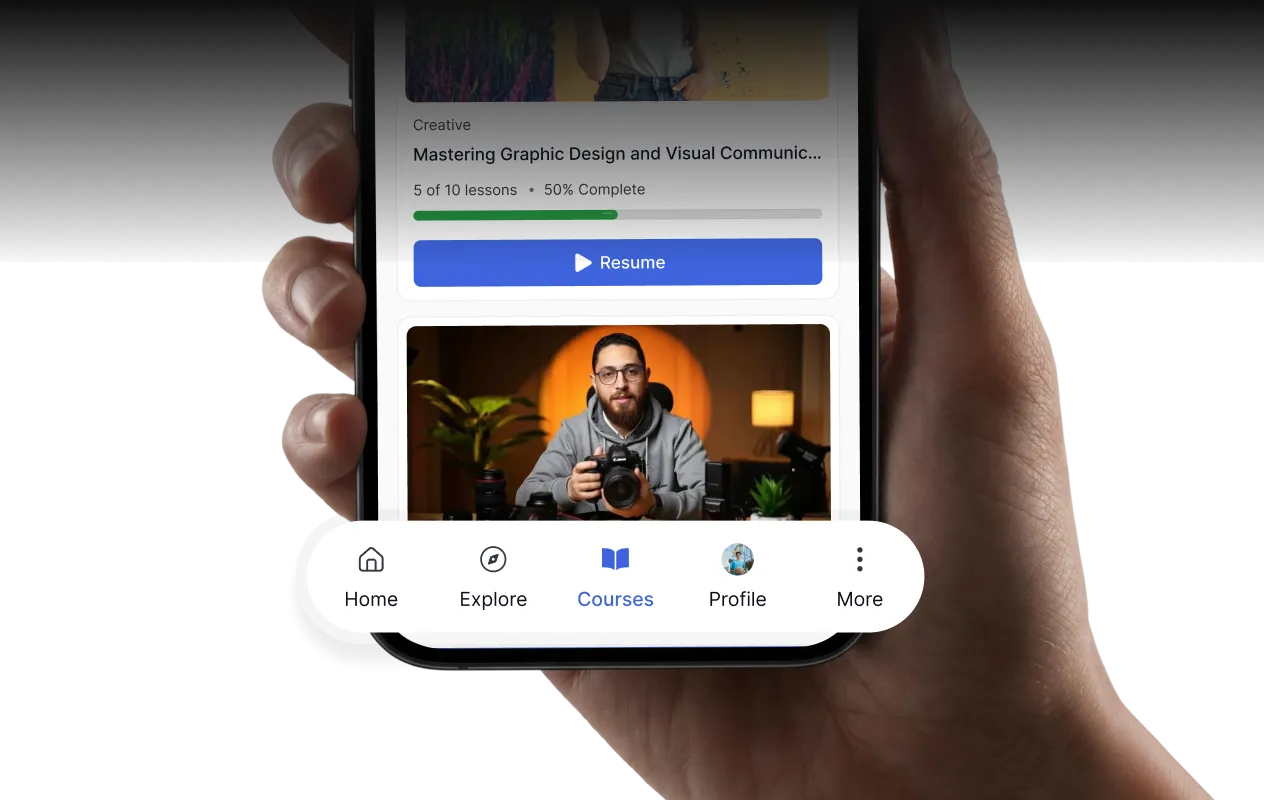
Smoother navigation
Learners move between courses, lessons, and their profile without friction — every tap takes them exactly where they need to go.
Set the experience to match your audience.
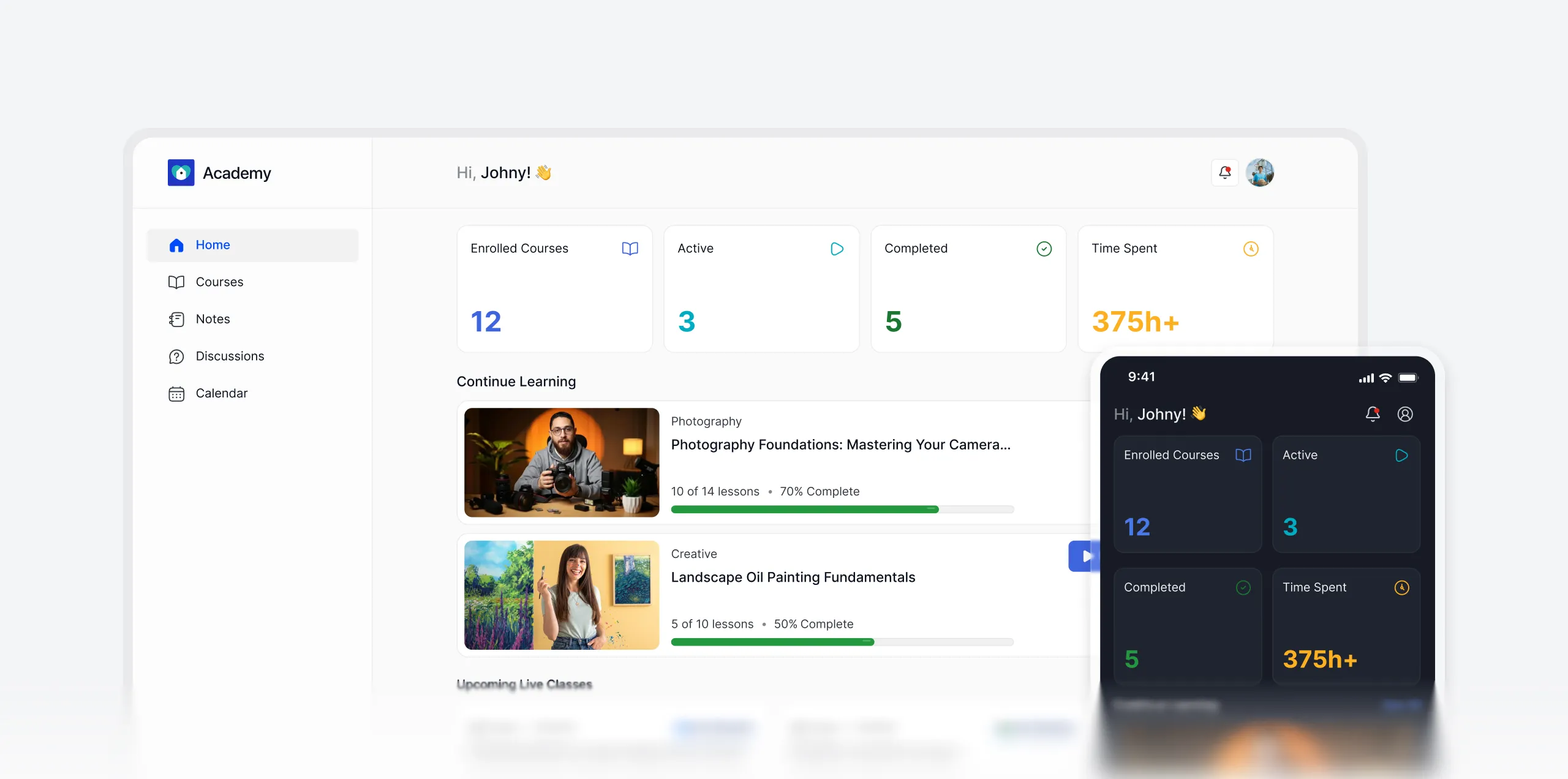
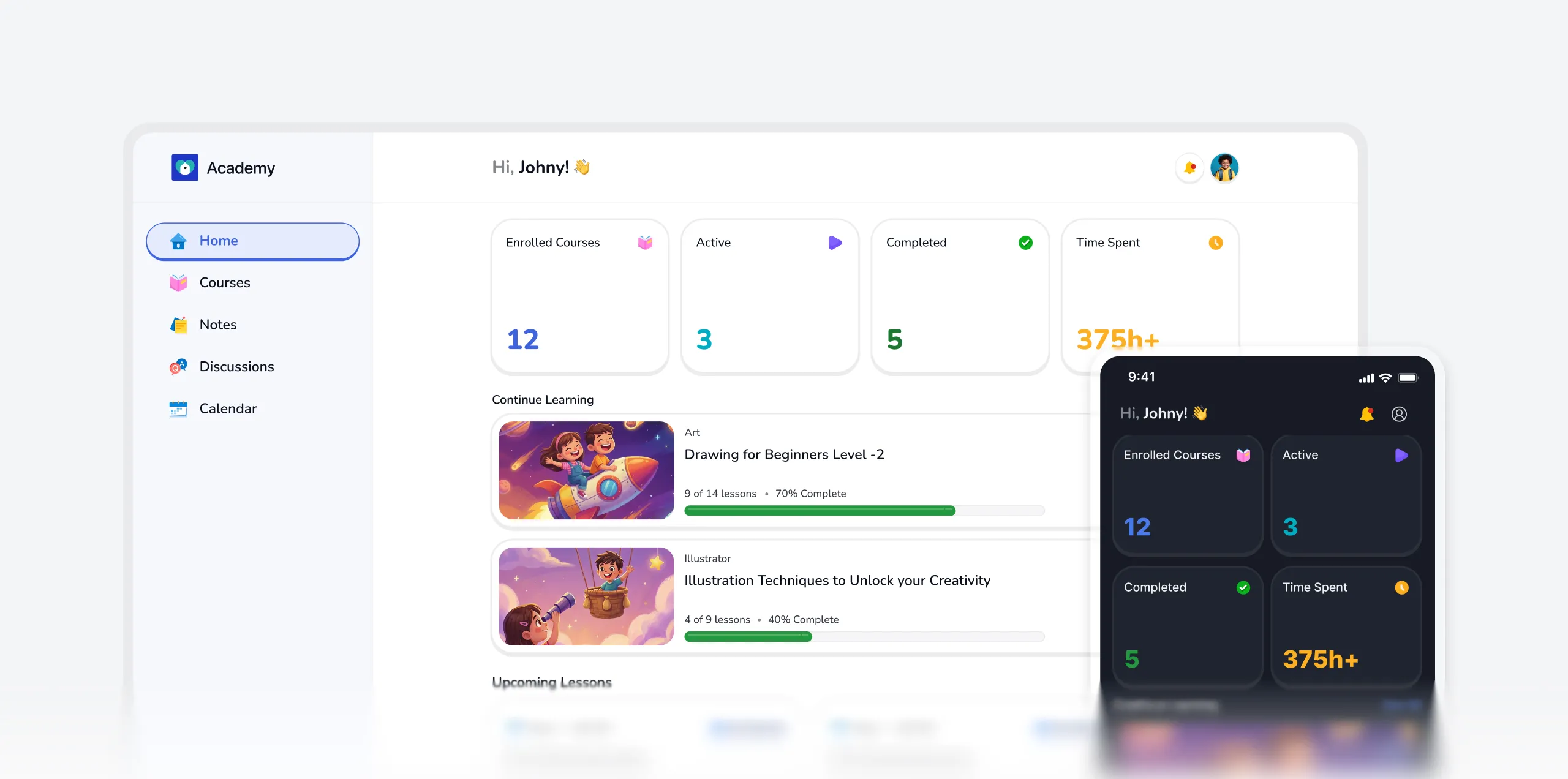
Modern or Kids, you choose the learning environment that fits your audience, and learners get an experience built just for them.
Accessibility
No learner left behind. By design.
Whether you're teaching elementary school children or professionals with visual challenges, your platform adapts without extra configuration.
Mode with preference
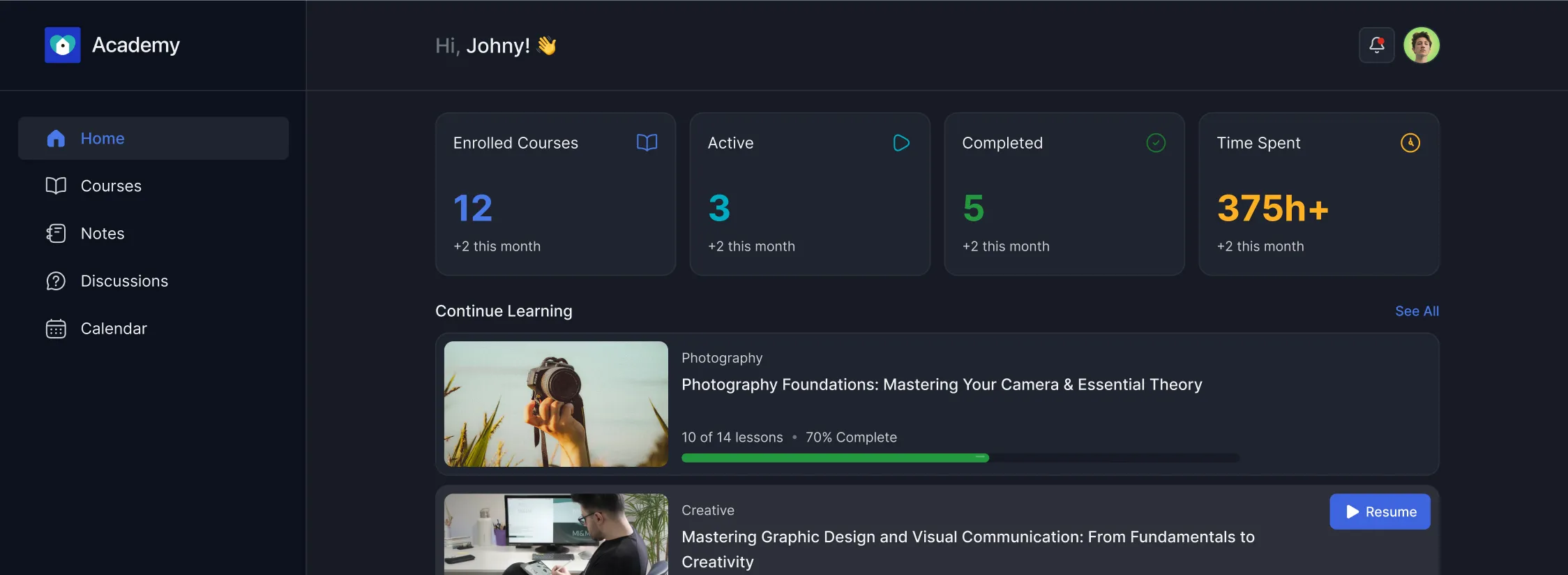
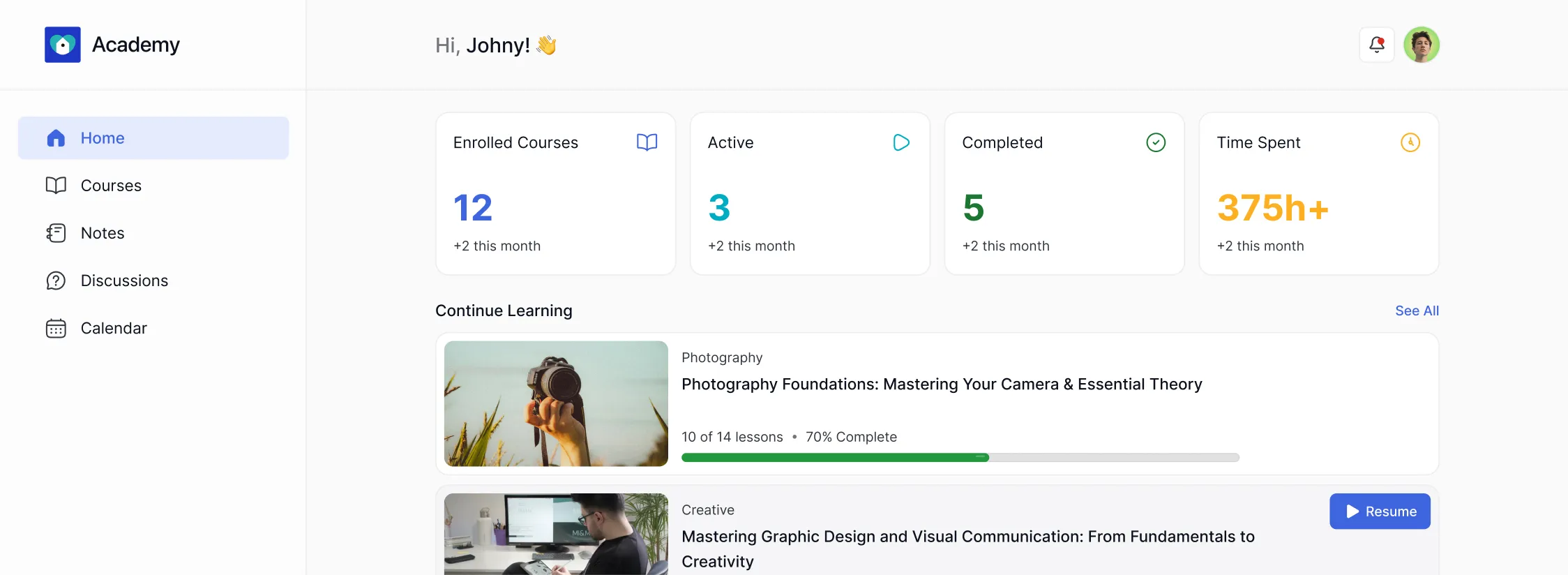
Learners can switch between Modern, Dark, and Kids modes to match their personal comfort and learning environment.
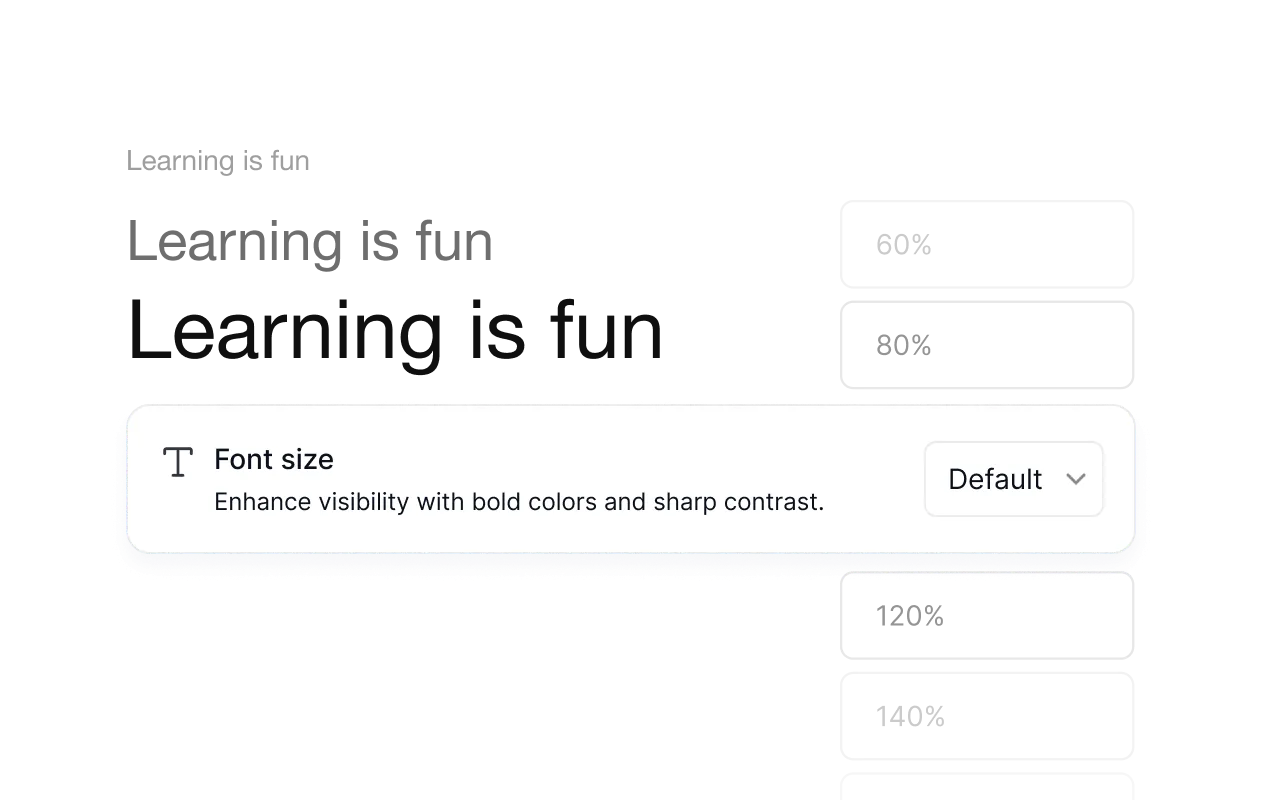
Font size control
Adjustable font sizes let learners set text to a comfortable reading size, from compact to large, without affecting the overall layout.
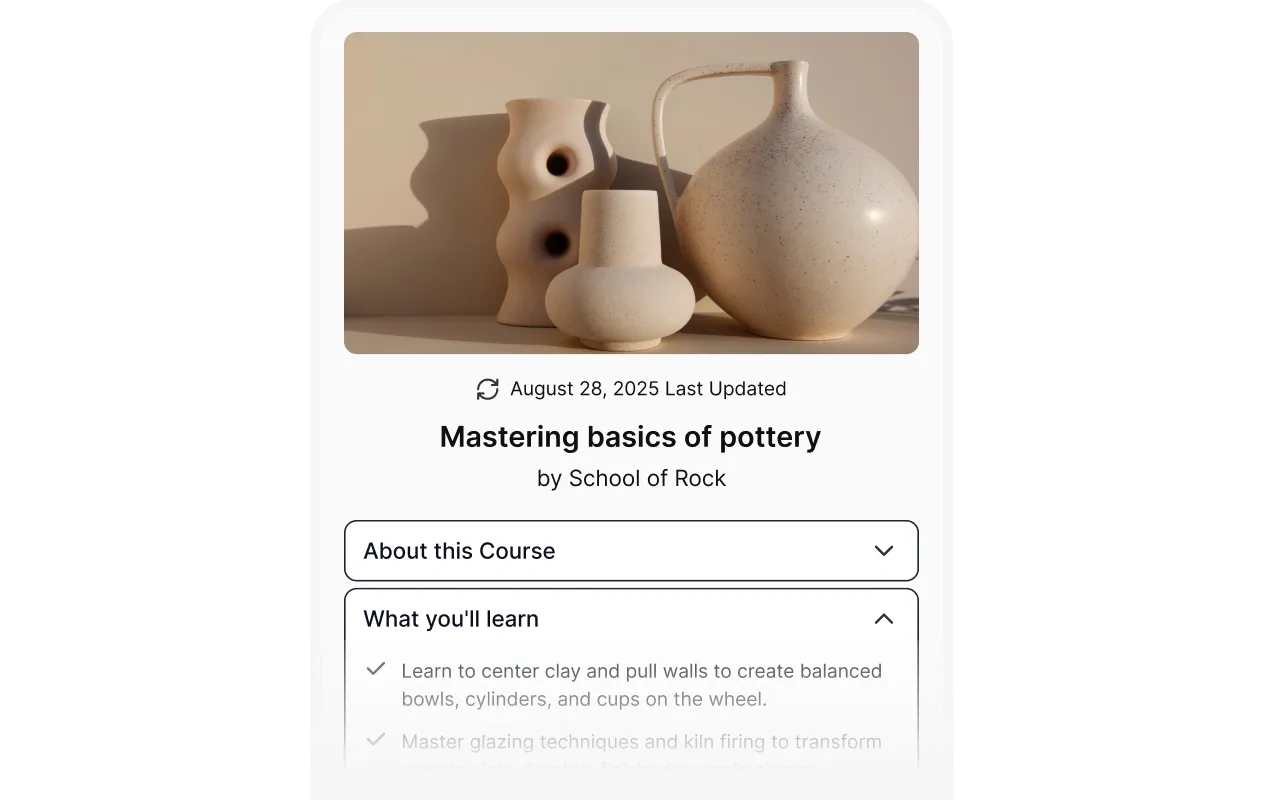
High contrast
A high contrast toggle that sharpens visibility for learners with low vision or anyone learning in challenging lighting conditions
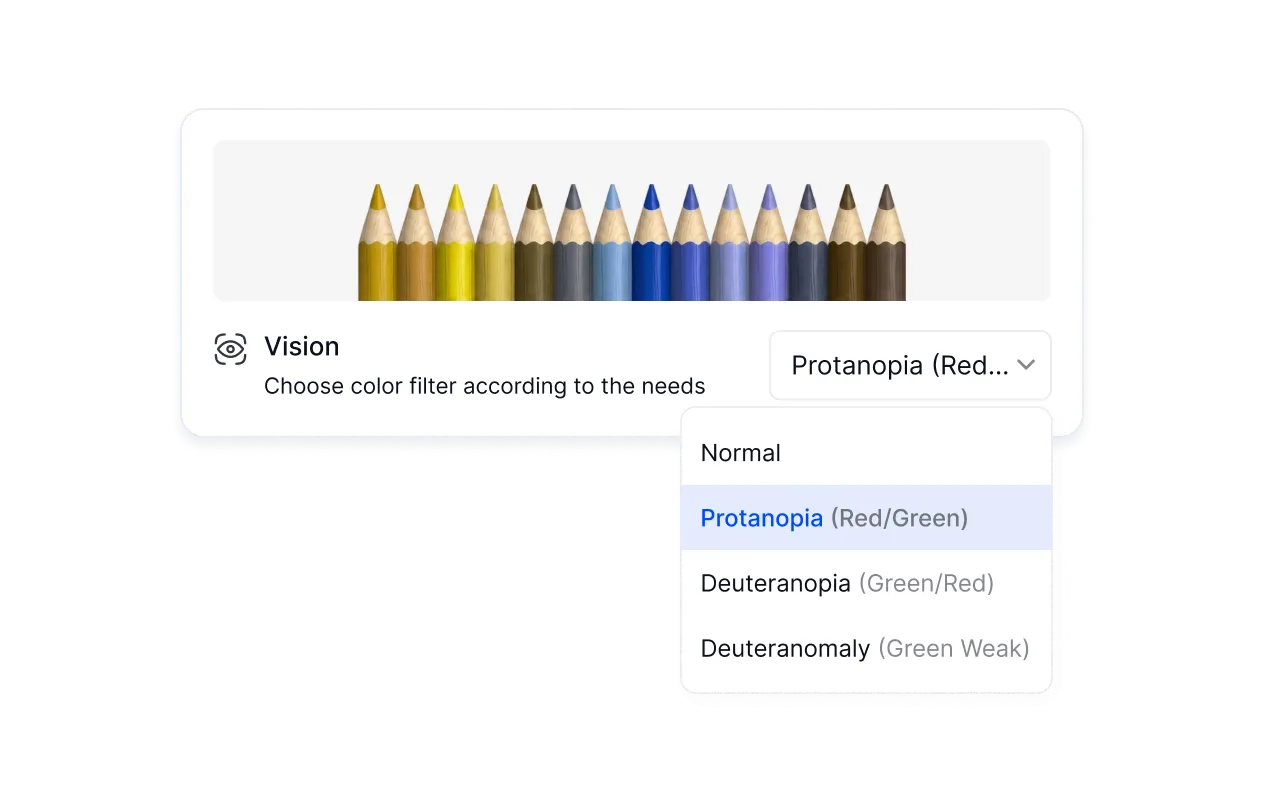
Multiple vision mode
Color filter options including Protanopia, Deuteranopia, and Deuteranomaly support learners with different types of color blindness.
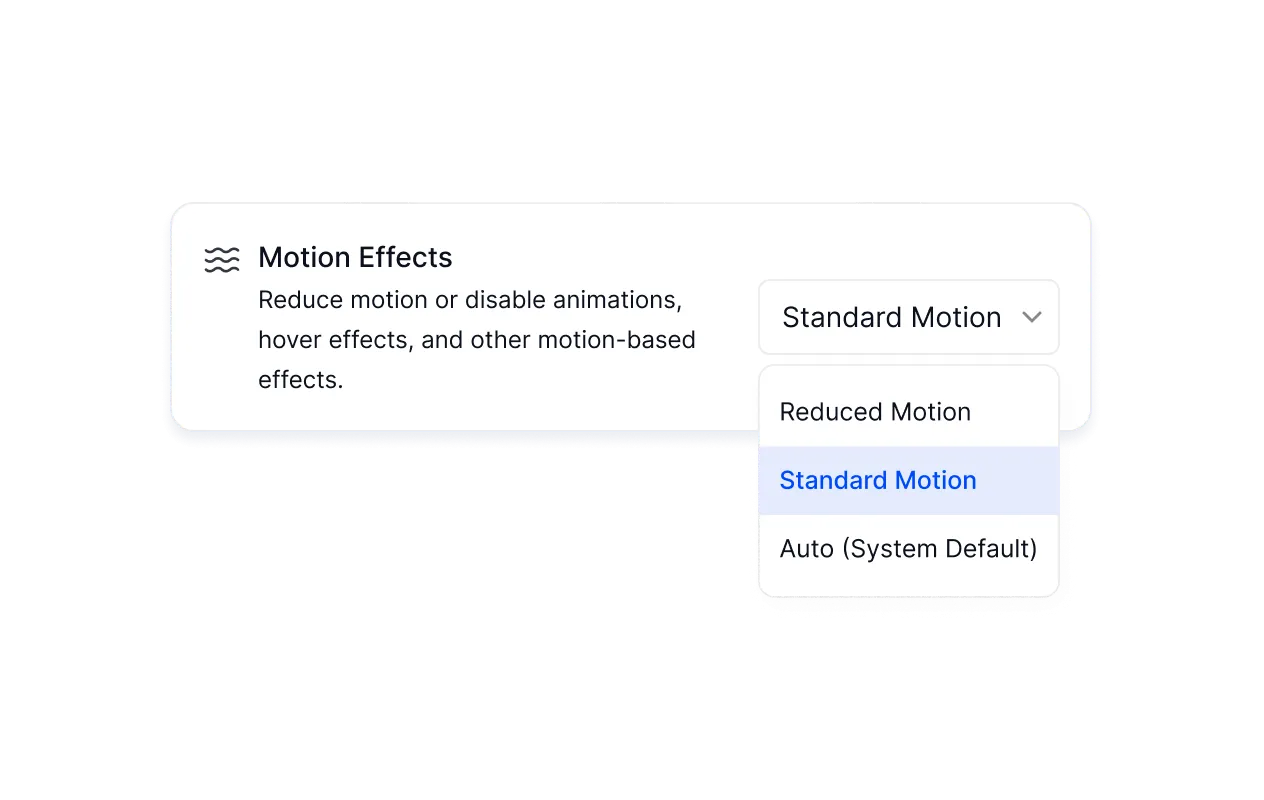
Reduced motion
Learners sensitive to motion can reduce or disable animations and hover effects across the entire platform.
INSTRUCTOR DASHBOARD
Run your entire academy from one screen.
Quiz attempts, assignments, revenue, learner progress — everything tracked, everything visible, without jumping between dashboards. Spend less time administrating and more time doing what you're actually good at.
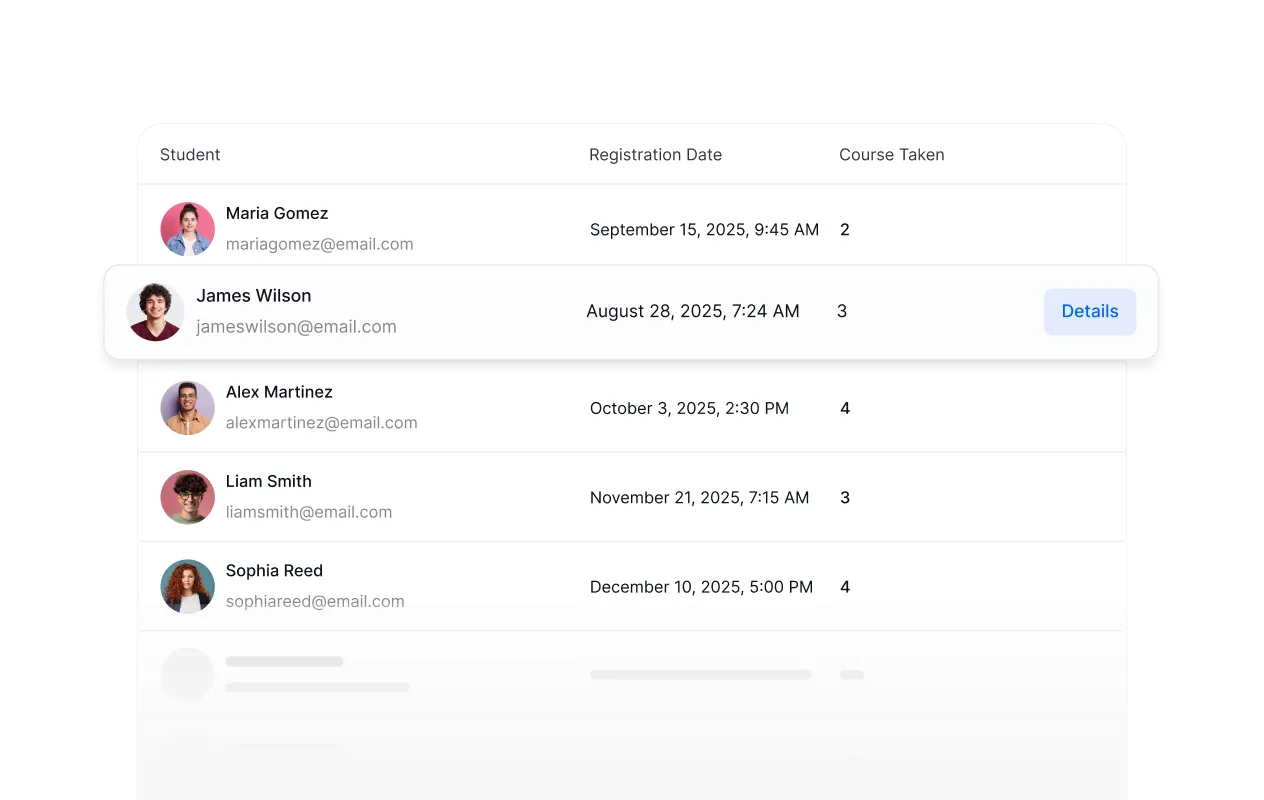
Learners
A full learner roster with registration dates, enrolled courses, and activity — everything needed to stay on top of who's learning what.
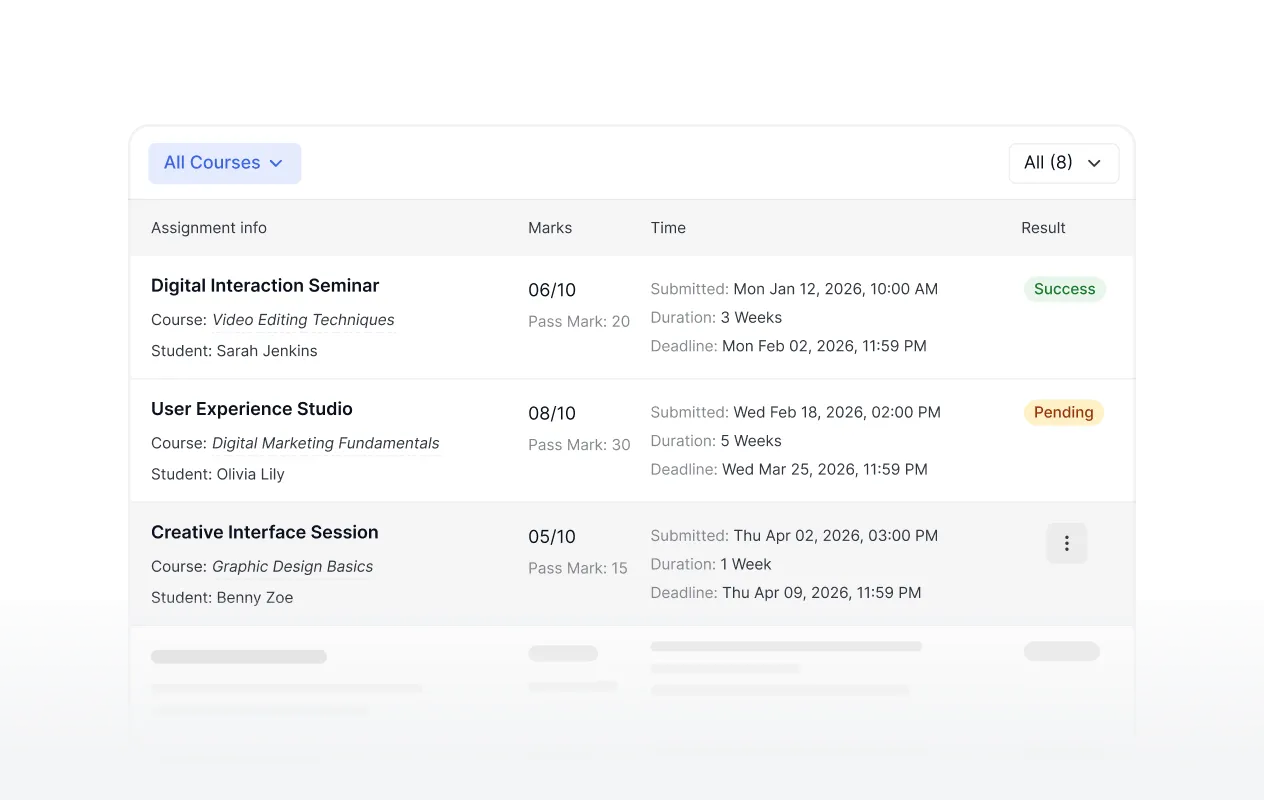
Assignments
Review, grade, and track every submitted assignment across all courses, with pass marks, deadlines, and results in one view.
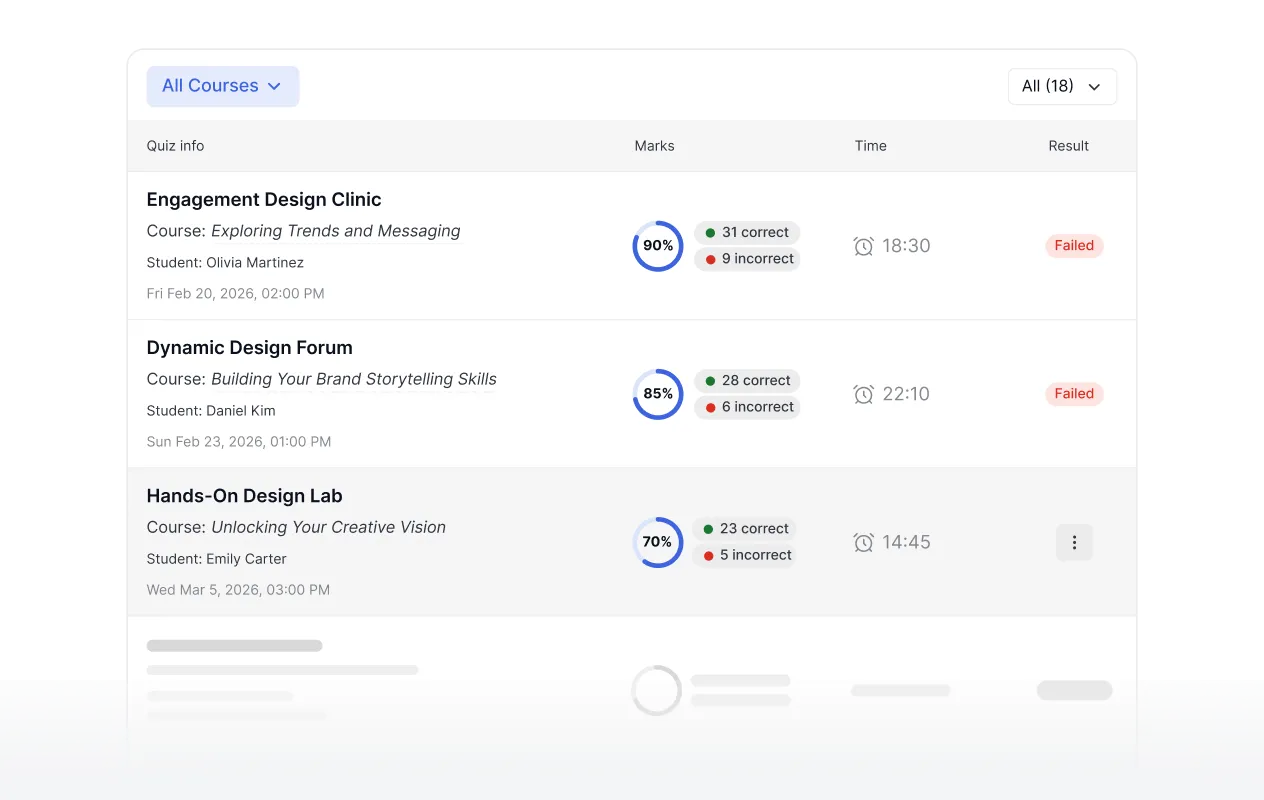
Quizzes
Monitor quiz performance across all learners and courses, with scores, time taken, and pass/fail results at a glance.
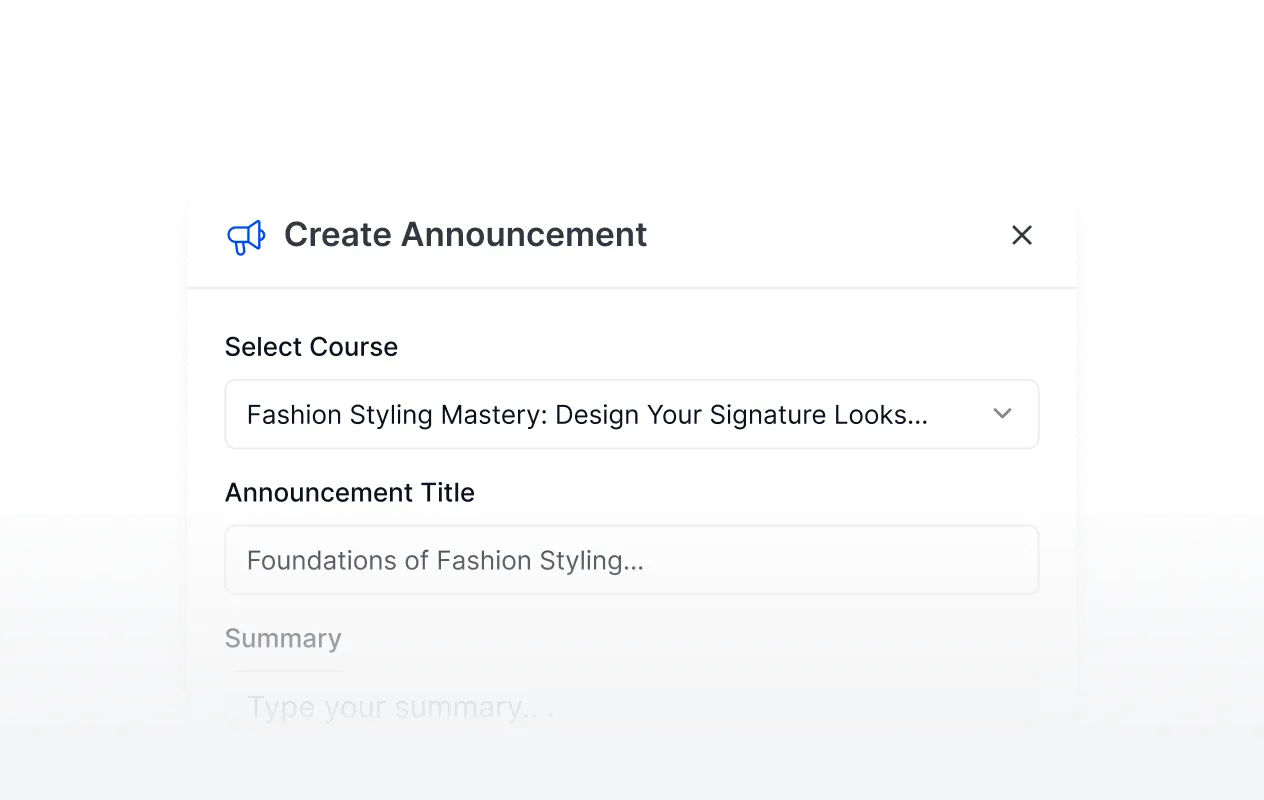
Announcements
Send course-specific announcements to learners directly from the dashboard, keeping everyone informed without leaving the platform.
4.7
G2 Ratings
# 1
Product Hunt
4.8
Trustpilot