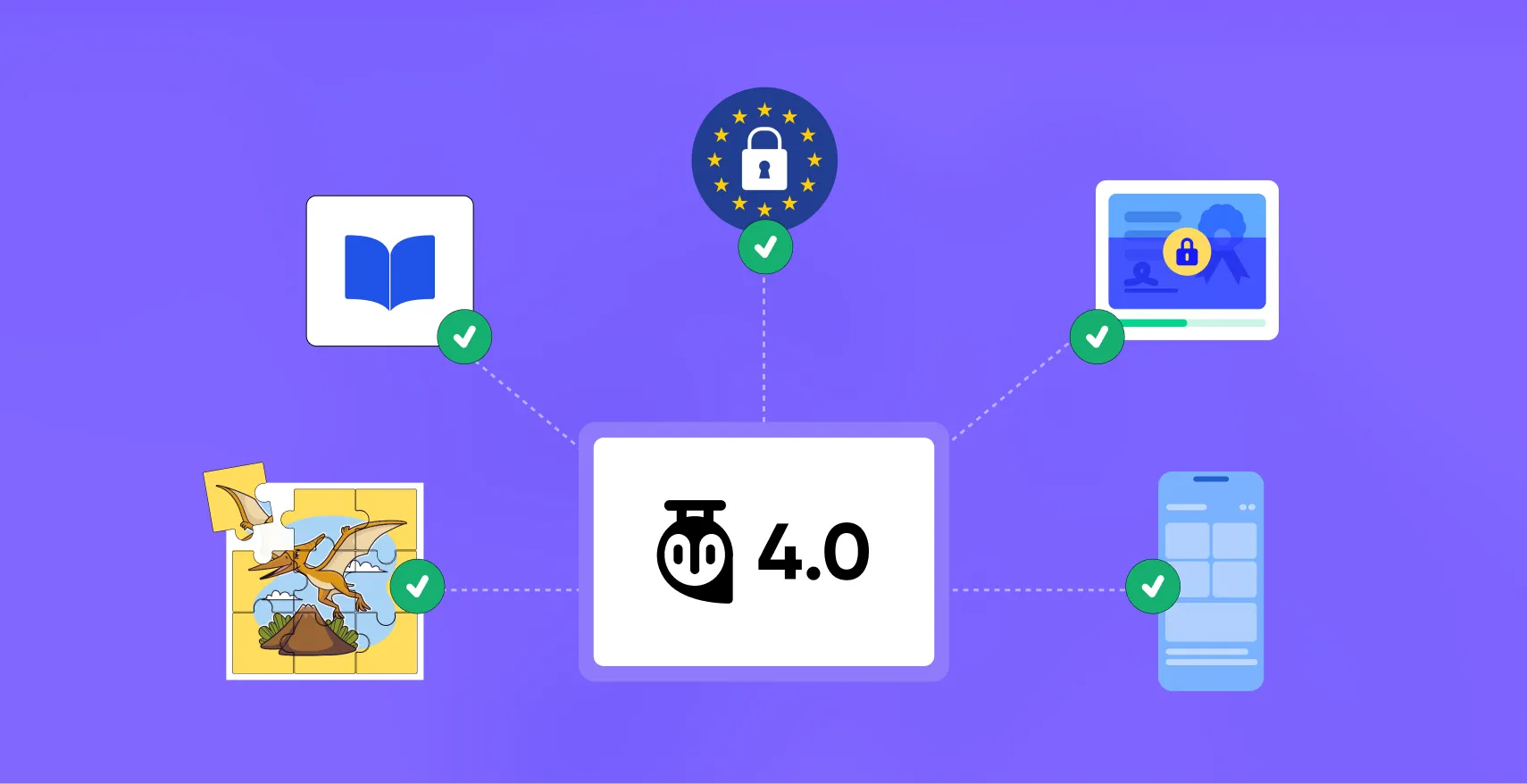
Tutor LMS 4.0 is almost here.
The RC is live right now, which means you can try it before upgrading. But if you’re still on the fence, now is the perfect time to find out what Tutor LMS 4.0 brings to the table.
After a year of researching how students actually learn, where they drop off, what keeps them engaged, and what drives course completion, the team rebuilt the core learner experience from the ground up.
The result is a learning experience unlike anything else in the LMS space.
Today, let’s talk about five things you can do with Tutor LMS 4.0 that weren’t possible before.
1. Give Students a Continuous Learning Environment
Every time a student bounces back to the dashboard between lessons, you lose them a little.
Those transitions are the moments they lose focus, get distracted, or quietly give up.
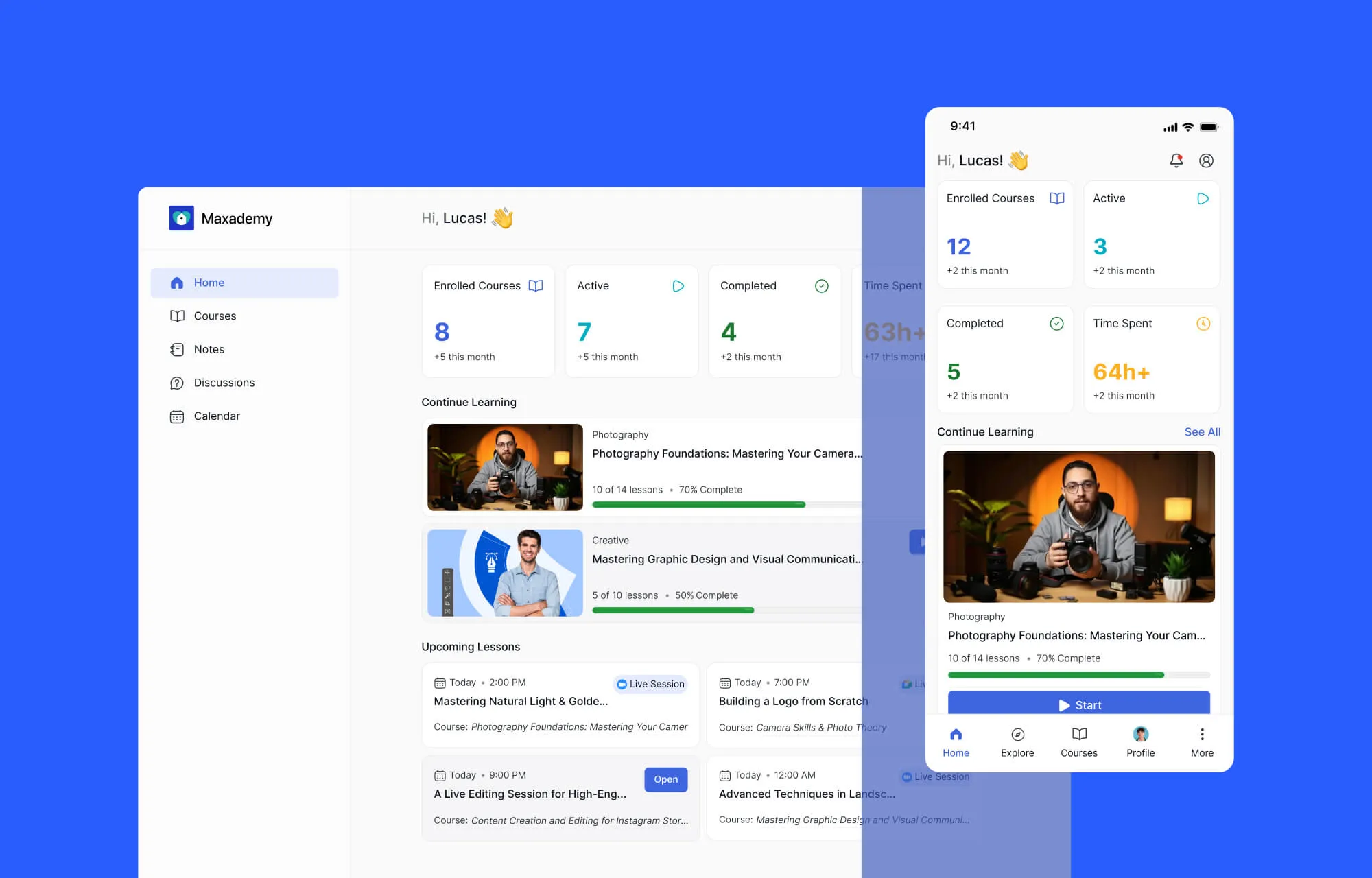
In Tutor LMS 4.0, that entire friction is gone. The moment a student clicks Start Learning, the experience shifts from navigating a website to entering a dedicated learning environment.
Navigation between lessons is now fluid. Everything they need from curriculum, progress, lesson duration, and course info stays visible without leaving the lesson area, making it feel like a continuous learning space.
Notes, Q&A, Discussions in One Unified Place
And centralization doesn’t stop at the lesson view. Everything in Tutor LMS 4.0 has been pulled together, too.
Notes used to live inside individual lessons. Now they’re in one searchable space, each one linked back to the exact lesson it came from.
Q&A and discussions are accessible from a single interface across every course. Live lessons are all visible from a dedicated Live Lesson Hub, so students never have to hunt through topics to find an upcoming session. Downloadable resources like PDFs, reading materials, and assets all live in a dedicated Resource Center tab.
This level of centralization didn’t exist before 4.0. And it matters more than it might sound.
The mental effort of finding things is one of the biggest reasons students abandon courses. When everything is where you expect it, learners stop managing the platform and start actual learning.
2. New Quiz Types That Open the Door to Interactive Assessment
Standard quiz types like multiple choice, true/false, fill in the blank get the job done.
But if you’re teaching anatomy, geography, data analysis, or anything that lives in the visual world, text-based questions are not enough.
Tutor LMS 4.0 adds 5 entirely new visual quiz types, which honestly open the door for a whole range of subjects and more ways to assess students the right way.
Students can now drag sliders to set values, draw and annotate directly on images, drop pins on maps, arrange puzzle pieces, and plot points on graphs. These turn passive answering into something students actually have to think through. And for visual subjects, that makes all the difference.
And before any of it goes live, there’s now a Question Preview inside the Quiz Builder. You can see exactly what a student sees before you publish. A small feature, but long overdue.
3. Show Students Their Certificate From Day One and Watch Completion Rates Climb
Most LMS platforms treat the certificate as an afterthought. A link buried in a menu that students don’t think about until they’re done
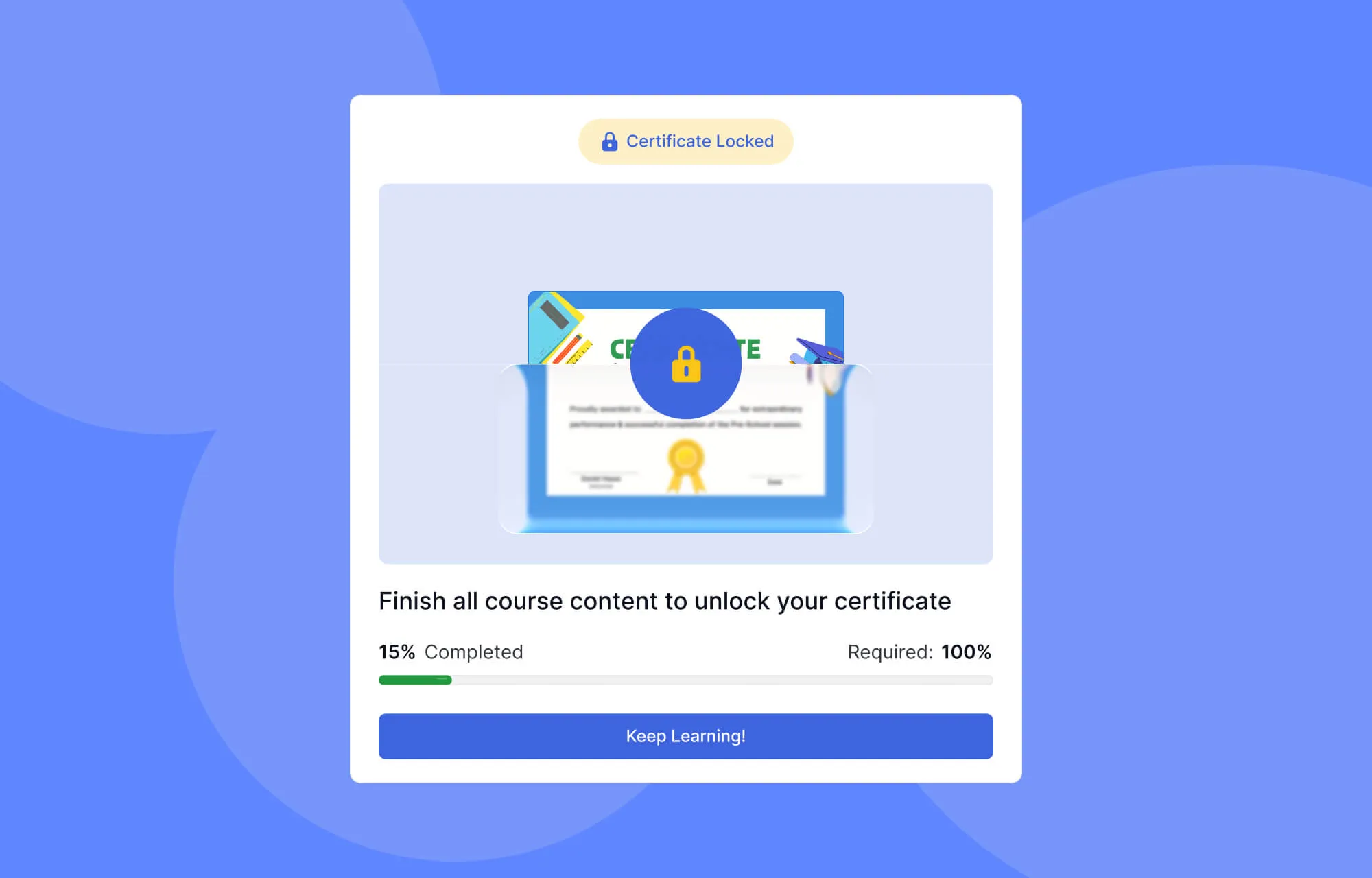
With 4.0, from the very first lesson, students can see exactly what they’re working toward. They will get a preview of their certificate, locked for now, with a progress tracker that fills as they complete lessons and pass quizzes. When they hit the final requirement, it unlocks. There’s even a small celebration when it does.
It sounds like a detail. But there’s solid psychology behind it. People push harder when the finish line is visible. And for course creators, completion rates are everything. Keeping that certificate in sight from day one is one of the simplest, most effective ways to get students across it.
4. GDPR Compliance, Finally Built Into Your LMS
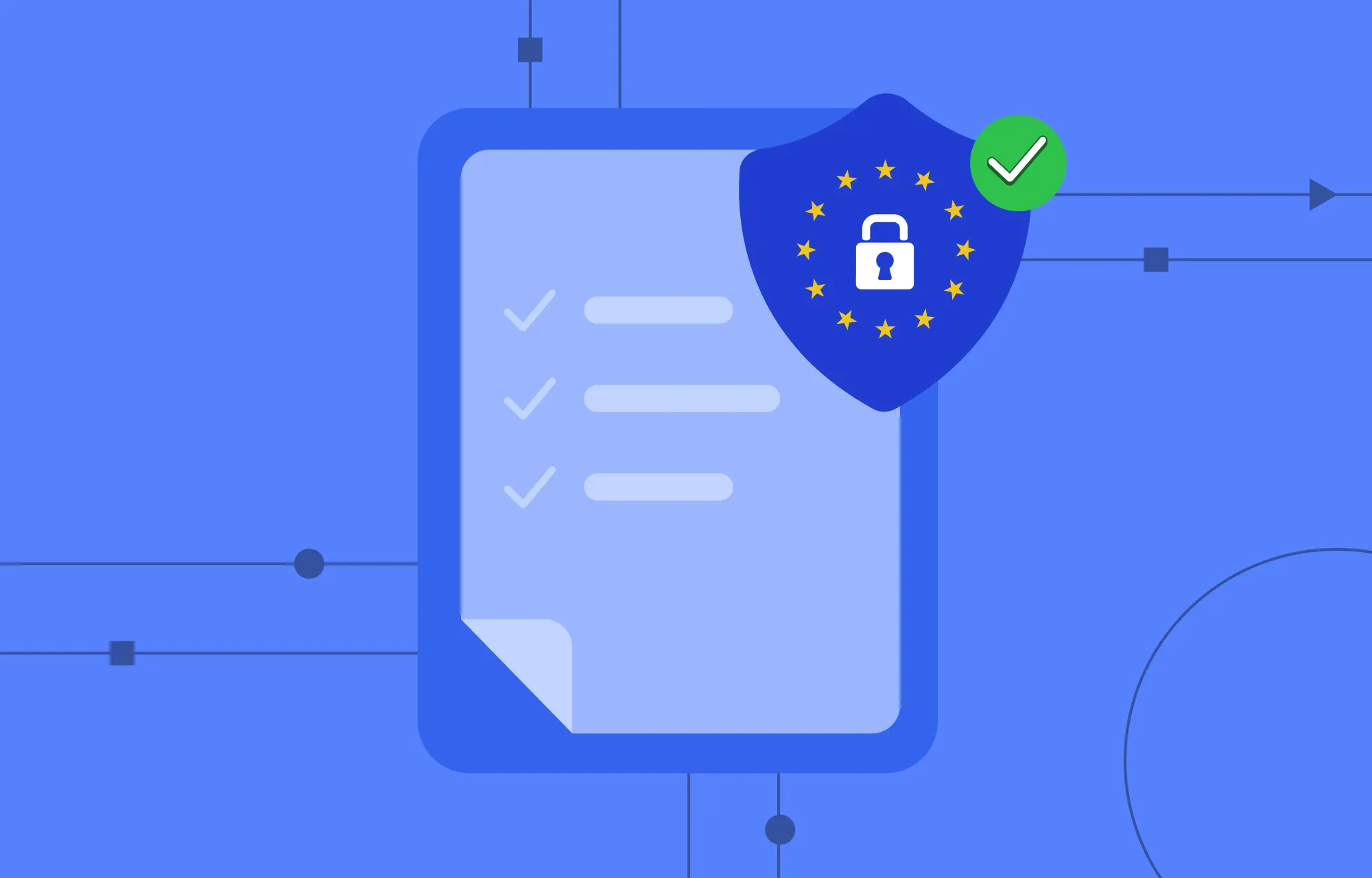
If you serve learners in the EU, consent management isn’t optional. And until now, handling it in your LMS meant third-party plugins or custom code.
With Tutor LMS 4.0, you get a built-in Consent Box Editor. You write your own consent text, tie it to your specific terms and privacy policy, and make it a required step before enrollment.
You can create unlimited consent rules, customize each one, and display them at different points across your platform. Tutor LMS also keeps a full record of who agreed to what and when, trackable from your dashboard and exportable as a CSV whenever you need it.
For schools, corporate training platforms, and certification programs, where data responsibilities are highest, this is the kind of thing that used to require a developer. Now it’s just part of the admin panel.
5. Deliver a Truly Mobile-Native Learning Experience
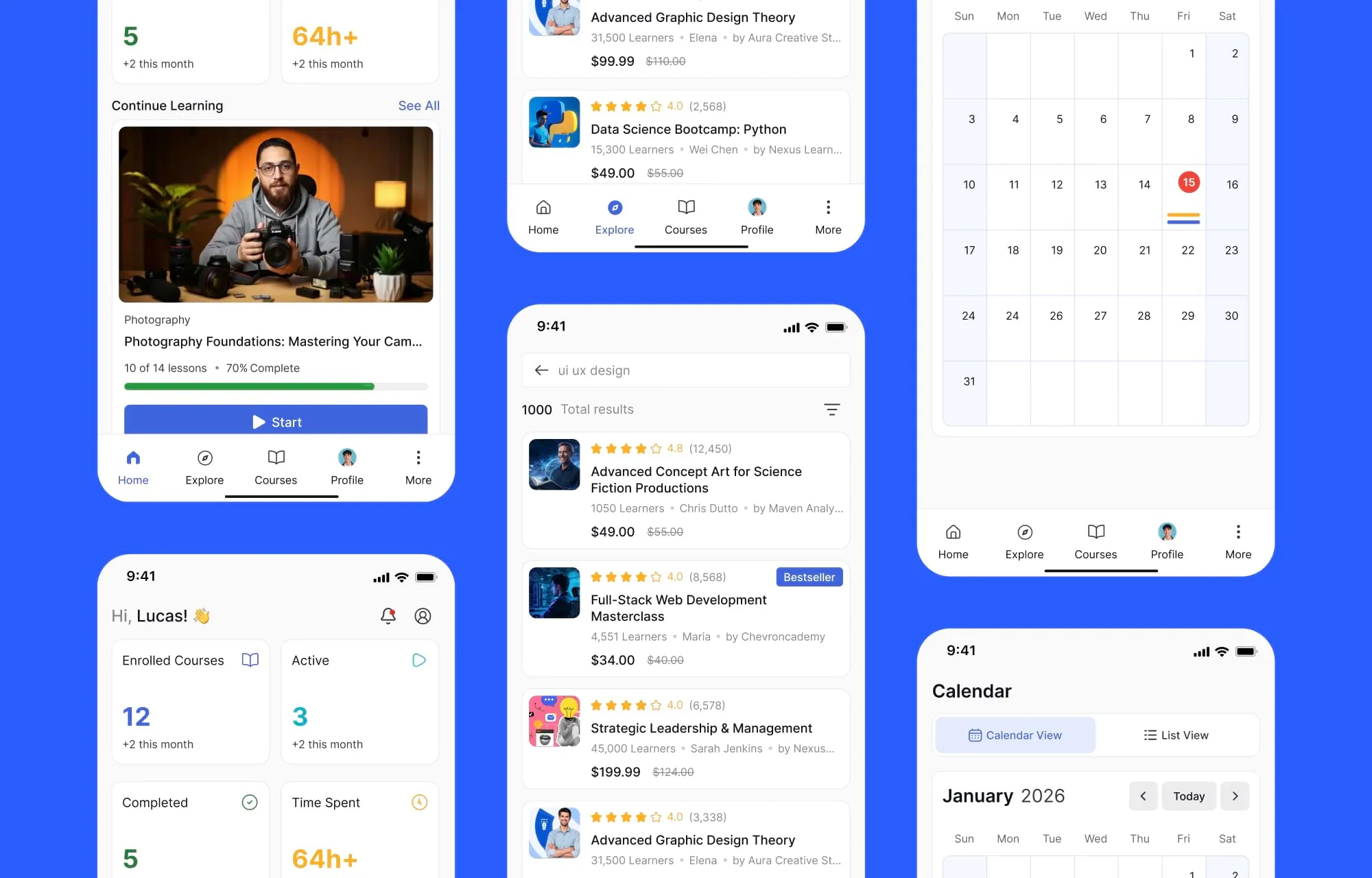
A lot of your students aren’t sitting at a desk. They’re learning on the bus, between meetings, in whatever fifteen minutes they can find. For them, mobile isn’t a backup screen, it’s the main one.
And you know the feeling of using a website that technically works on your phone but clearly wasn’t made for it. Plenty of LMS platforms feel exactly like that on mobile – usable, but never enjoyable.
The team didn’t just shrink the desktop experience down to fit a smaller screen. They spent months studying how people actually hold and navigate a phone and optimized every interaction around it. Navigation sits where your thumb already is. Transitions are smooth. Reading, tapping, swiping through a lesson feels effortless, the way a good app should.
And it all carries through lessons, quizzes, notes, assignments, live classes, and the dashboard. Even Kids Mode, a new, playful interface for younger learners that makes Tutor LMS a real fit for schools and tutoring platforms.
This Is What Learner-First Actually Means
Notice what every one of these changes has in common. The continuous learning environment, the visual quiz types, the certificate motivation system, the consent box editor, and the mobile-native experience come from the same starting point: what does the learner actually need?
That shift in perspective, from feature-first to learner-first, is what makes 4.0 feel different from any previous version of Tutor LMS.
This is just one part of the Tutor LMS 4.0 experience. For a complete breakdown of all the changes, improvements, and new features, explore our detailed Tutor LMS 4.0 overview article.
Try Tutor LMS 4.0 today and experience the difference for yourself.

Table of Contents
- 1. Give Students a Continuous Learning Environment
- 2. New Quiz Types That Open the Door to Interactive Assessment
- 3. Show Students Their Certificate From Day One and Watch Completion Rates Climb
- 4. GDPR Compliance, Finally Built Into Your LMS
- 5. Deliver a Truly Mobile-Native Learning Experience
- This Is What Learner-First Actually Means
Start Using Tutor LMS Today
Ready to take your online courses to new heights? Download Tutor LMS now and enjoy a journey of eLearning excellence.