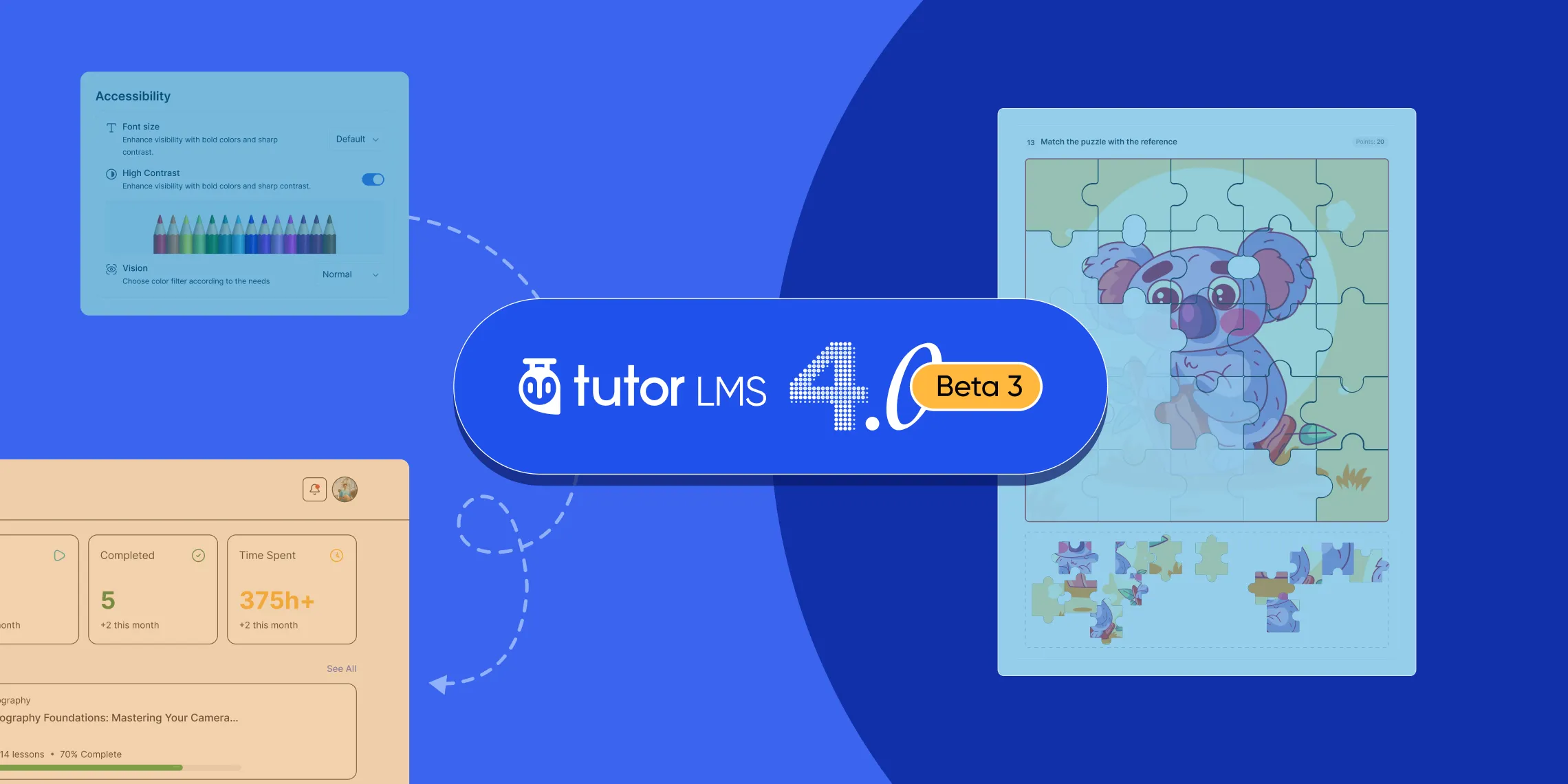
Beta 2 brought a lot of improvements based on your feedback. Thank you to everyone who tested it and shared what they found.
We’ve been going through all of that feedback, and the Tutor LMS 4.0 Beta 3 is now ready for you to try.
This update continues building out the quiz experience with a brand new Puzzle quiz type, adds accessibility settings for learners with color vision challenges, and brings in content bank support for all the new quiz types introduced in Tutor LMS 4.0.
On top of that, we’ve worked through a number of bug fixes across quizzes, the course builder, and monetization that came up during testing. Here’s everything that’s changed.
Tutor LMS 4.0 Beta 3 Changelog:
- New: Introduced a new Puzzle quiz type. (Pro)
- New: Accessibility support added for users with visual impairments.
- Update: Design compatibility improved for the TutorStarter theme.
- Update: WPML compatibility updated. (Pro)
- Update: Content Bank now supports all the new Quiz question types. (Pro)
- Update: UI improvements made to the assignment module. (Pro)
- Update: User navigation from the notification list has been improved. (Pro)
- Update: Order history list added for the PMPRO monetization. (Pro)
- Fix: Resolved a critical PHP error on the instructor dashboard.
- Fix: Fixed multiple mobile responsiveness issues.
- Fix: Lesson feature images now display correctly in the learning area.
- Fix: Course builder author dropdown styling restored.
- Fix: Design rendering fixed for new quiz types on the admin quiz review screen. (Pro)
- Fix: Blocked or pending instructors are now correctly redirected to the student dashboard.
- Fix: Purchase button now works on the course archive page for EDD monetization.
- Fix: Retry button in the Quiz attempt list three-dot menu is now functional.
- Fix: Retake/Retry option no longer appears when the attempt limit has been reached.
- Fix: Order history status dropdown now shows valid statuses for WooCommerce orders.
A New Quiz Type: Puzzle
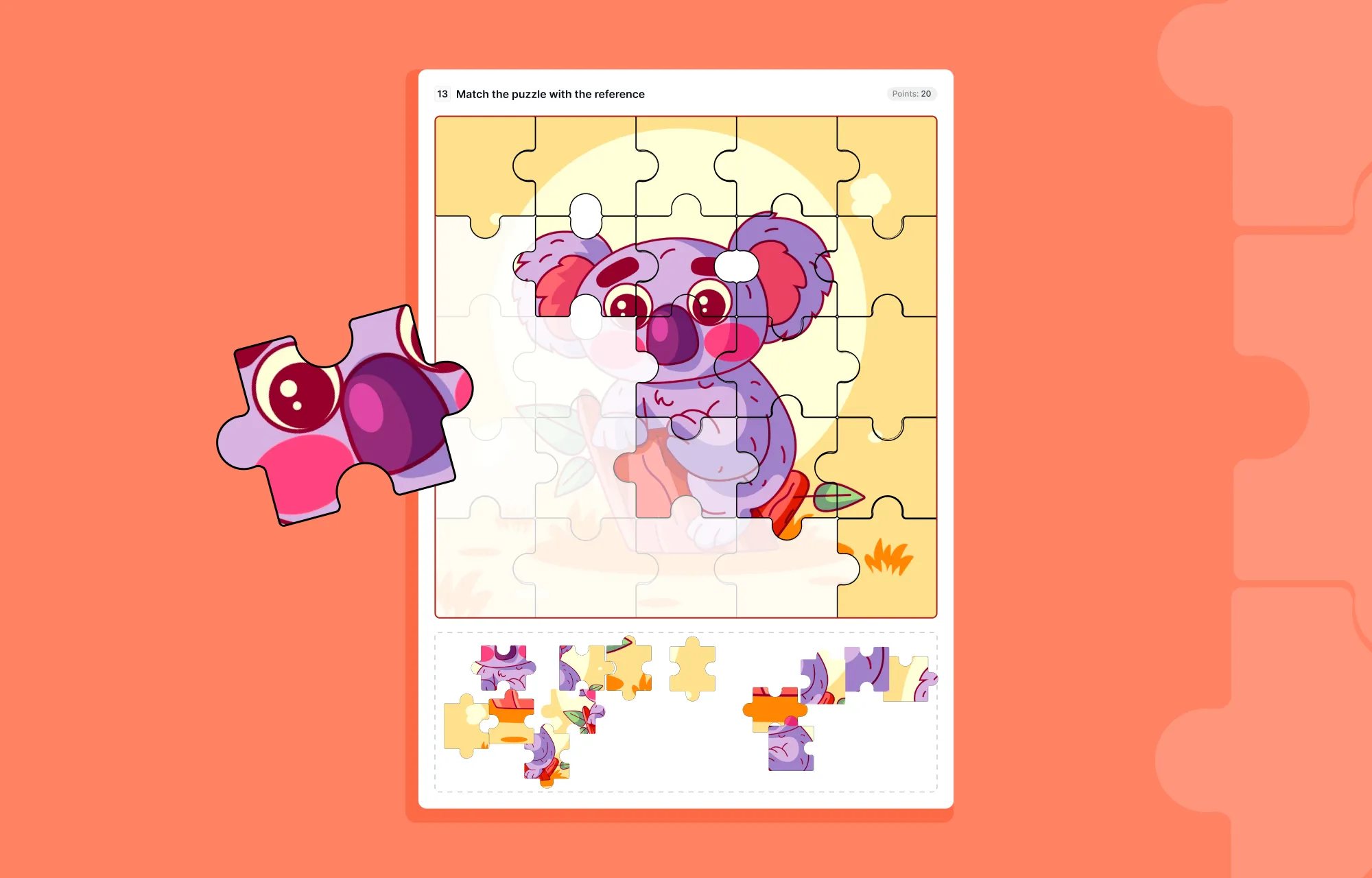
Beta 3 adds the Puzzle quiz type to Tutor LMS 4.0’s growing set of interactive assessments. Instead of selecting from a list of options, students are given puzzle pieces and have to arrange them in the correct order to complete an image. It turns a standard assessment into a problem-solving exercise, which keeps learners more engaged and makes the experience feel less like a test and more like a challenge.
Better Accessibility for Visually Impaired Users
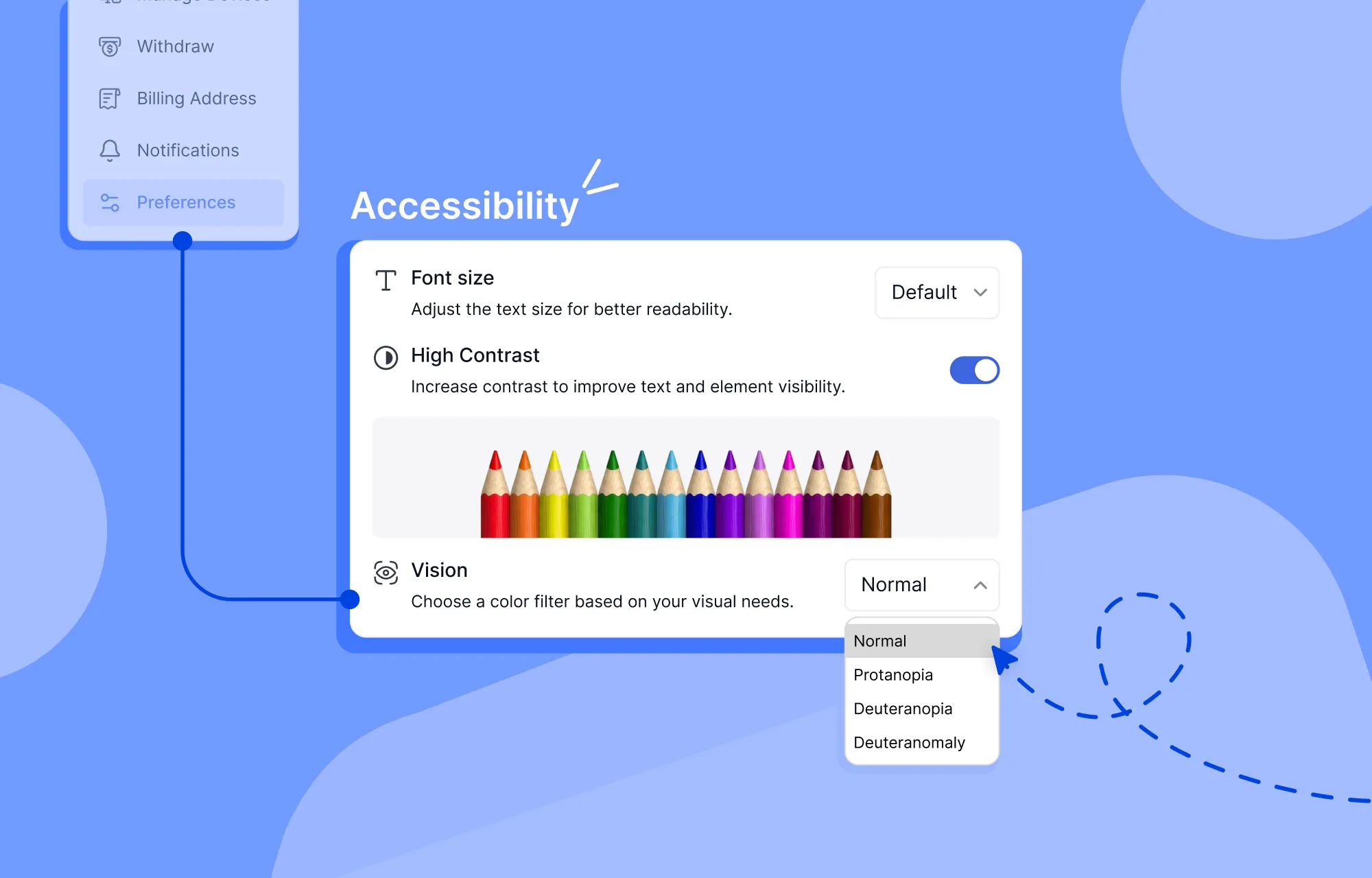
Learning should be accessible to everyone, and Beta 3 takes a meaningful step in that direction. Tutor LMS 4.0 now includes dedicated accessibility settings that let learners adjust the visual experience to suit their needs.
Students can now choose from color vision deficiency (CVD) filters including Protanopia and Deuteranopia, which adjust how colors appear on screen for users who have difficulty distinguishing certain color combinations. A High Contrast mode is also available, which sharpens the visual difference between elements to make text and interface components easier to read.
All of these options are available in both Light and Dark mode, so learners can combine their preferred theme with the accessibility setting that works best for them.
Other Notable Updates
New question types in the content bank (Pro): All the new quiz types introduced in Tutor LMS 4.0 are now supported in the content bank, so instructors can save and reuse questions across courses without any limitations.
Assignment UI improvements (Pro): The assignment interface has been cleaned up with visual improvements that make it easier to navigate and work with.
Better notification navigation (Pro): Getting from a notification to the right place in the platform is now smoother, with improved navigation flow from the notification list.
TutorStarter compatibility: The design has been updated to work correctly with the TutorStarter theme, so users on TutorStarter should now see a consistent and polished experience.
WPML compatibility (Pro): Tutor LMS 4.0 Pro now supports WPML, making it easier to run a multilingual learning platform.
How to Download Tutor LMS 4.0 Beta 3
You can download Tutor LMS 4.0 Beta 3 from the links below:
We recommend installing Beta versions on a staging or test environment rather than a live production site. This helps you explore new features and updates safely while providing valuable feedback.
Share Your Feedback
If you’re testing Beta 3, keep the feedback coming. Every report and suggestion helps us make the final release better for everyone.

Wrapping Up
Tutor LMS 4.0 Beta 3 keeps the momentum going with a new quiz type, a more inclusive learning experience, and a cleaner platform overall. If you’re testing 4.0 in a staging environment, update to Beta 3 and let us know how it’s going.

Start Using Tutor LMS Today
Ready to take your online courses to new heights? Download Tutor LMS now and enjoy a journey of eLearning excellence.