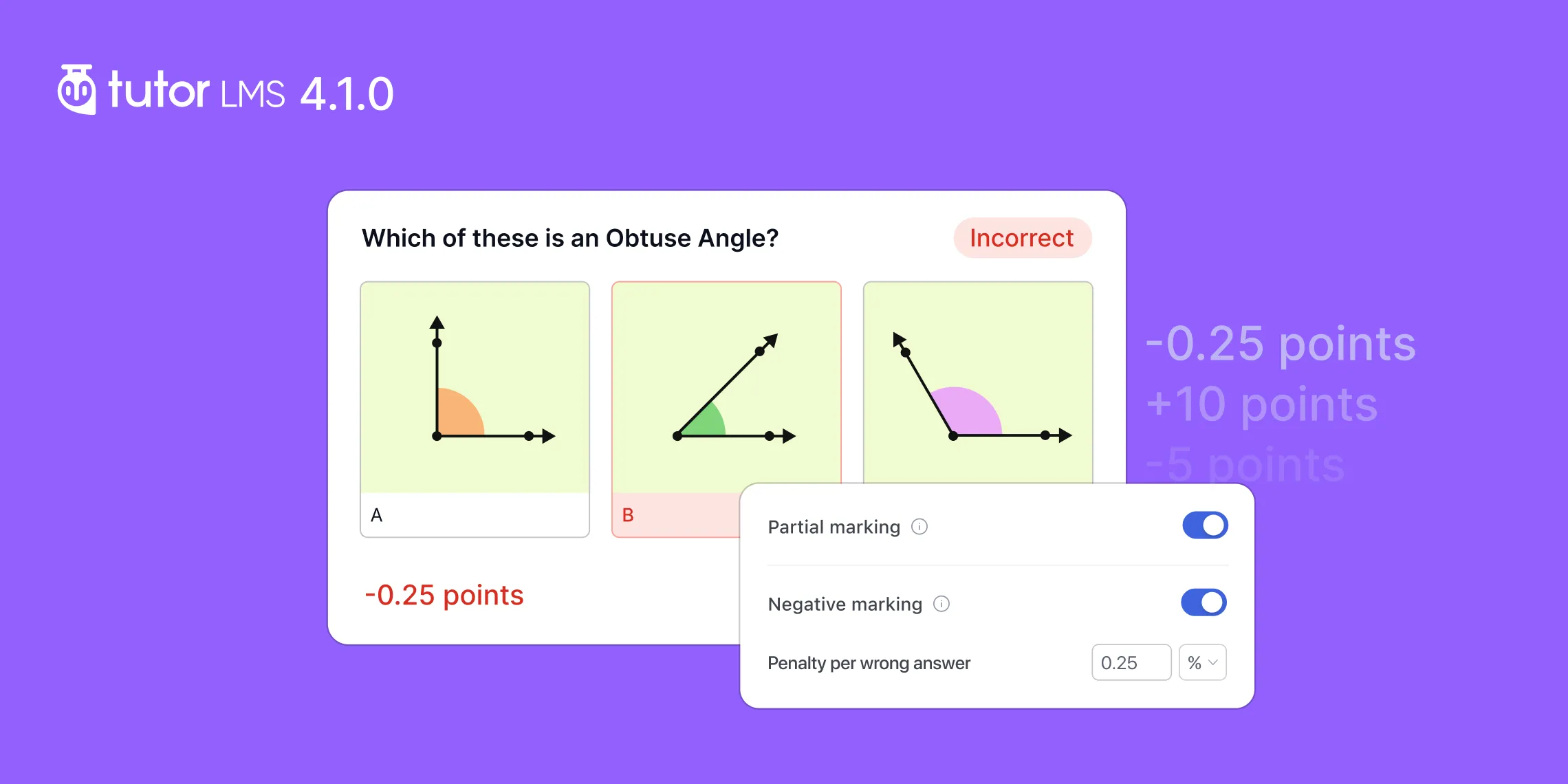
Tutor LMS 4.0 marked a major shift in how we approached the learning experience. We rebuilt core parts of the platform around learners, gave instructors a more focused workspace, and completely reworked how quizzes are created, taken, and reviewed.
Since then, we’ve been building on that foundation to take Tutor LMS even further.
Tutor LMS v4.1.0 is our first major feature update since Tutor LMS 4.0, and it brings one of the most requested additions from our community: negative and partial marking for quizzes.
Alongside it, this release expands Tutor AI Studio with the WordPress AI Connector, improves Instructor Dashboard performance, makes Course Bundles smarter about enrollment, adds a more accessible path to the shopping cart, and includes several improvements to grading, security, and platform reliability.
Before we dive in, take a look at the Changelog for Tutor LMS v4.1.0:
- New: Introduced negative and partial marking for quizzes. (Pro)
- New: Added a new Cart button for Block and Classic themes.
- Update: Integrated the WordPress AI Connector with Tutor AI Studio. (Pro)
- Update: Improved page loading performance on the Instructor Dashboard.
- Update: Quiz grading emails are now sent only after manual evaluation is complete. (Pro)
- Update: Learners enrolled through a course bundle are now automatically enrolled when new courses are added to that bundle. (Pro)
- Fix: Fixed a data integrity error when duplicating courses. (Pro)
- Fix: Fixed an issue where the “New Lesson Added” email notification was not triggered. (Pro)
- Fix: Fixed course image generation when using the Tutor AI connection. (Pro)
- Fix: Fixed Tutor LMS Player videos being cropped at the top in fullscreen landscape mode on Android.
Partial and Negative Marking to Elevate Quizzes
A good assessment system needs to do more than identify whether an answer is simply right or wrong. That is where negative and partial marking comes in.
With Tutor LMS v4.1.0, instructors now have much more control over how marks are awarded and deducted within quizzes.
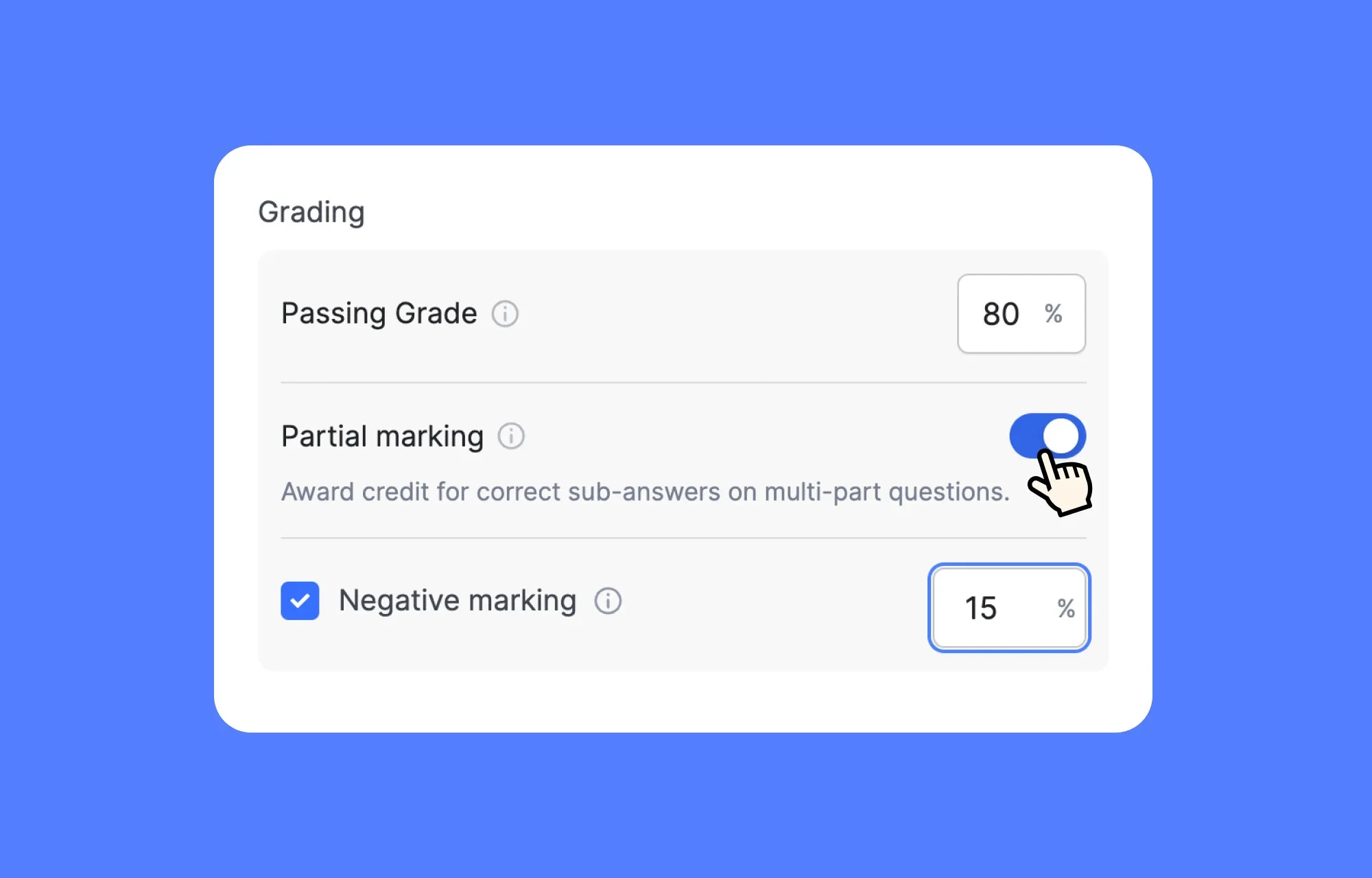
Negative marking allows instructors to apply a penalty when a learner submits an incorrect answer, giving them stricter control over assessments designed to test learner aptitude. It works across all supported question types except open-ended questions, such as Short Answer and Essay questions.
Partial marking adds flexibility for questions where an answer can be partly correct. Instead of treating the entire response as incorrect, instructors can award marks based on the portion answered correctly.
Partial marking is available for:
- Matching
- Ordering
- Image Matching
- Fill in the Blanks
- Multiple Choice questions with multiple correct answers
Instructors can find the new marking controls directly inside the Quiz Builder settings tab while configuring quiz and questions. A more global control is available for admins to configure in Tutor LMS > Settings > Grading.
The goal here is not to make quiz configuration more complicated. It is to give instructors more control when they need it, while keeping the familiar Tutor LMS quiz-building experience intact.
Tutor LMS AI Studio Now Works With the WordPress AI Connector
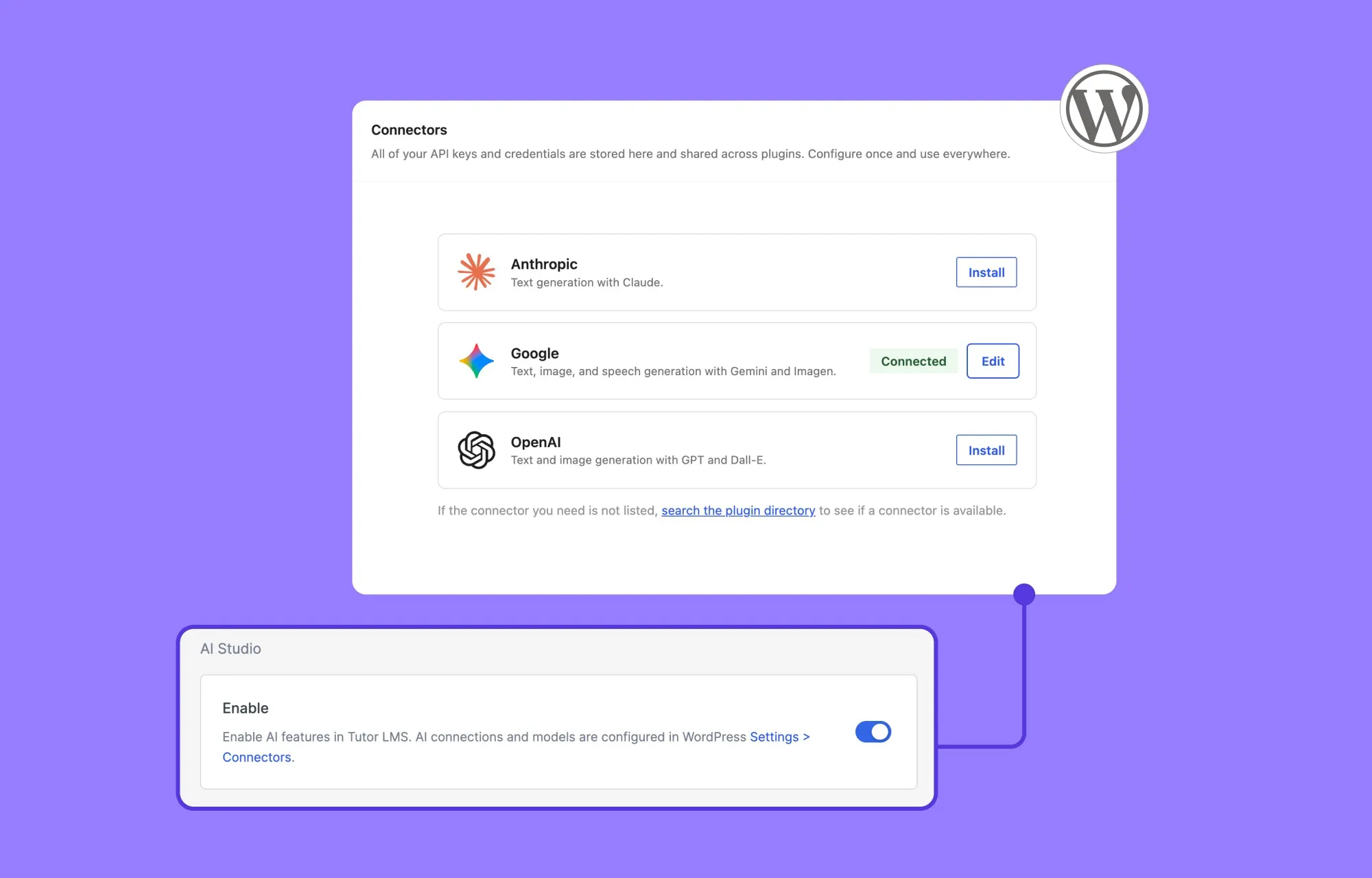
Tutor AI Studio is also becoming more flexible with this release through integration with the WordPress AI Connector.
AI Studio already brings AI-assisted course and quiz creation directly into Tutor LMS. With WordPress 7.0 and later, Tutor LMS can now work with WordPress’ built-in AI infrastructure, giving AI Studio a broader way to connect with supported AI providers.
For course creators, this means AI remains part of the Tutor LMS workflow while benefiting from the centralized AI connection system now available in WordPress.
It also gives us a stronger foundation to continue expanding AI Studio as the broader WordPress AI ecosystem evolves.
Note: WordPress AI Connector integration requires WordPress 7.0 or later.
Course Bundles Now Keep Learner Enrollment in Sync
Course Bundles are designed to let you package multiple courses into a larger learning path. But bundles can also evolve over time.
When a new course is added to a Course Bundle, learners who originally enrolled through that bundle will also be automatically enrolled in the newly added course.
This makes bundles much easier to maintain as living collections of content. You can expand a program, add another module, or continue building out a learning path without having to manually bring existing learners into every new course.
Security and Stability
Security remains an ongoing priority across Tutor LMS. With this release, we’ve implemented several additional security hardening measures to further strengthen the platform and improve overall reliability.
We’re continuing to invest in security and stability as Tutor LMS evolves, with ongoing improvements forming a consistent part of every release.
Other Notable Improvements and Fixes
This release also includes several other improvements and fixes across the Tutor LMS experience:
- Faster Instructor Dashboard: Page loading has been optimized to make everyday course and learner management feel more responsive, especially when moving between different areas of the dashboard.
- New Cart button: Block and Classic themes now include a Cart button, giving learners a clearer and more convenient way to return to their cart during the course purchase journey.
- Improved quiz grading emails: Grading notifications now wait for manual evaluation to be completed before being sent, helping ensure learners receive their results only after the grading process is actually finished.
Update Today and Experience the Best of elearning
Tutor LMS 4.0 gave us a new foundation to build from.
Tutor LMS v4.1.0 is all about pushing that foundation further. Quiz creation becomes more capable with negative and partial marking. AI Studio becomes better connected to WordPress. Course Bundles require less manual enrollment management. Instructor workflows get faster.
And this is where we want to keep taking Tutor LMS: deeper control where educators need it, fewer repetitive steps where they do not, and a learning experience that continues to improve on both sides of the platform.
Update Tutor LMS and Tutor LMS Pro to the latest version to explore everything included in this release.

Start Using Tutor LMS Today
Ready to take your online courses to new heights? Download Tutor LMS now and enjoy a journey of eLearning excellence.