Tools
Tools
In this section, you will find miscellaneous tools that help you maintain your Tutor LMS website more effectively. Let us go over what these are:
Status
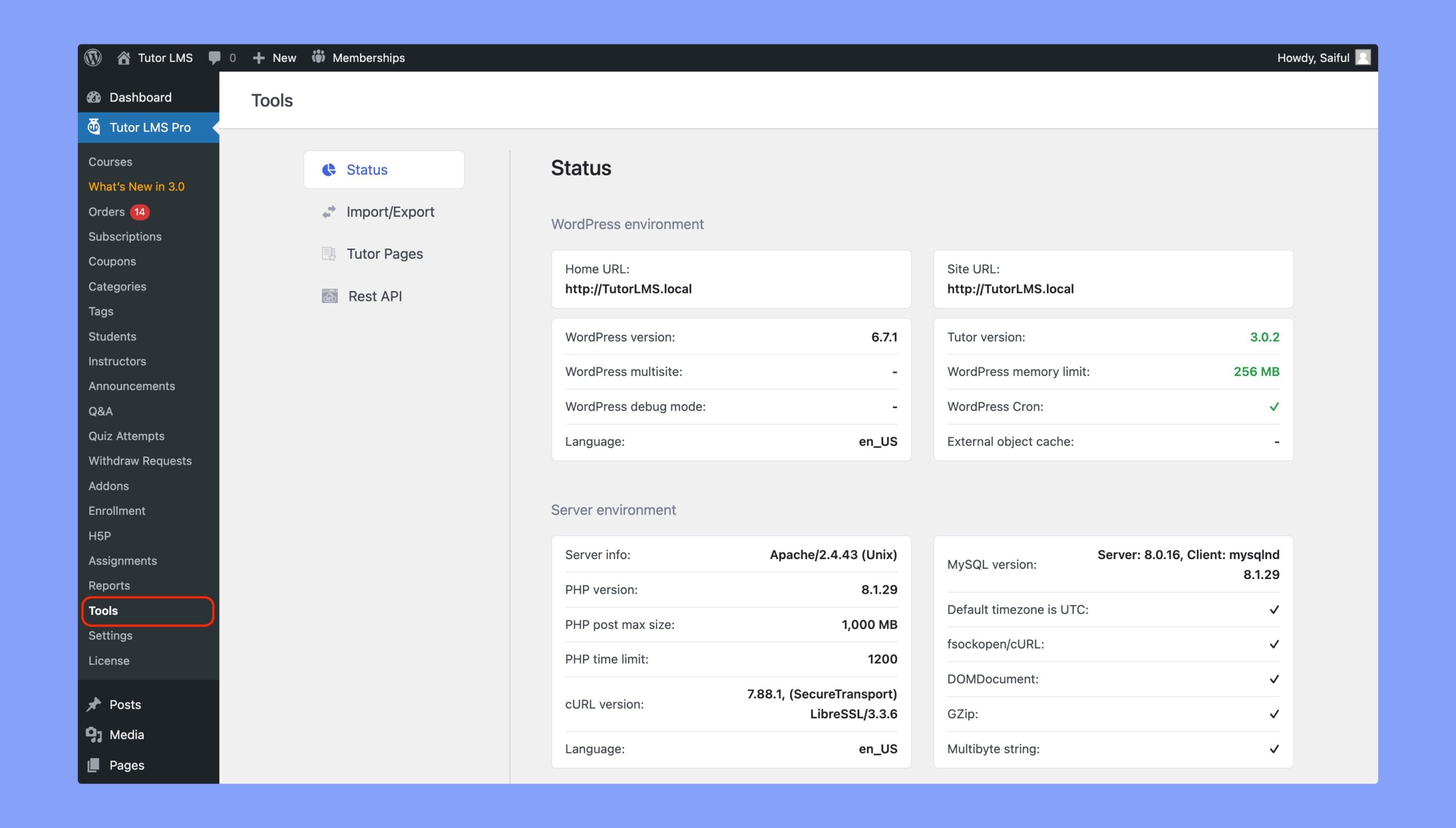
The Status tab allows you to monitor all essential backend information of your website, such as server environments, WordPress environments, and so on.
Import/Export
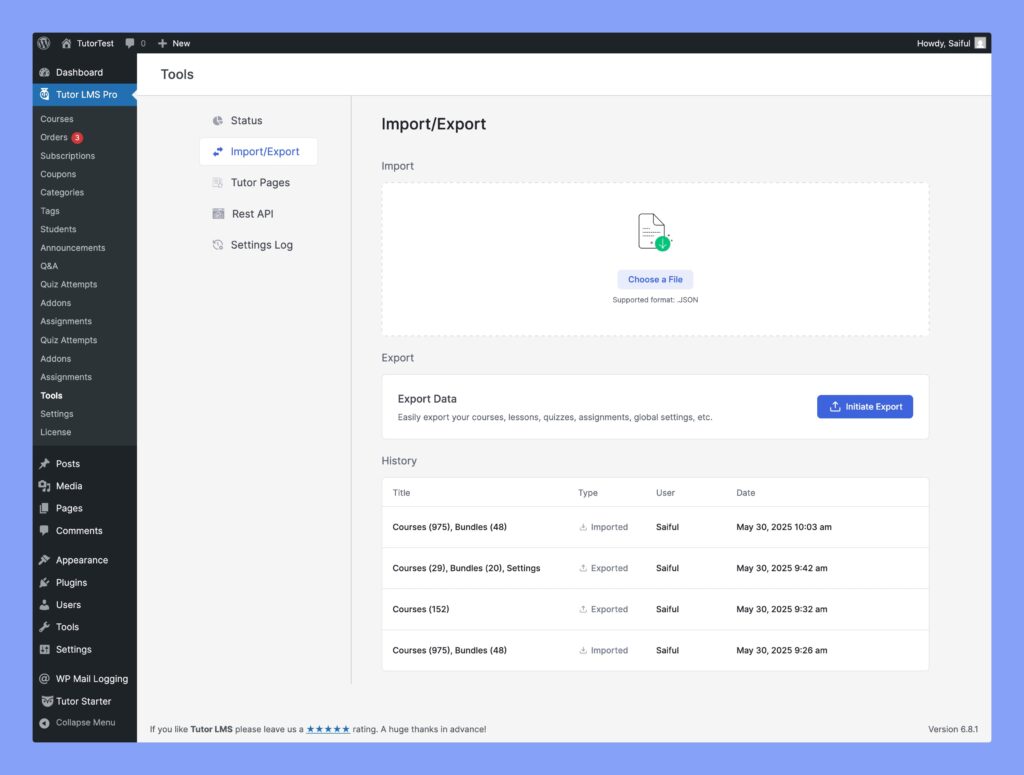
From the Import/Export tab, you can impor and export your Tutor LMS courses, bundles, settings, etc.
Check our dedicated tutorial on How to import/export Tutor LMS courses to learn more about this process.
Tutor Pages
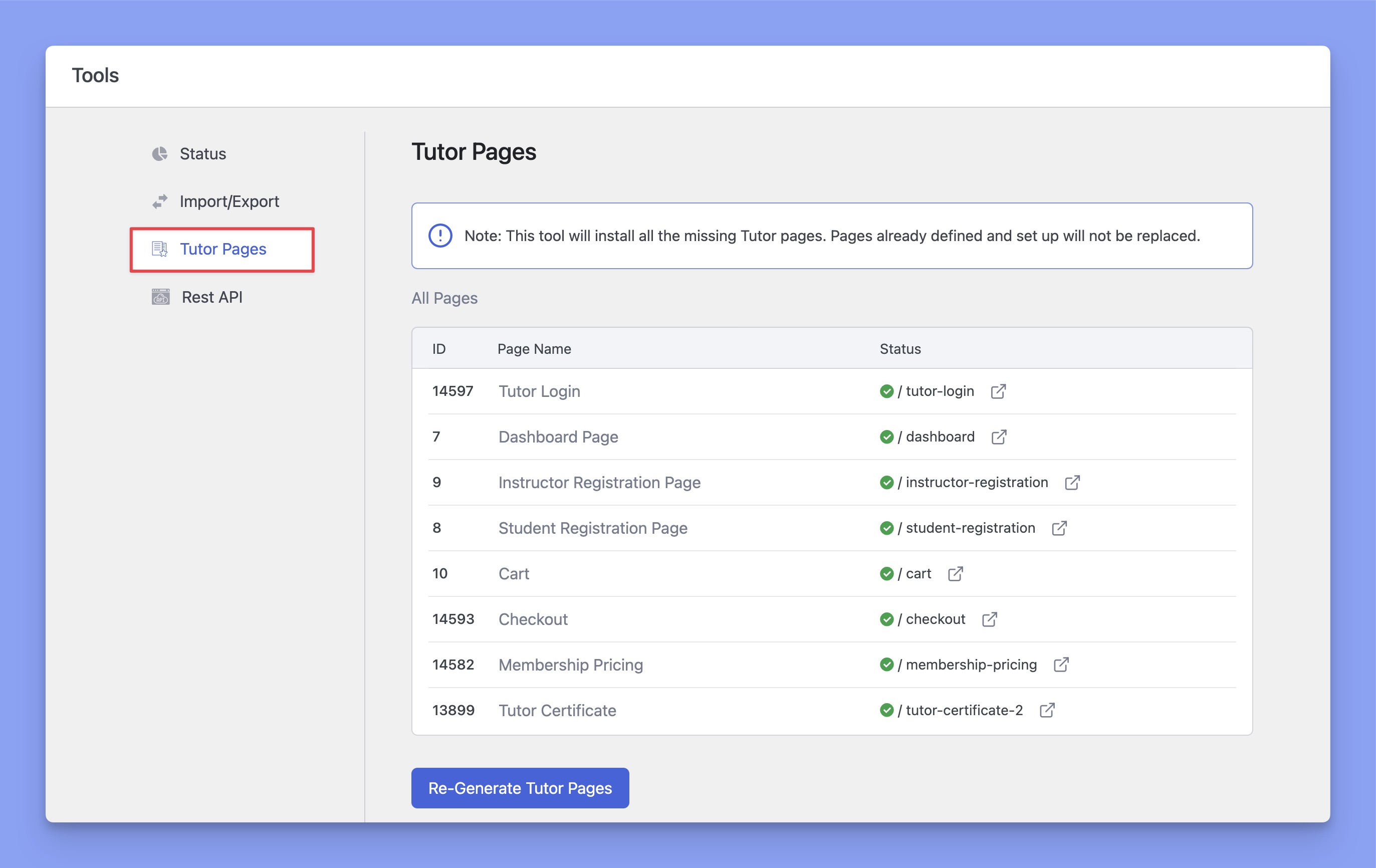
The Tutor Pages tab will help you generate the default pages that come with WordPress. If for some reason, those pages get removed, then you can use the Re-generate Tutor Pages button to add them back.
Rest API
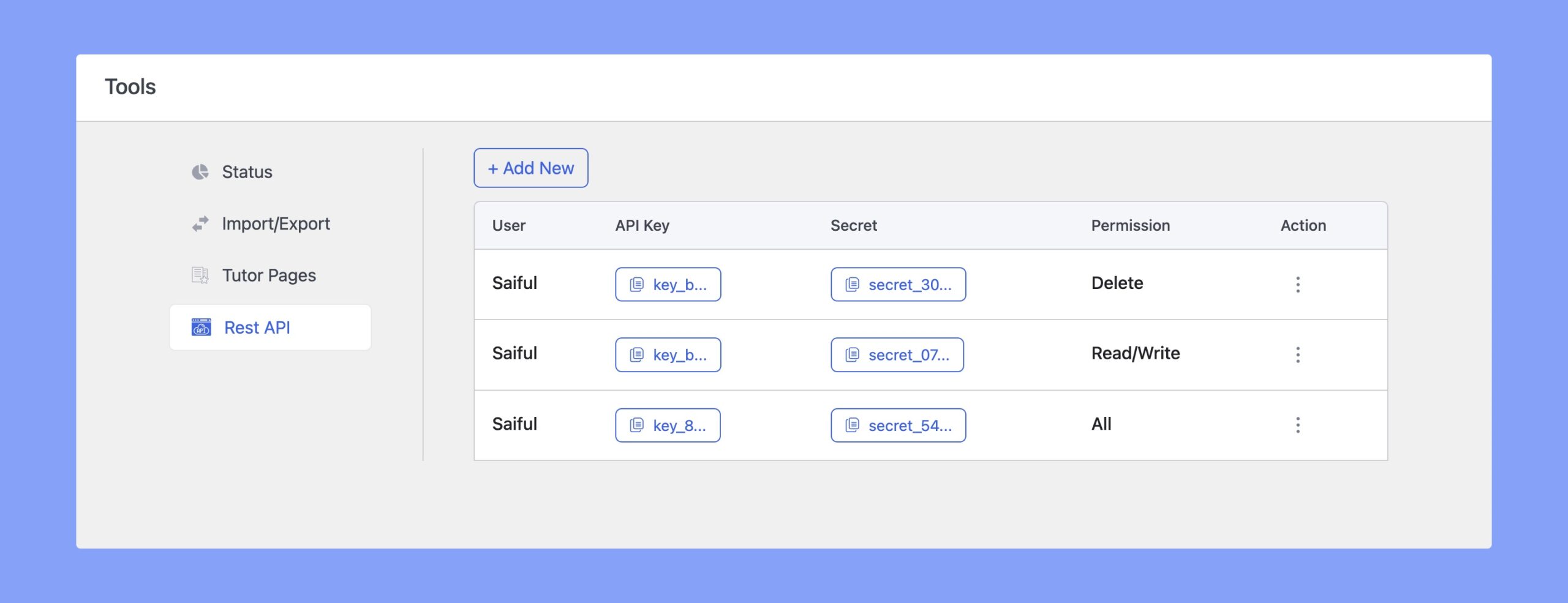
You can generate API Keys and Secret Keys from the Rest API section. You can also edit or revoke permission using the ellipsis icon.
WooCommerce Migration
The WooCommerce Migration tab under Tutor LMS > Tools allows administrators to seamlessly transition from WooCommerce monetization to Tutor LMS Native eCommerce. This built-in utility migrates your historic sales, enrollment records, order data, and instructor commission histories directly into Native eCommerce without data loss or service disruption.
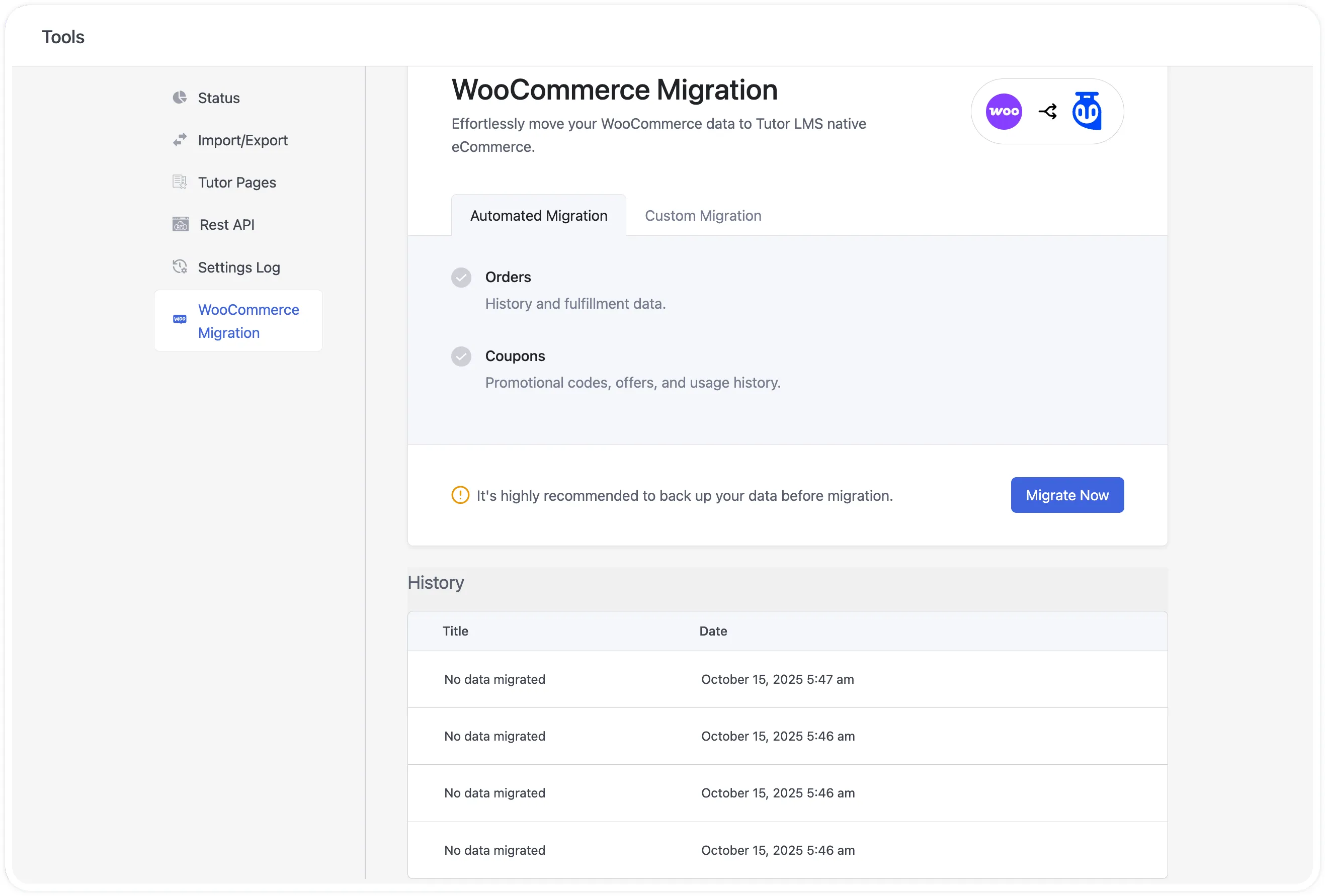
Full Walkthrough Available: For complete prerequisites, pre-migration database backup recommendations, and post-migration validation steps, check out the detailed WooCommerce to Tutor LMS Native eCommerce Migration Guide.
Settings Log
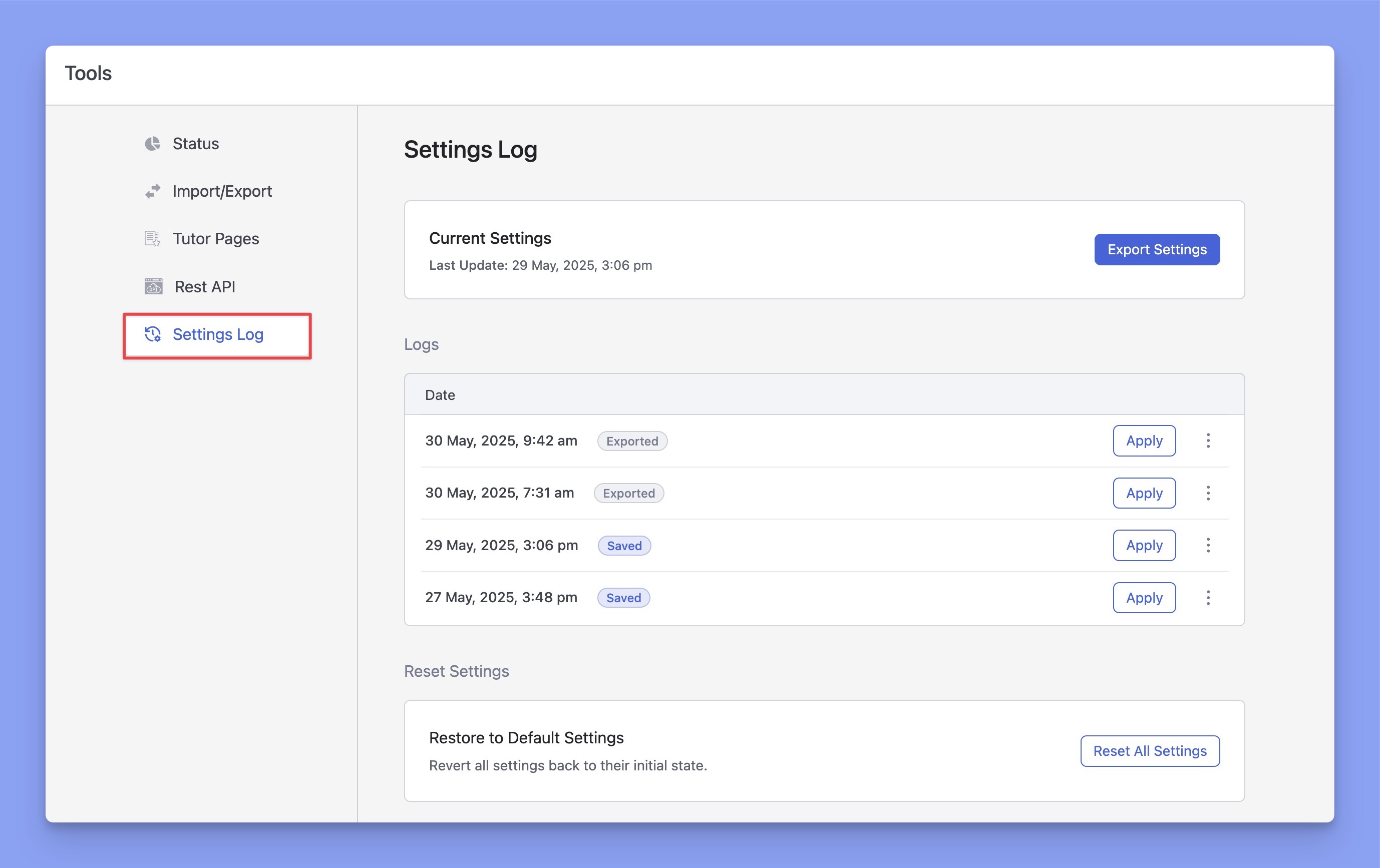
The Settings Log section shows your current Tutor LMS settings along with the last 10 saved versions. If you ever make changes by mistake, you can easily restore a previous version from here.