Course Purchase
Display your membership plan and course’s price or the percentage of course completion for already enrolled students.
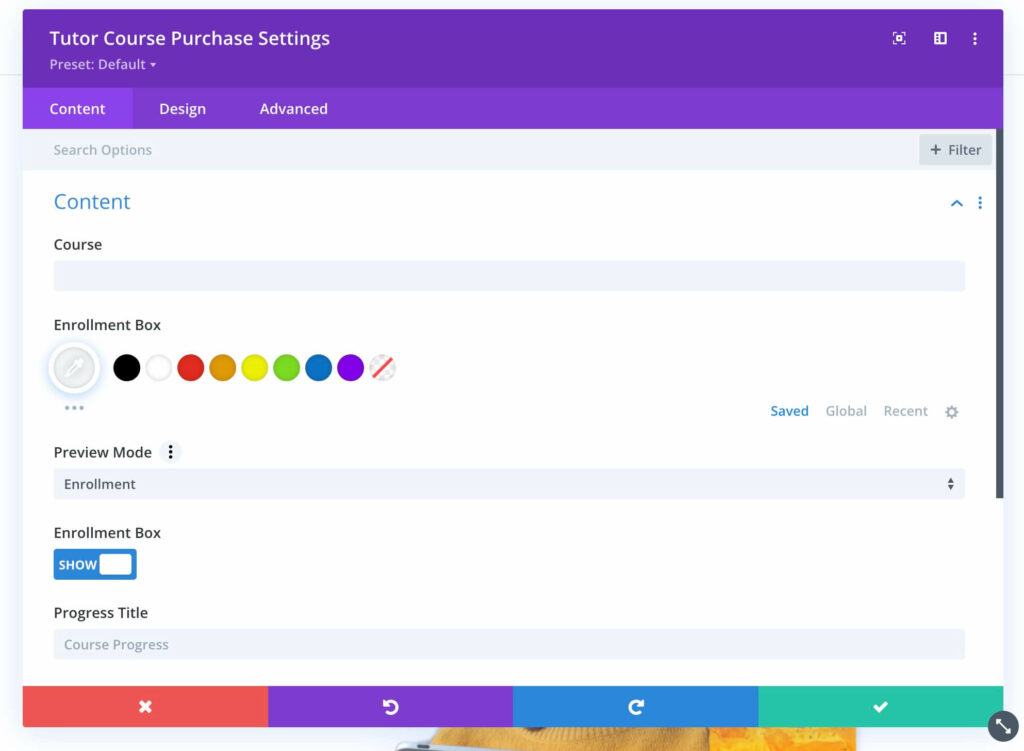
Content
Content: In the Content section, you can customize the following attributes.
Content
- Course – You can Select which course you want to import the content for.
- Enrollment Box – Set the color of the enrollment box to be displayed.
- Preview Mode – Set the preview mode to say either Enrollment or Enrolled.
- Enrollment Box – Toggle to show or hide the Enrollment box.
- Progress Title – Set what the progress title should say.
Link
- Module Link URL – When clicked the module will link to this URL.
- Module Link Target – You can set whether or not your module link opens in the same window.
Background
- Background – Adjust the background style of this element by customizing the background color, gradient, image, video, pattern, and mask.
Admin Label
- Admin Label – This will change the label of the module in the builder for easy identification.