Monetization
You can configure all your Monetization settings from this section to start earning from your Tutor LMS site. Effectively customizing these settings can help you maximize your earning potential.
Options
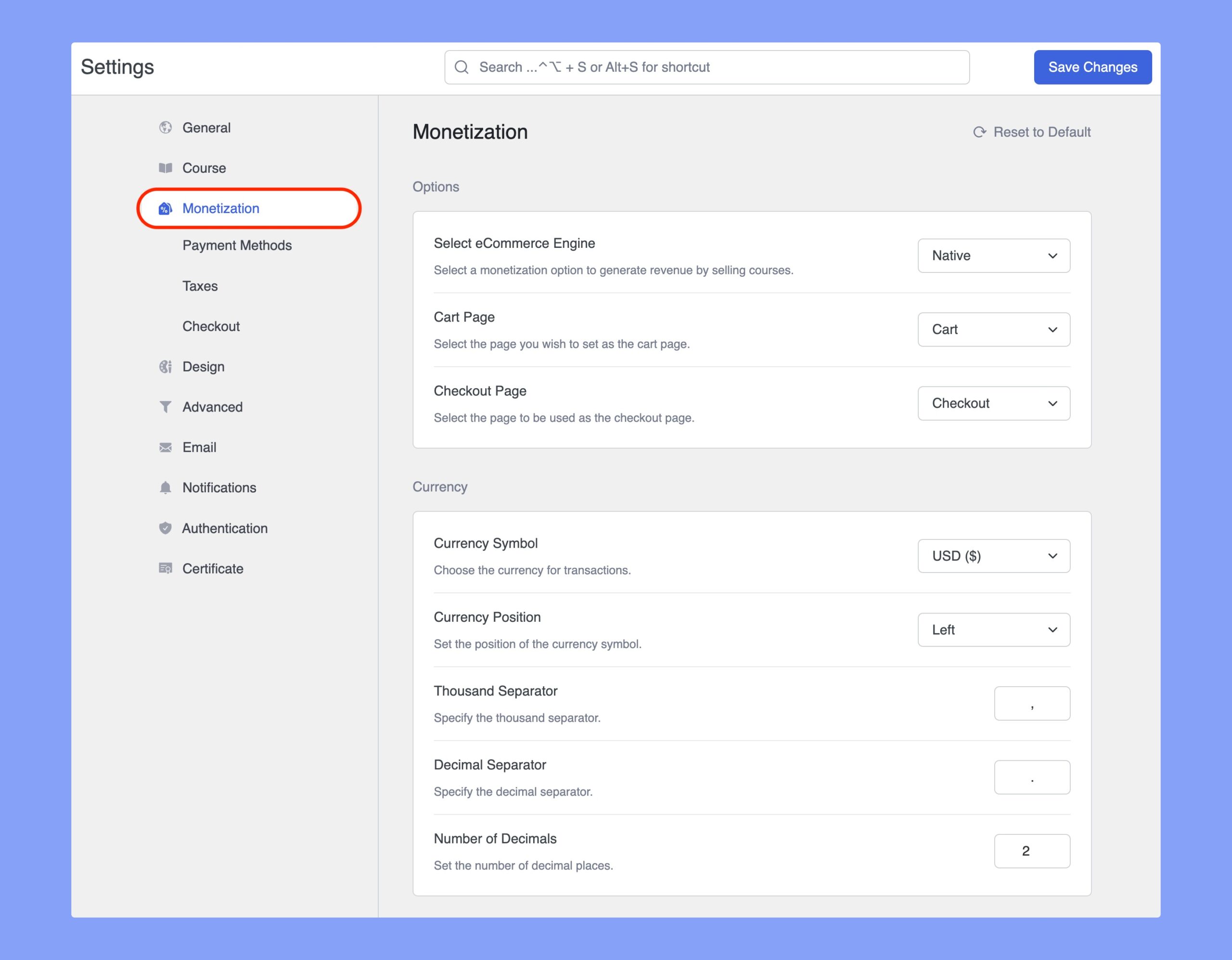
- Select eCommerce Engine: Select a monetization option to generate revenue by selling courses. Tutor LMS supports: Native, WooCommerce, WooCommerce Subscriptions, Easy Digital Downloads, Paid Memberships Pro, and Restrict Content Pro.
- Cart Page: Select the page to be used as the cart page.
- Checkout Page: Select the page to be used as the checkout page.
Currency
- Currency Symbol: Set the symbol for the selected currency (e.g., $, €).
- Currency Position: Define whether the currency symbol appears on the left or right of the course price.
- Thousand Separator: Specify the symbol to separate thousands (e.g., comma
,or period.). - Decimal Separator: Define the symbol for decimal separation.
- Number of Decimals: Set the number of decimal places to display.
Revenue Sharing
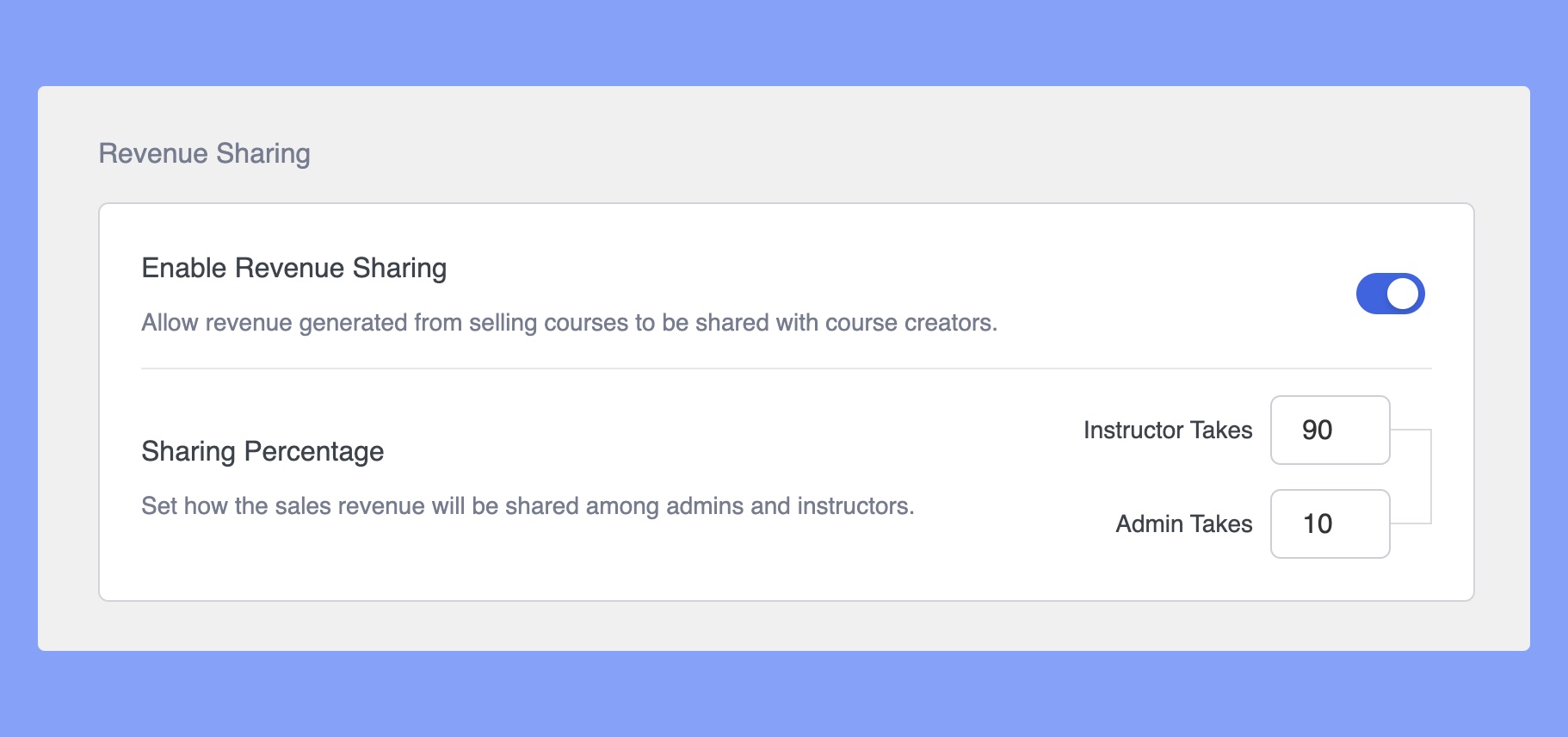
- Enable Revenue Sharing: Allow sharing revenue generated from courses with course creators.
- Sharing Percentage: Define how the sales revenue will be shared among the admins and instructors. Note that these values are in percentage.
Fees
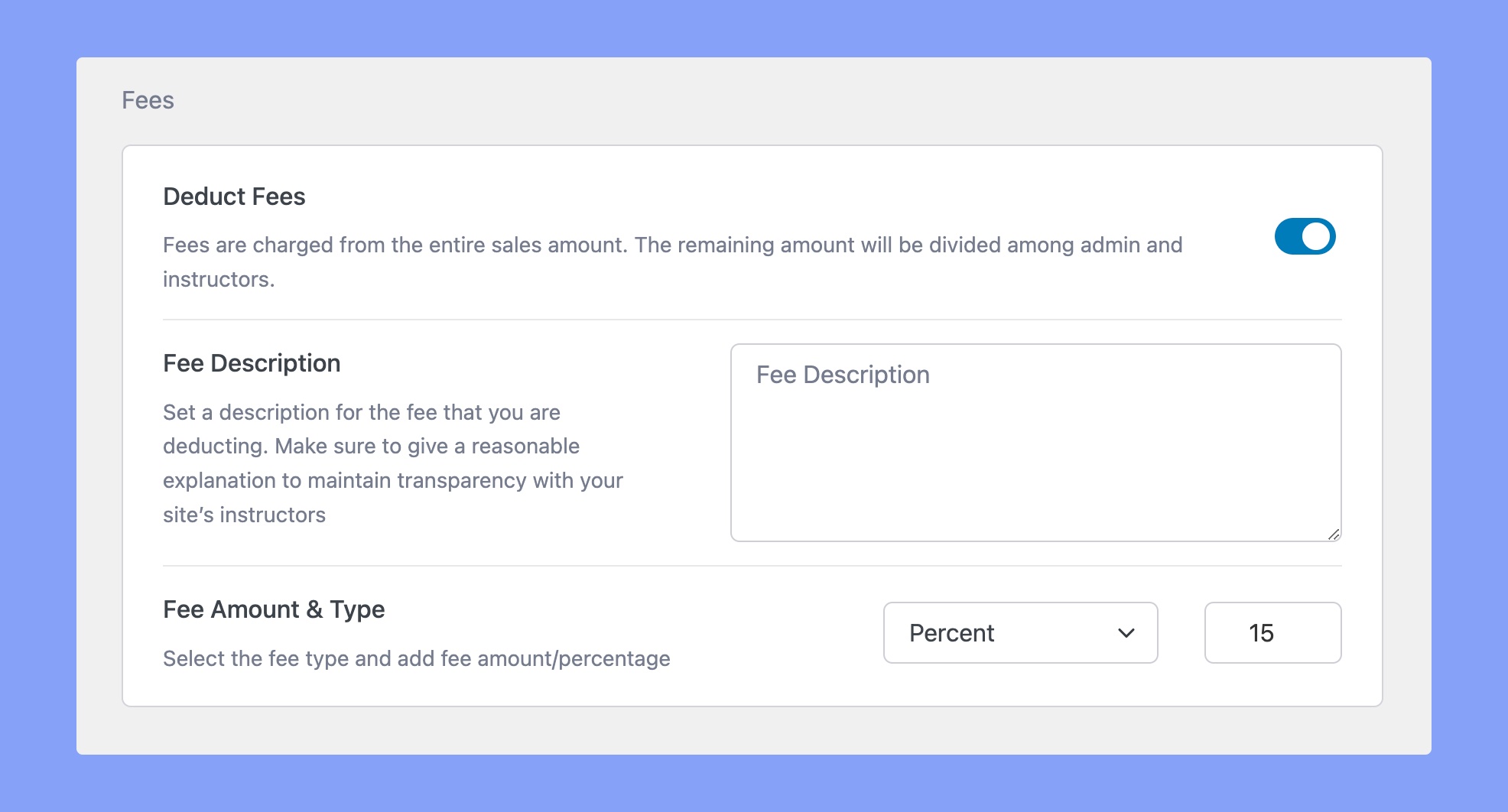
- Deduct Fees: Fees are charged from the entire sales amount. The remaining amount will be divided among admin and instructors. If enabled, you’ll find the following two options appear.
- Fee Description: Set a description for the fee that you are deducting. Make sure to give a reasonable explanation to maintain transparency with your site’s instructors.
- Fee Amount & Type: Select the fee type and add the fee amount/percentage. You can either set a Fixed Amount or set a Percentage that will go to the instructor.
Withdraw
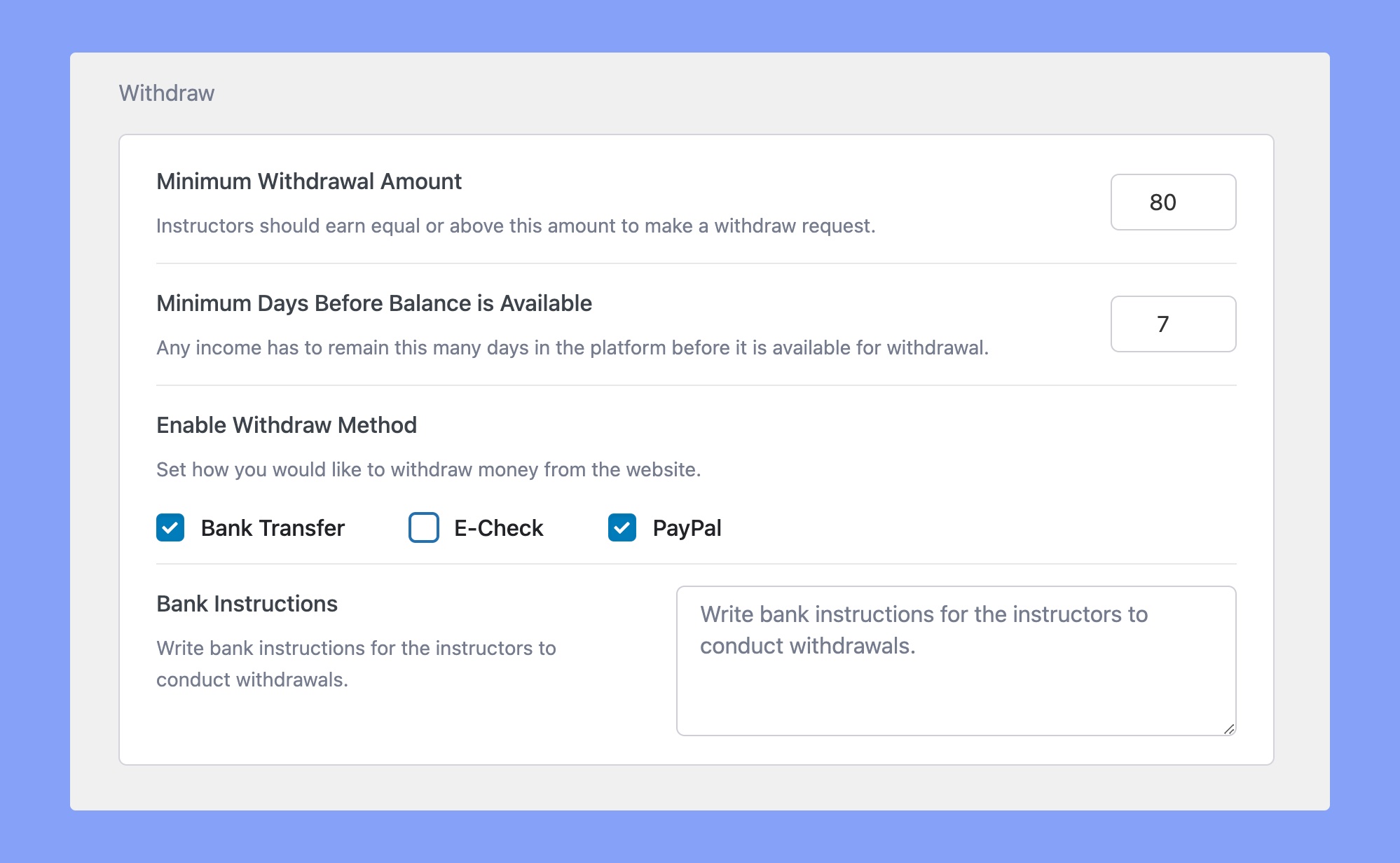
Minimum Withdrawal Amount: Instructors should earn equal to or above this amount to make a withdrawal request. Set the minimum amount that they will be able to withdraw.
Minimum Days for Balance to be Available: Any income has to stay this amount of days in the platform before it is available for withdrawal.
Enable Withdraw Method: Set how you would like users to withdraw money from the website. Options include:
- Bank Transfer
- E-Check
- PayPal
Bank Instructions: Enter any important instructions you need to mention to the instructor when they withdraw through bank transfer.
Invoice
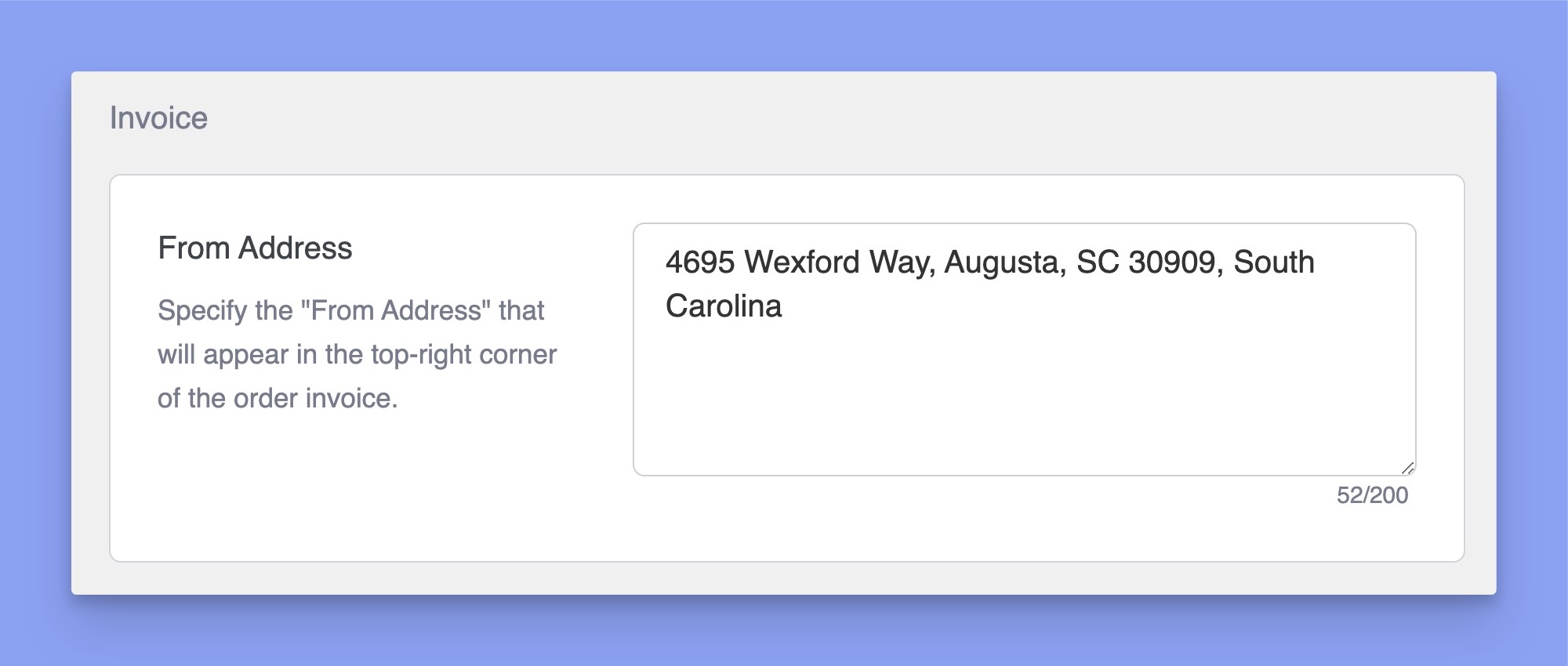
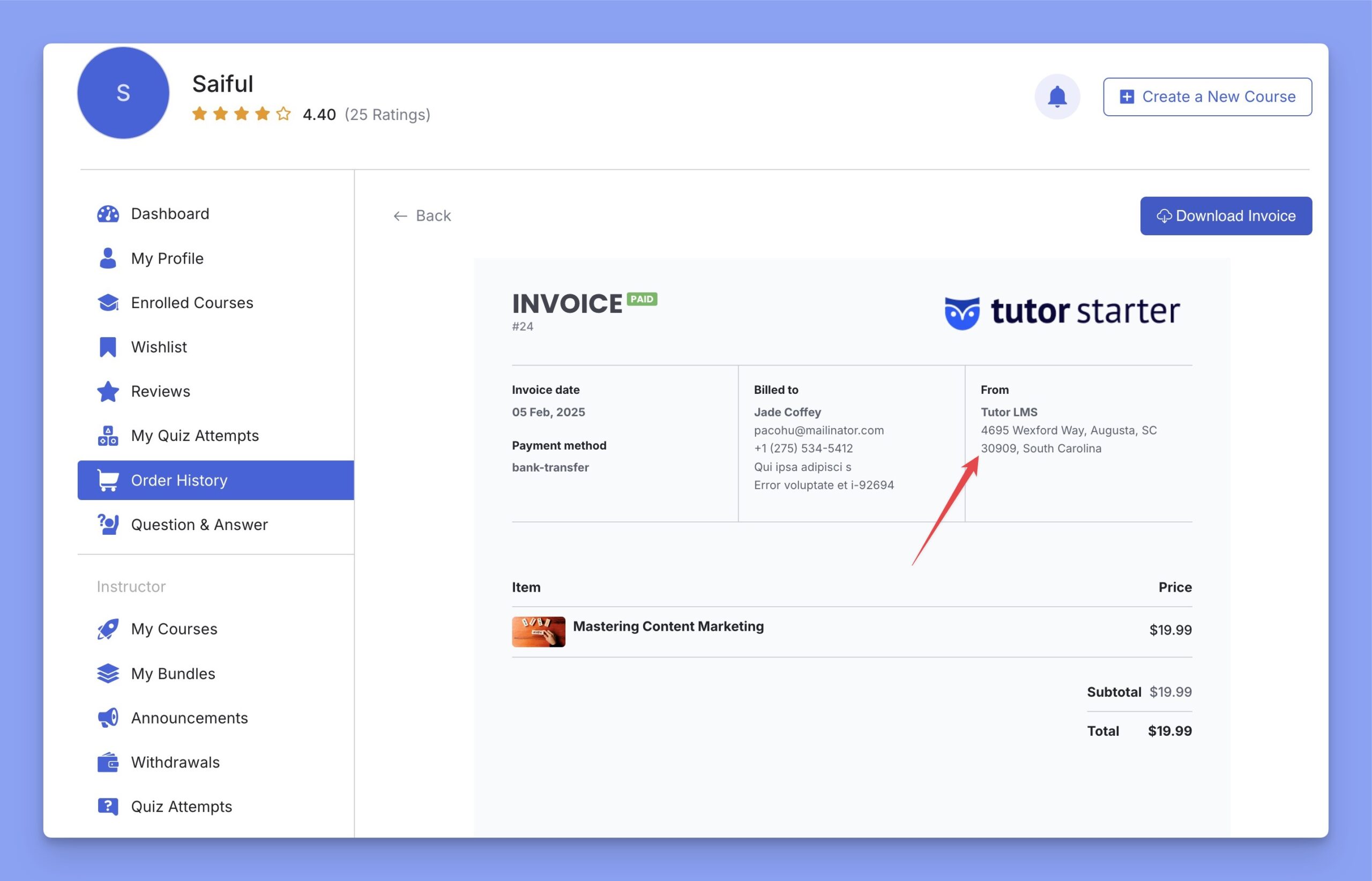
This field specifies the ‘From Address,’ which appears in the top-right corner of the order invoice. Check the sample invoice below: