Course Content
Course Content
Show what’s included in the course on the course description page to grab the attention of the users. Making it easier for them to make the purchase decision.
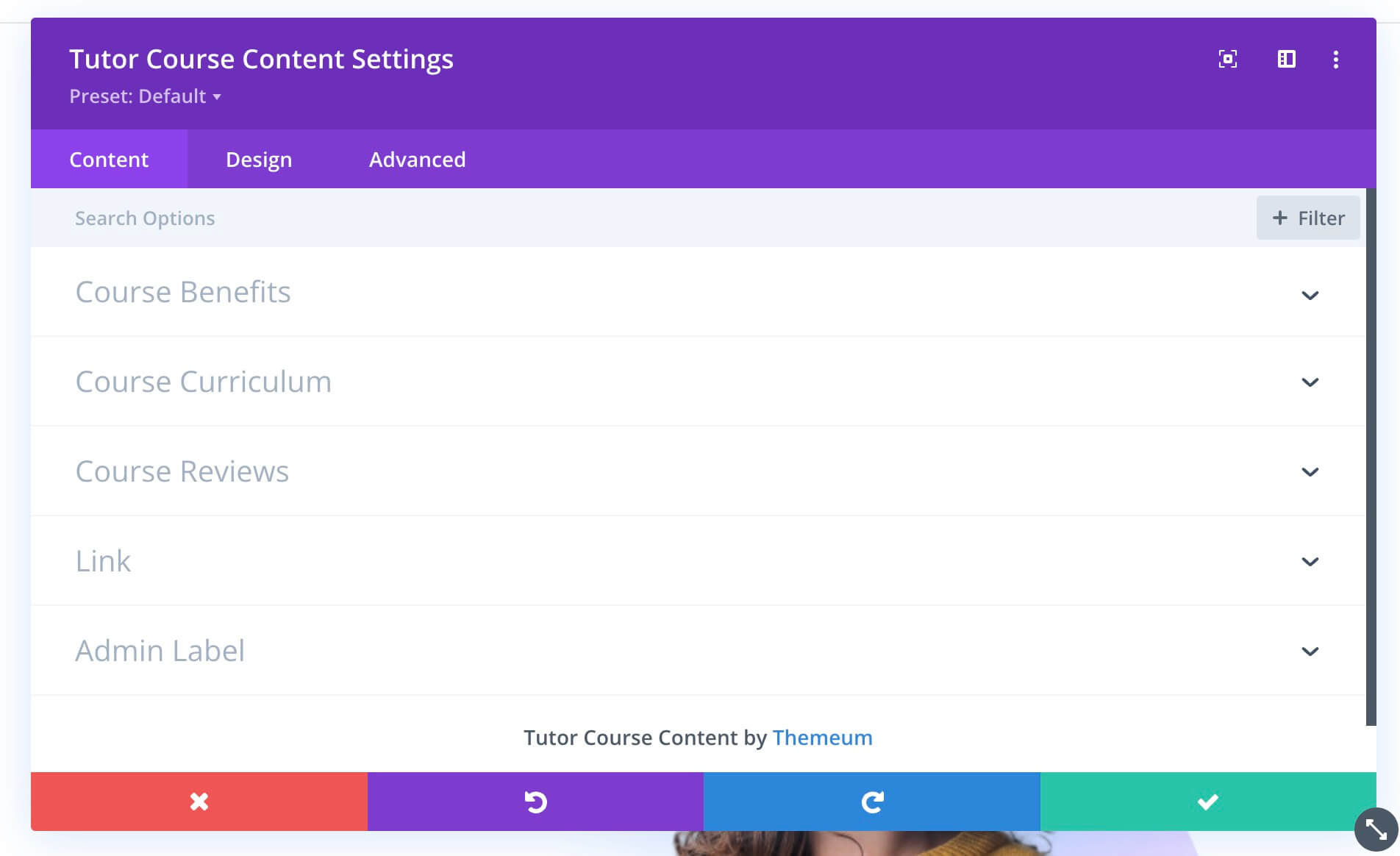
Content
In the “Content” section, you will be able to set the following attributes:
Course Benefits
Course: Select the course to which you want to add the Tutor Course Content module.
Label: Use the text box to set the title of the “Course Benefits” section.
Layout: Pick a layout option between lists and in-line.
Icon: Use this option to select an icon for the list from the icon library.
Alignment: Set the alignment of the title text using the three predefined alignment options.
Course Curriculum
Label: Use the text box to set the title of the “Course Curriculum” section.
Course Reviews
Label: Use the text box to set the title of the “Course Reviews” section.
Link
Module Link URL – When clicked the module will link to this URL.
Module Link Target – You can set whether or not your module link opens in the same window.
Admin Label
Admin Label – This will change the label of the module in the builder for easy identification.