Graph
Graph
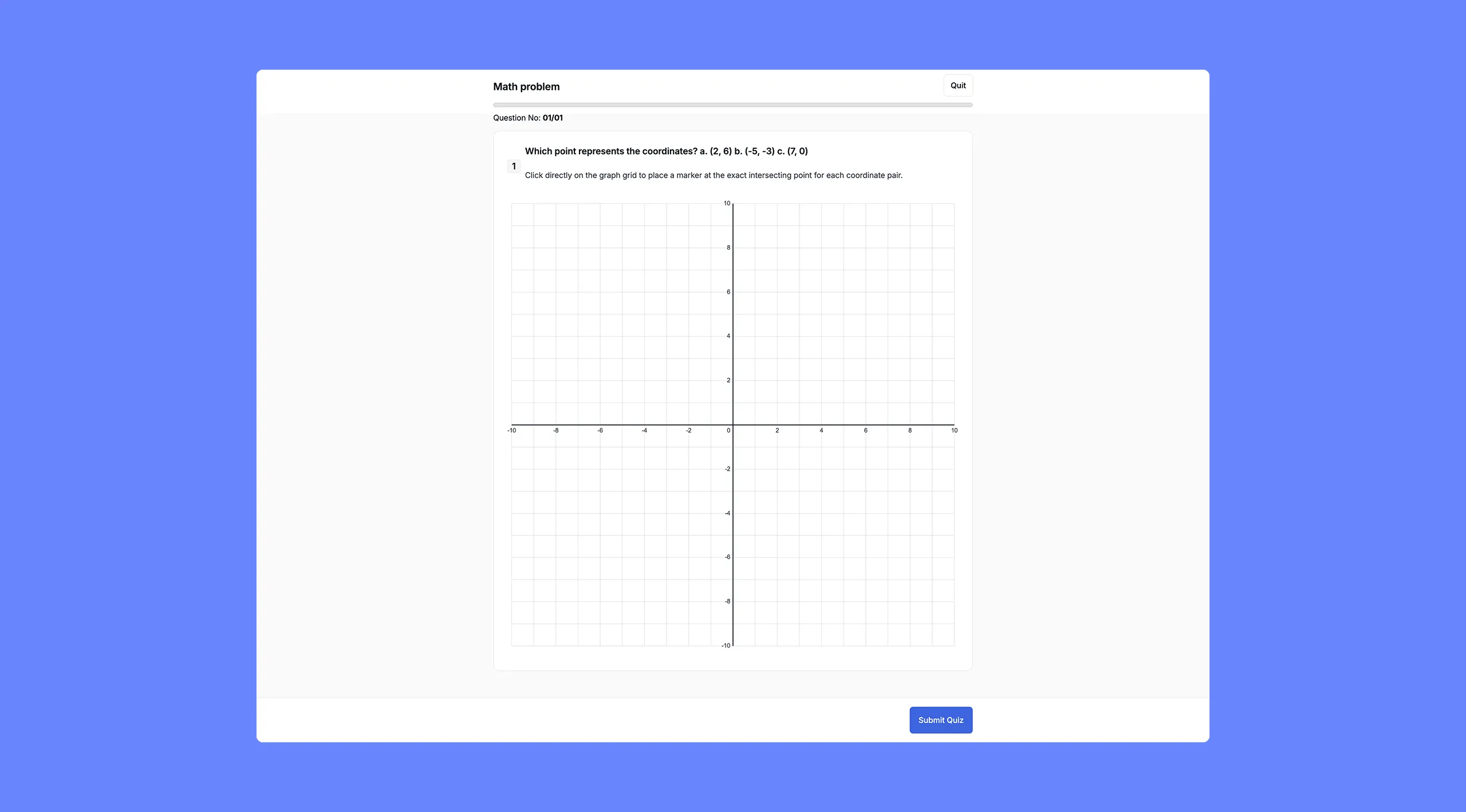
The Graph question shows the student a standard Cartesian coordinate grid (x and y axes, ranging from -10 to 10 by default) and asks them to click to place one or more points at specific coordinates. You define the correct coordinate or set of coordinates in advance.
This question type is designed for mathematics and data interpretation tasks, for example, “Click to mark the point (-4, 5) on the graph,” or “Place points at all three coordinates listed.”
How to Set It Up
- Select Graph as the question type.
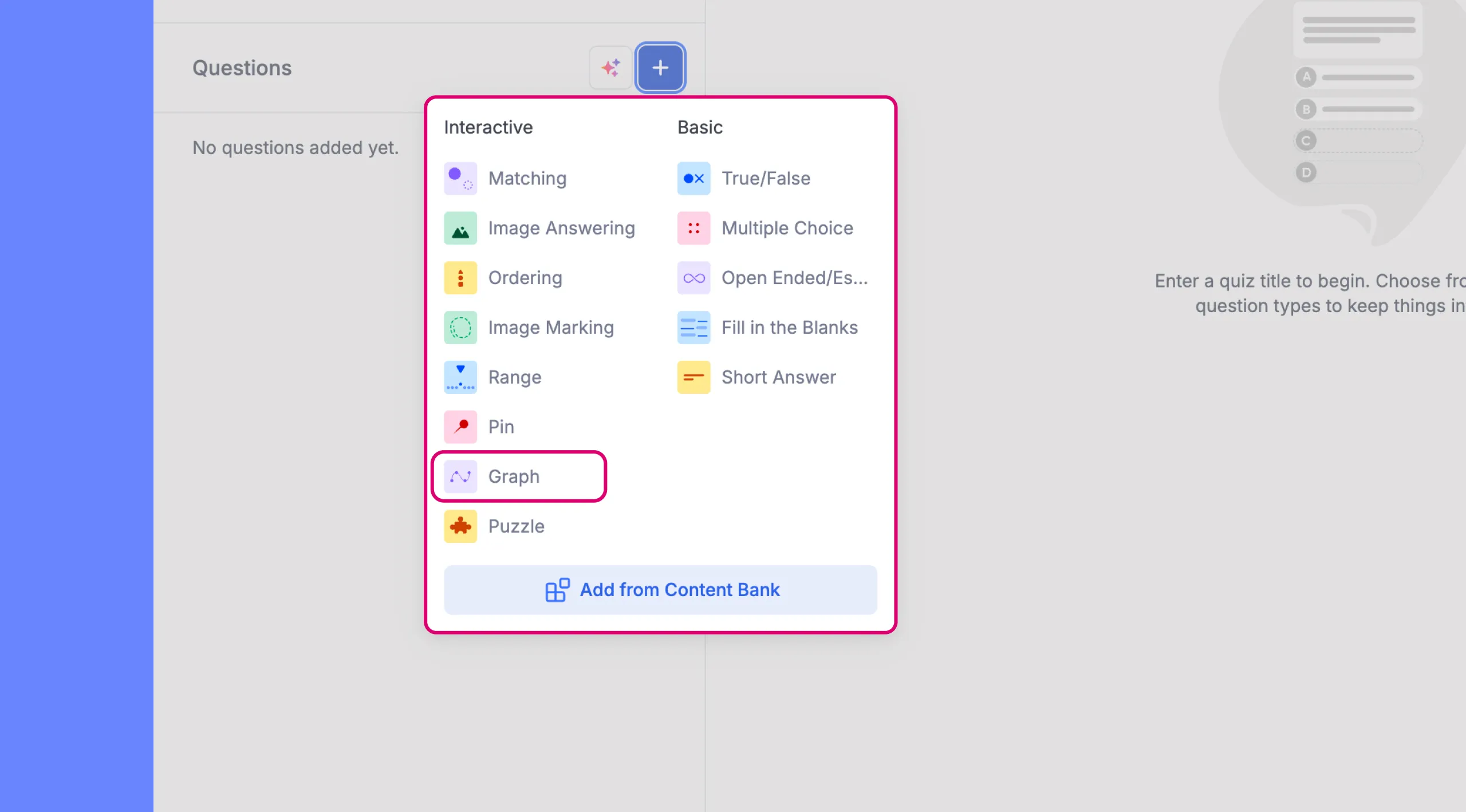
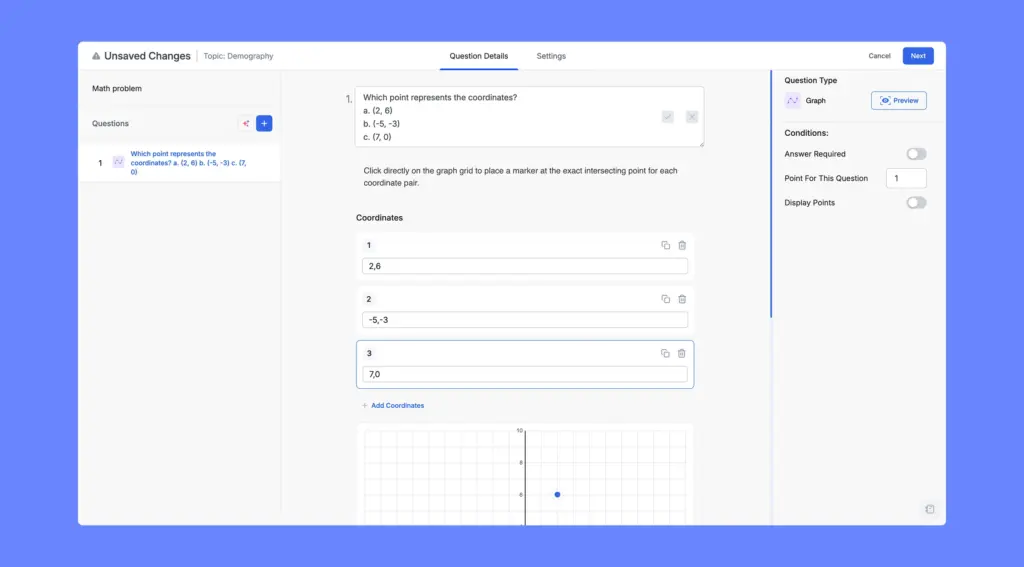
- Type your question in the question field. You can include the target coordinates directly in the question text, or list multiple coordinate pairs for the student to place. For example: “Which point represents the coordinates? a. (-4, 5) b. (3, -2) c. (0, -9).”
- In the Coordinations section below, you will see a numbered list of coordinate entries. Each entry has a text field where you type the coordinate in x,y format. For example, entering -4,0 places the correct answer at x = -4, y = 0.
- Click Add Coordination to add more correct coordinate points. Each one gets its own numbered row. You can duplicate or delete entries using the icons on the right.
- The coordinate grid below the entries updates in real time, showing a dot at each coordinate you define. This helps you confirm that the points are placed correctly before saving.
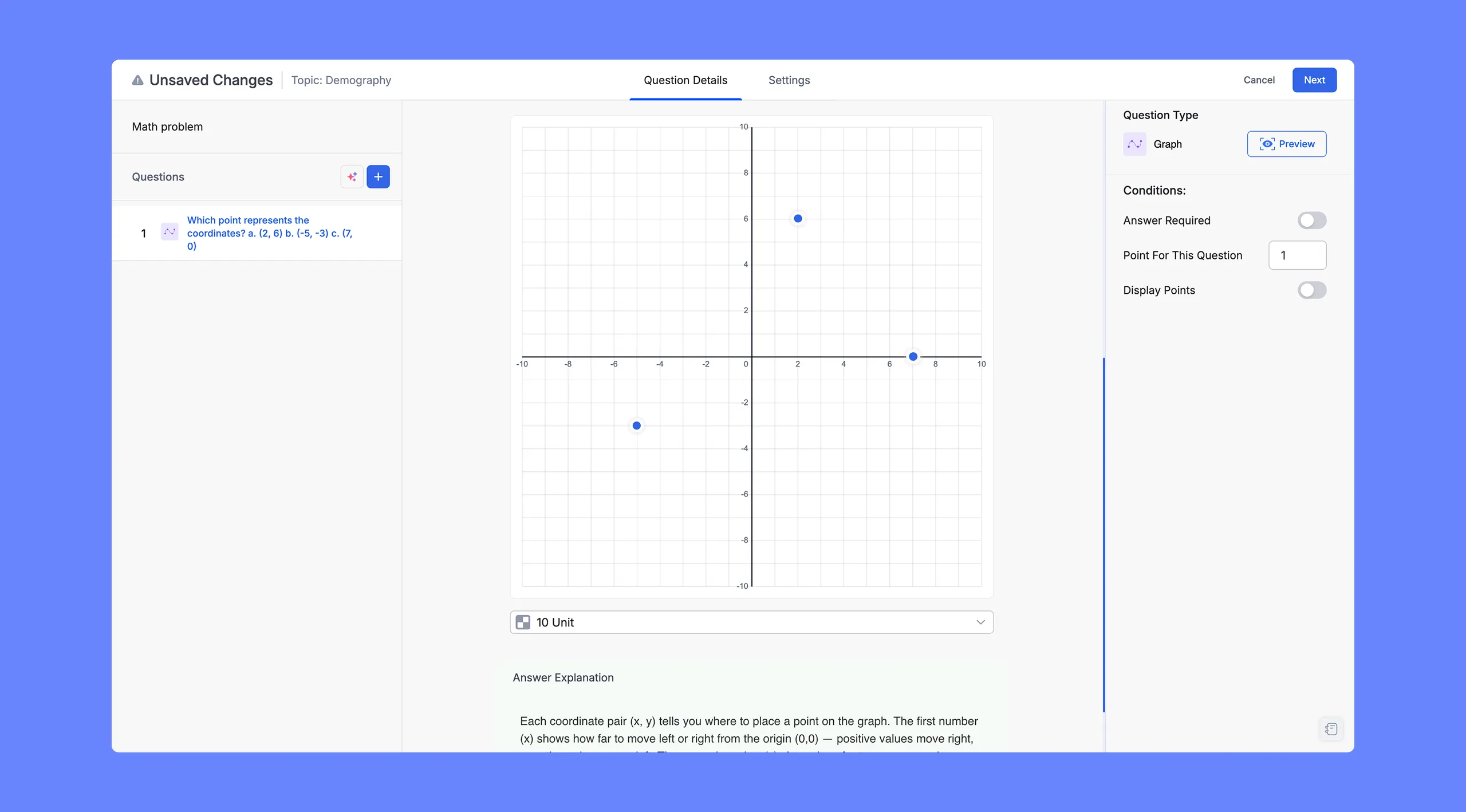
Tip: Use the Graph question type when you want students to demonstrate understanding of coordinate placement, data graphing, or geometric concepts. For a simpler question, provide a single coordinate. For a more challenging one, ask students to place multiple points, for example, all vertices of a triangle. Make sure your question text clearly communicates how many points the student is expected to place.
Graph Quiz Question: Learner POV
A full coordinate grid is displayed. The student clicks directly on the grid to place their answer point or points. Each click places a dot on the graph, which they can reposition. A Clear button appears so they can reset their answer if needed. After submission, correct points appear in green and incorrect placements appear in red on the results view.