Mollie is a versatile and secure payment gateway that provides access to a variety of payment methods. By integrating Mollie, you can offer your students multiple payment options, such as credit cards, bank transfers, and regional payment methods.
Before using Mollie, ensure that Mollie supports your currency and is available in your region.
Adding Mollie as a Payment Option
Access the Payment Method:
Log in to your Tutor LMS Dashboard.
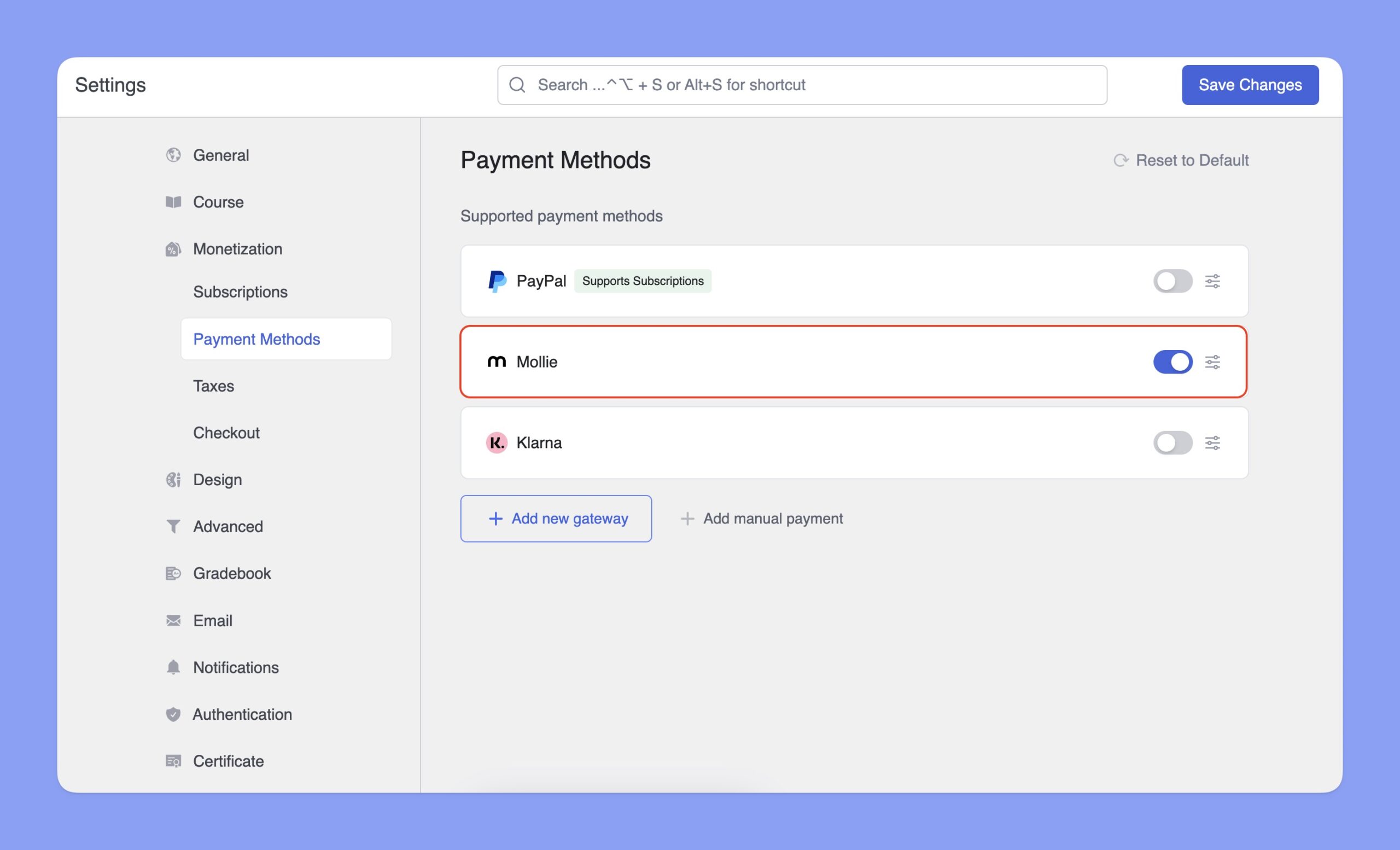
Navigate to Settings > Monetization > Payment Methods.
Add Mollie:
Click the Add new gateway button.
From the list of available payment methods, select Mollie and click the Install button.
Once installed, Mollie will appear as one of your payment options.
📝Note: You’ll need an active Tutor LMS Pro subscription to use Mollie.
Configuring Mollie Integration
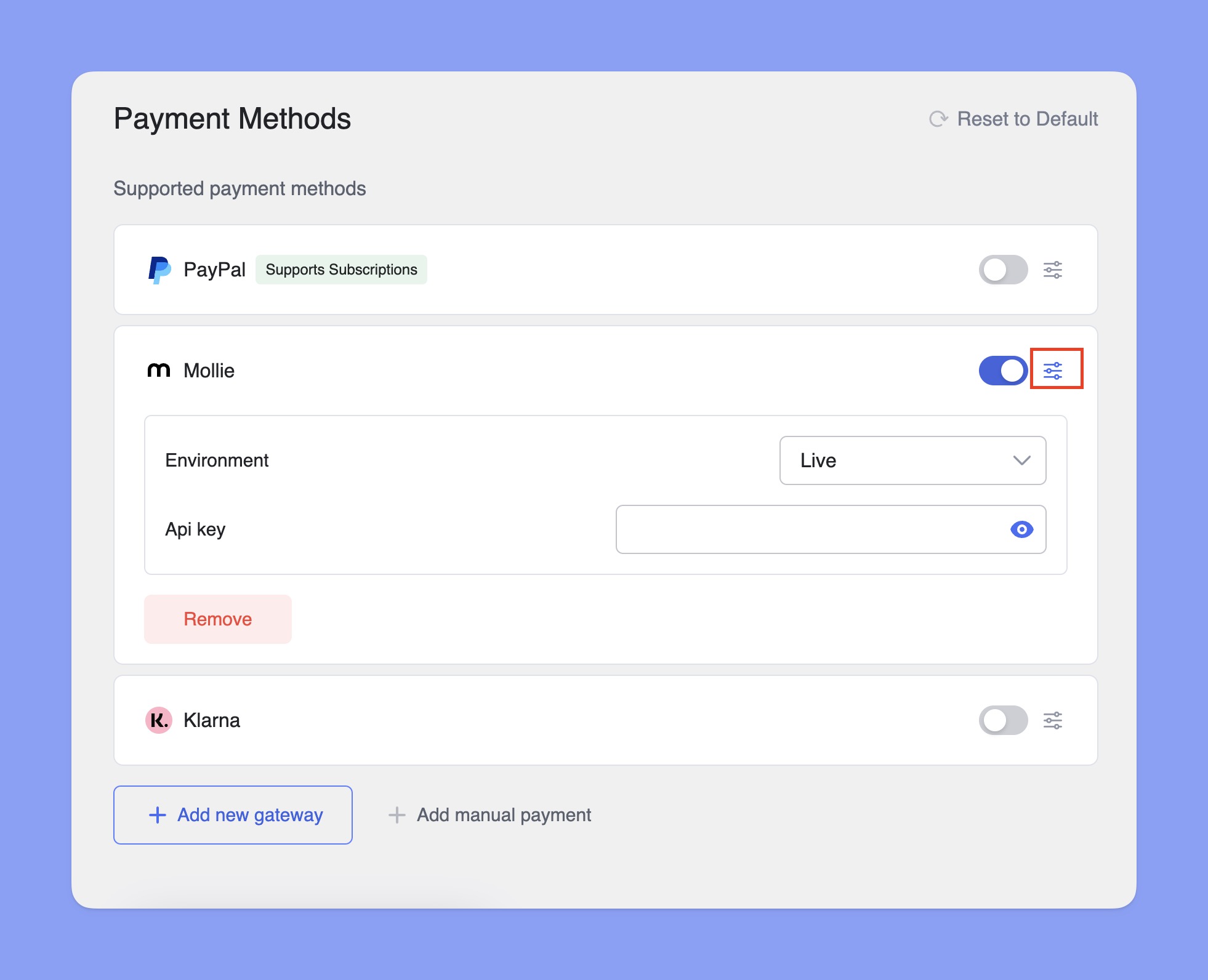
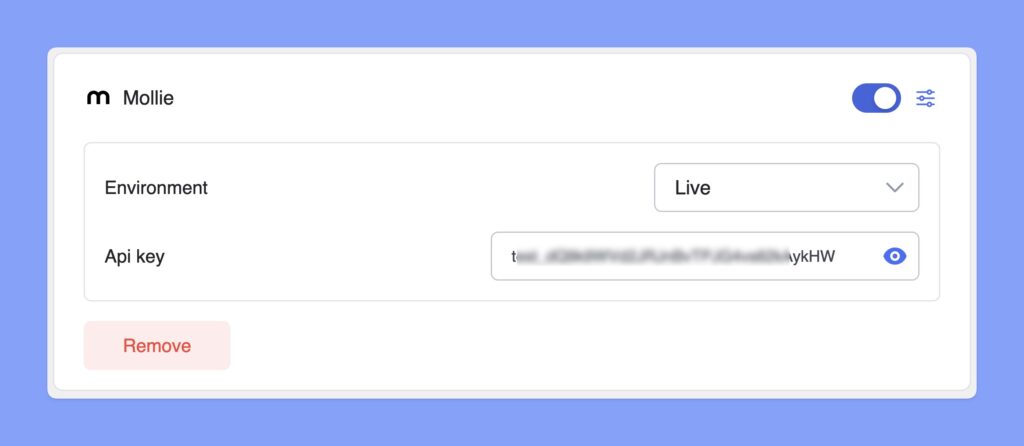
In the Payment Methods section, toggle the switch to enable Mollie for checkout. Then, click the Setup icon next to Mollie to expand the settings. Here, you can select the Environment and enter your API key.
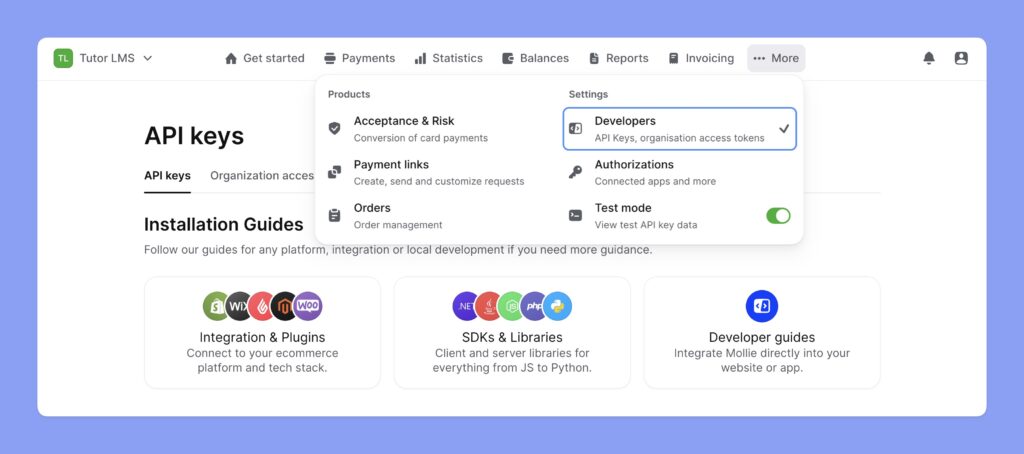
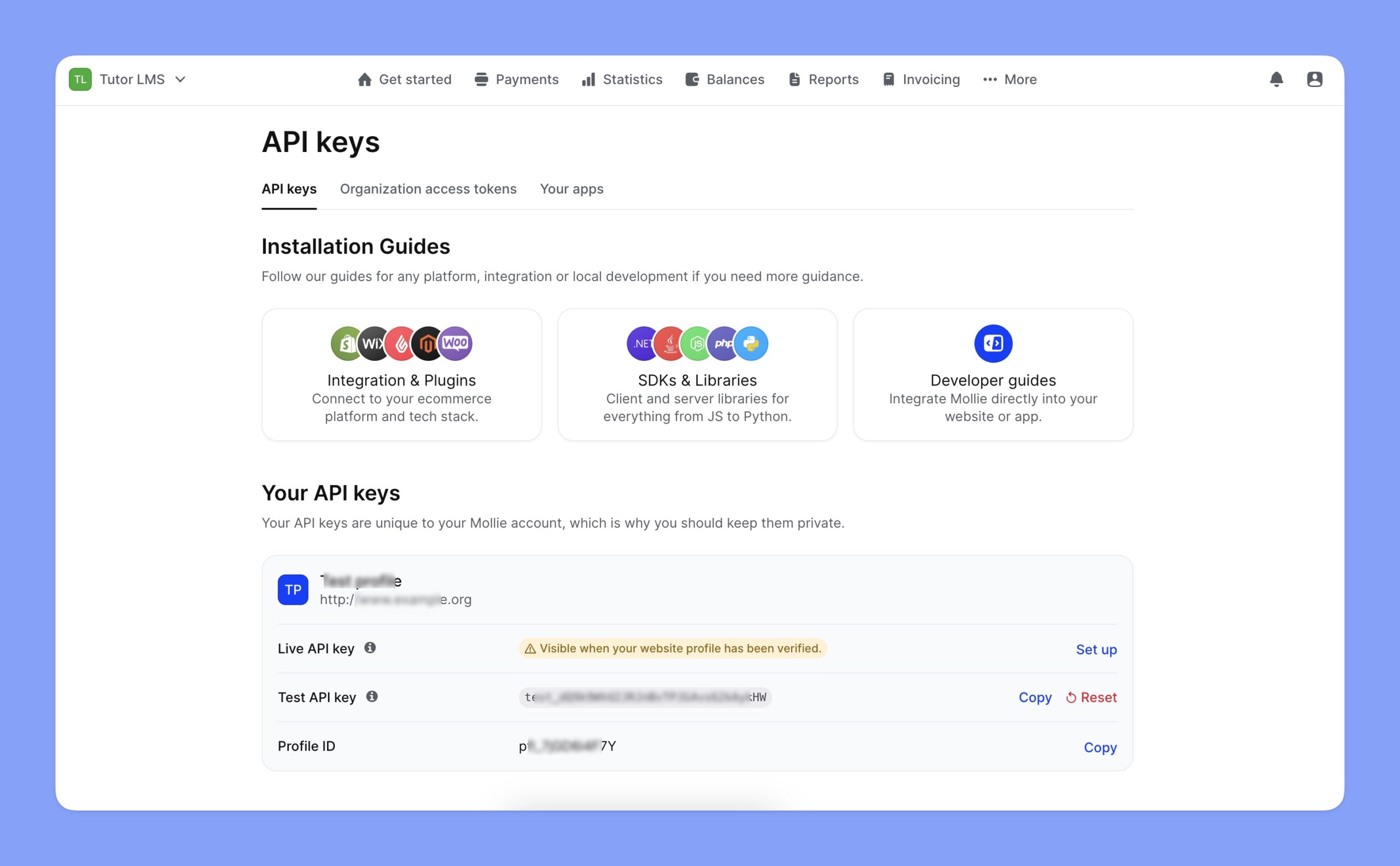
How to get a Mollie API Key?
You’ll need the Mollie API Key to integrate Mollie with Tutor LMS. Here are the steps to get Mollie API key:



 HALLOWEEN SALEHALLOWEEN SALEHALLOWEEN