Quiz Builder
Quiz Builder
The Tutor LMS Quiz Builder is a powerful tool designed to help you create interactive, engaging quizzes for your students. It offers 8 modern, versatile question types to assess students’ course material understanding effectively. It also offers several customization options to tailor each quiz perfectly to suit your needs.
To start creating quizzes, go to the Curriculum section, and you’ll find the +Quiz button there.
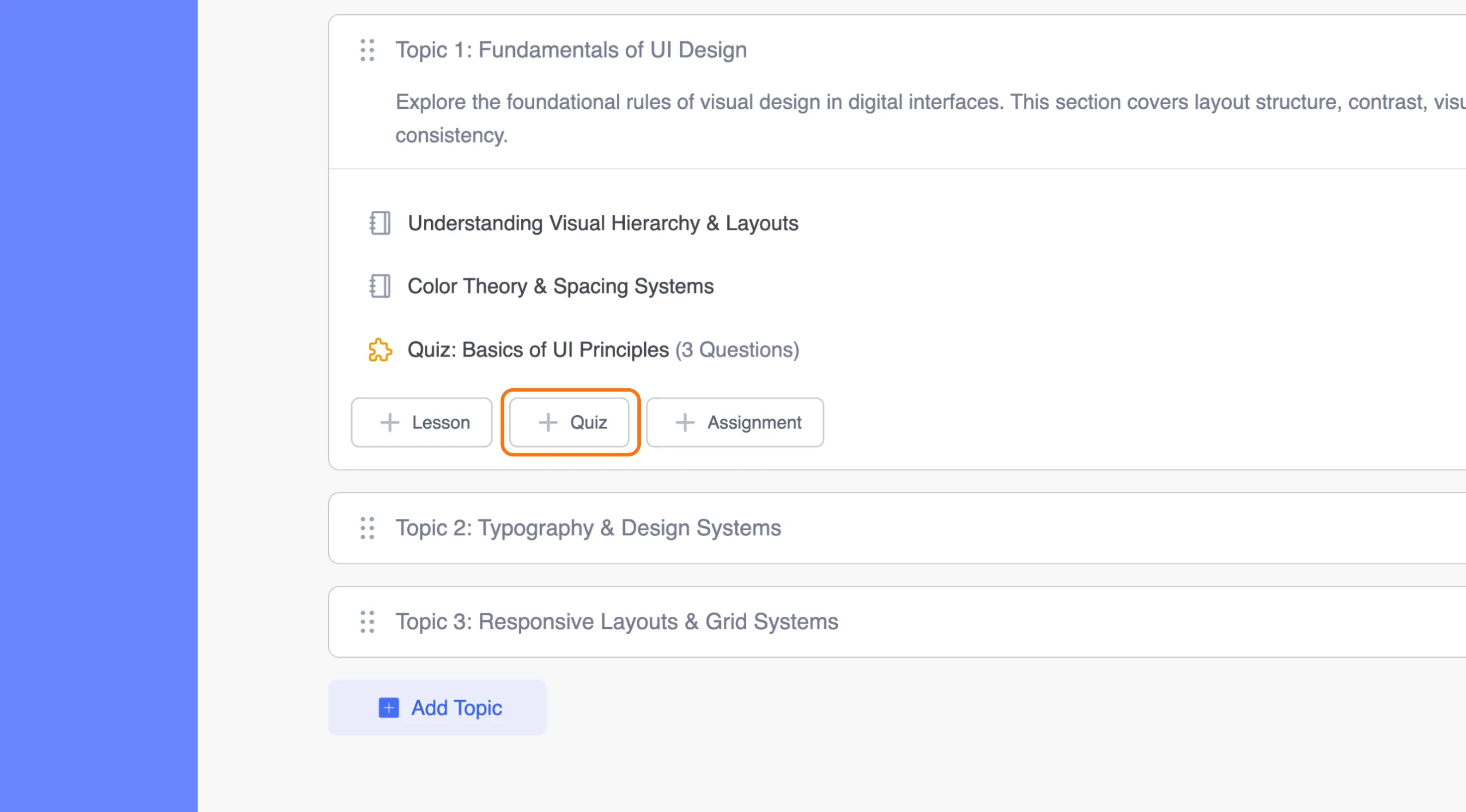
This will open the Quiz Builder window, where you’ll first need to enter the quiz title and description. Once that’s done, you can proceed to create your quizzes.
Tutor LMS lets you add 13 different types of questions. These are:
Basic Quiz Questions:
- True/False
- Multiple Choice
- Open Ended/Essay
- Fill in the Blanks
- Short Answer
Interactive Quiz Questions:
- Matching
- Image Answering
- Ordering
- Image Marking
- Range
- Pin
- Graph
- Puzzel
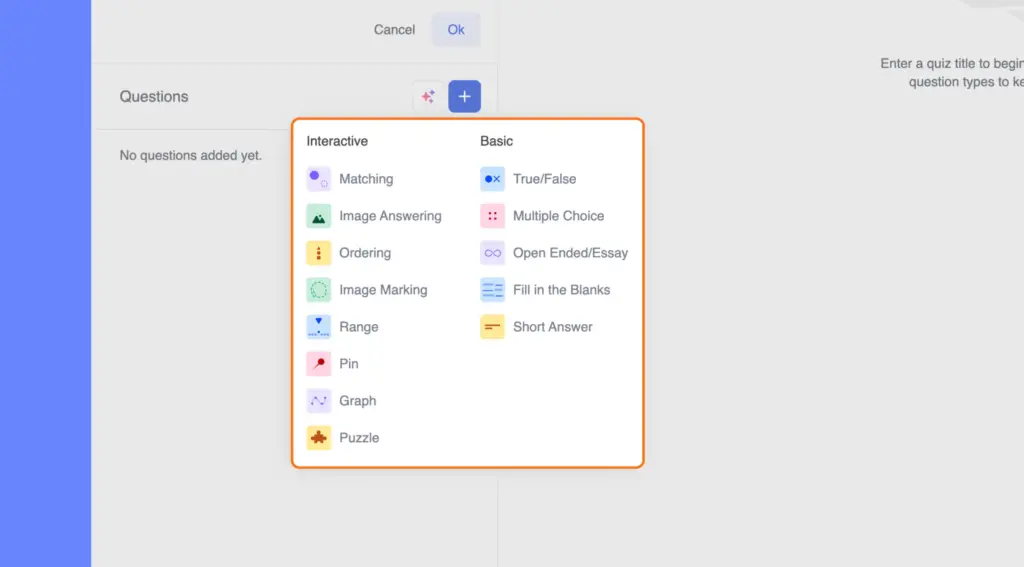
To add quiz questions, click the large blue plus button next to the Questions section and select the type of question you wish to add to your course.