Payments Methods
Payments Methods
The Payment Methods section under Monetization in Settings allows you to manage and configure the payment gateways for your eCommerce store.
This is where you can enable or disable specific payment options, set up configurations, and ensure your store can process transactions seamlessly.
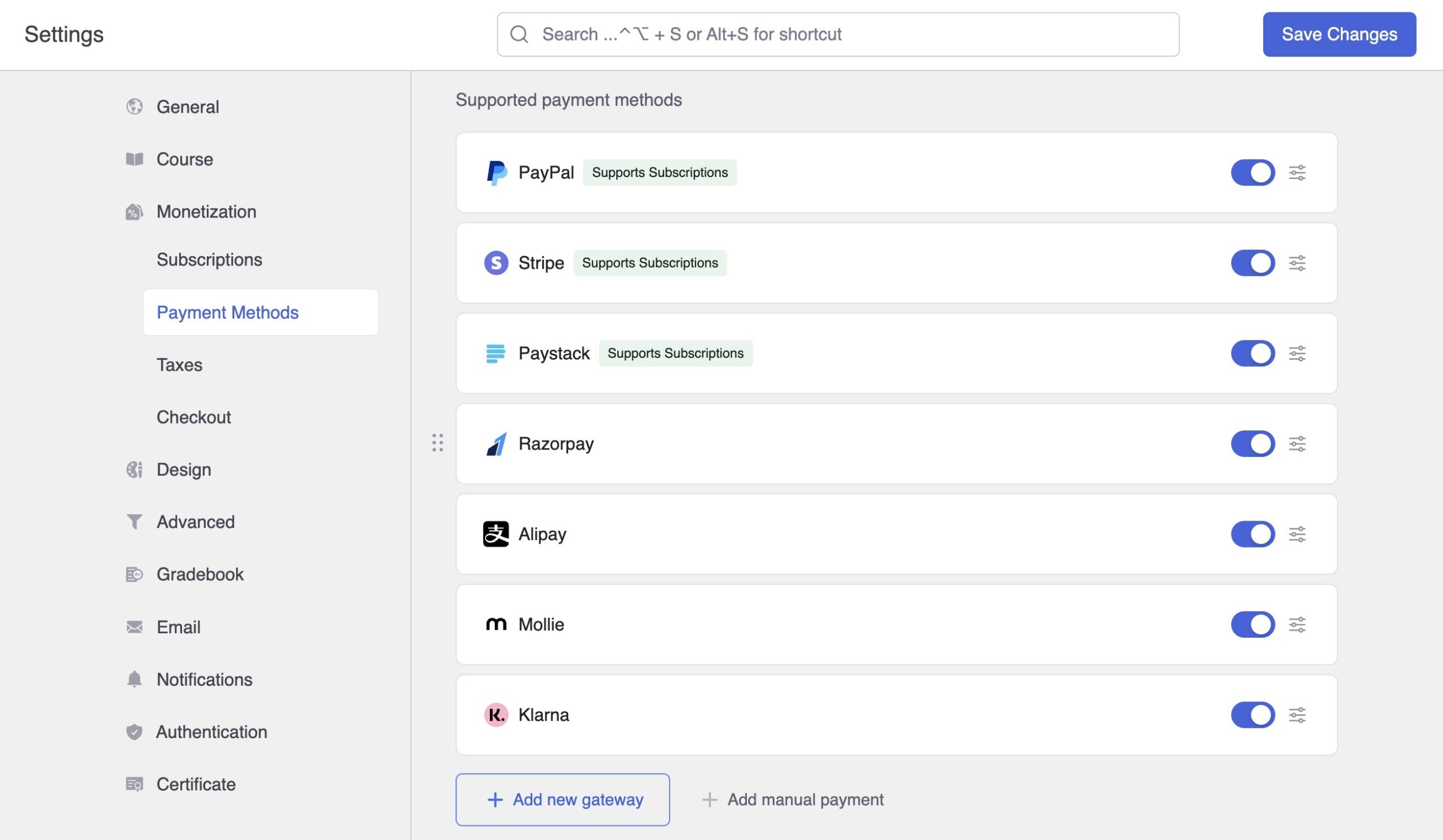
The list of currently available payment gateways includes:
Note: Additional gateways will be added in future updates.
Enable/Disable Payment Gateways
Each gateway has a toggle switch that allows you to enable or disable it for your store.
Configure Gateways
- Click on the gear icon next to each payment gateway to access its configuration settings.
- Customize the options based on the requirements of the specific gateway (e.g., API keys, webhook URLs, etc.).
Add New Payment Gateways
Use the + Add new gateway button to integrate new payment gateways that may not yet be listed.
Follow the setup instructions provided for each gateway in its respective documentation.
Manual Payment Options
Add custom manual payment methods (e.g., bank transfers, cash on delivery) by selecting the + Add manual payment button. Configure the details to display instructions for customers.