Give Feedback as an Instructor
Give Feedback as an Instructor
Tutor LMS allows you to send feedback to your students on their quiz attempts. To learn how you can do this, please visit WP Admin > Tutor LMS > Quiz Attempts.
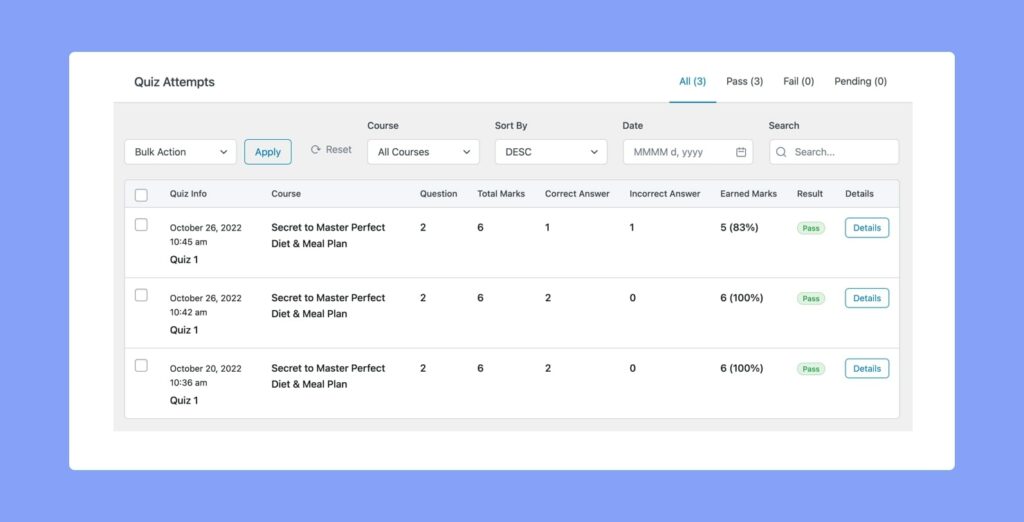
Here, you’ll see a list of all quiz attempts the students have submitted for all your courses. To give feedback on any particular attempt, simply click on its Details button.
This will take you to the Quiz Attempt’s Details Page, where you’ll not only get a breakdown of the quiz questions and the automatically generated results but also be able to correct the quiz manually just in case.
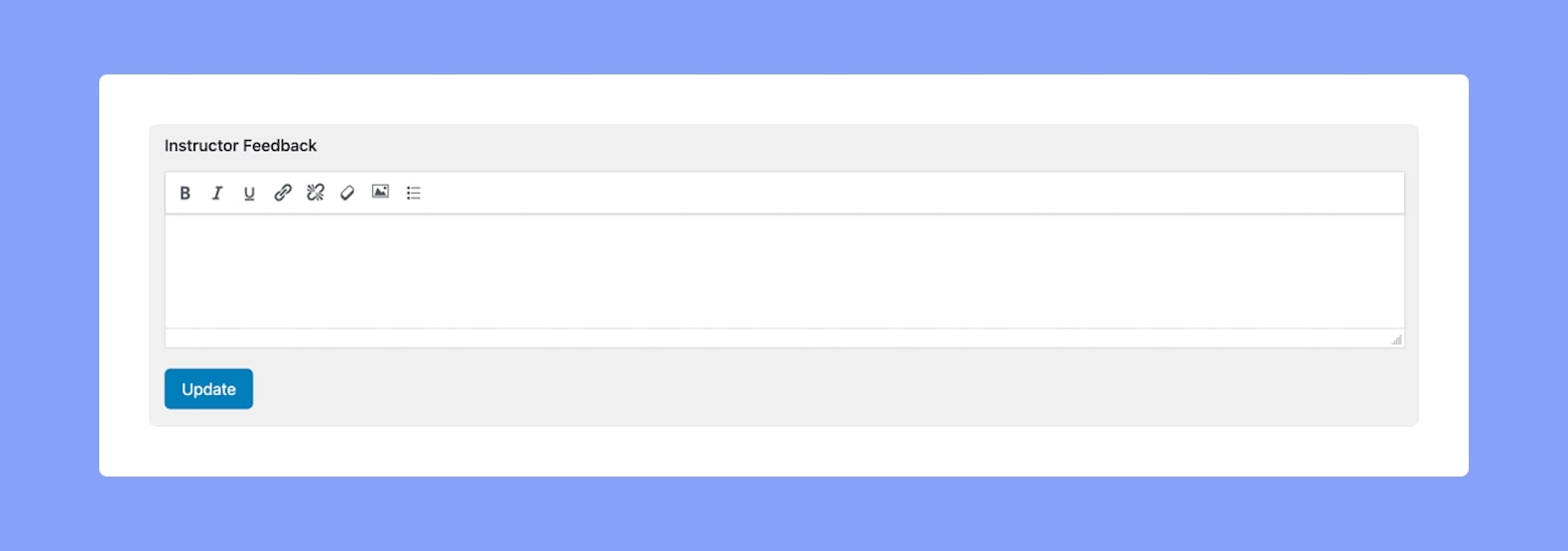
Here, at the bottom of the page, you’ll find the Instructor Feedback section. You can add your feedback text here and also format it to suit your preferences. You can also add links & images if needed. Lastly, finish off by clicking on Update.