Q&A
Q&A
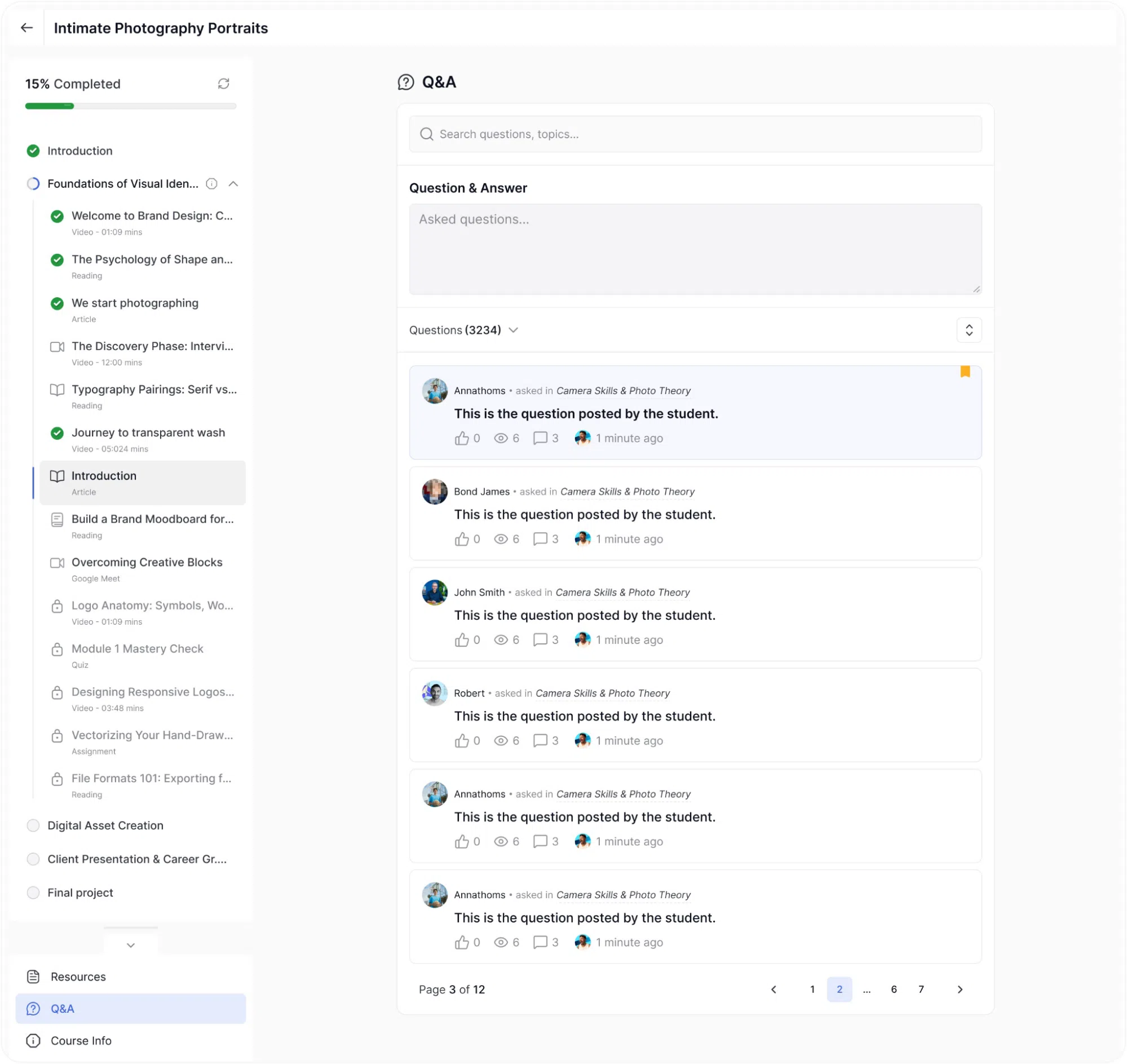
The Q&A section allows students to ask questions that the instructor and other students can answer. Students can access it from the sidebar under the curriculum list.
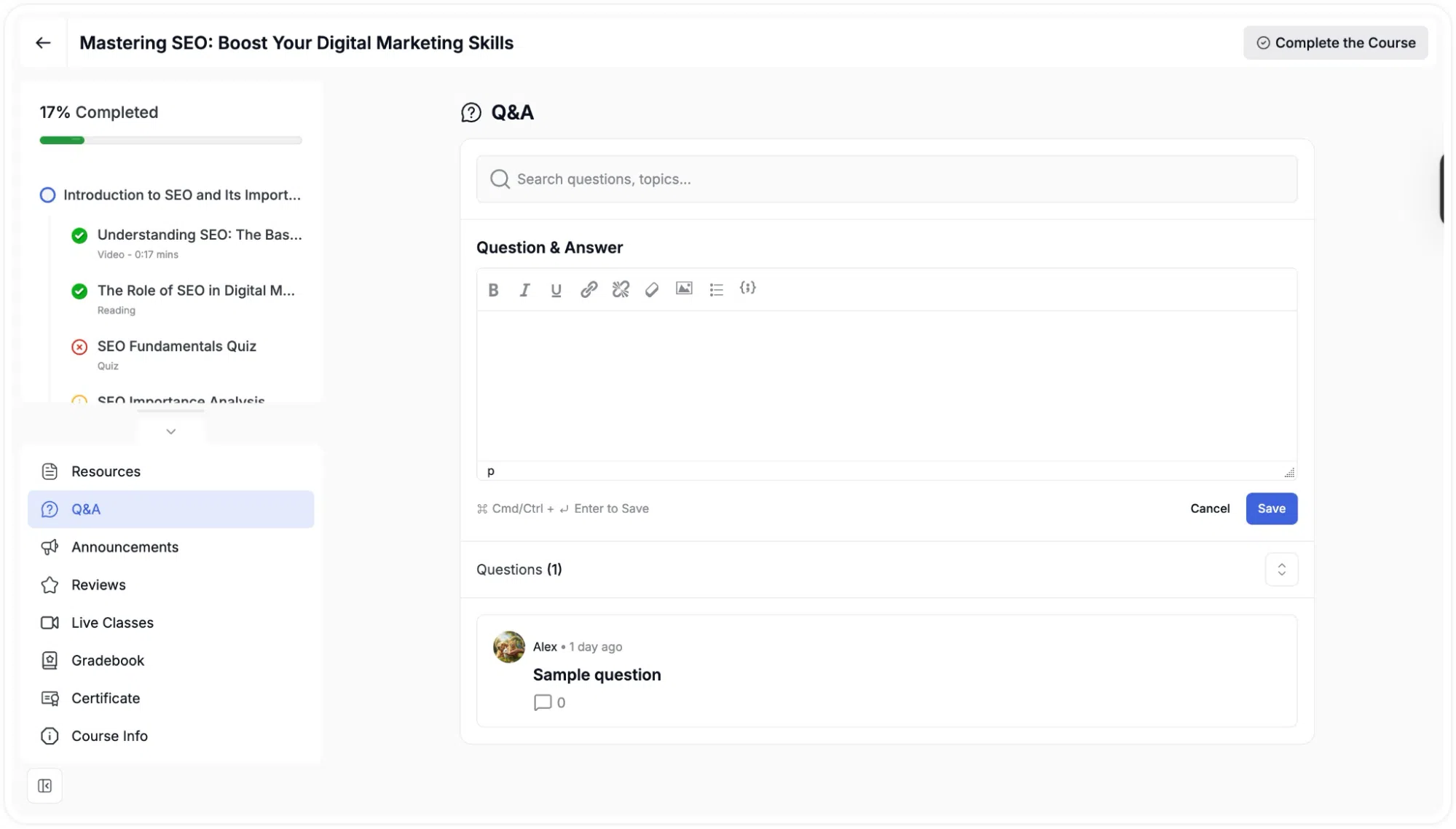
At the top of the Q&A page, a Search bar lets students search existing questions by keyword. Below that, a rich text editor labelled Question & Answer is available for writing a new question. The editor supports text formatting, links, images, and code. Questions can be sent by clicking Save button.
Existing questions are listed below with their text, the number of replies, and a thumbs-up count from other students. Each question can be expanded to view the full thread of replies. Students can post their own reply by typing in the Reply field at the bottom of any thread. Questions are paginated when there are many of them, and the current page is shown at the bottom.