Text Field
Text Field
This text field is the most common settings tab in the Oxygen Visual Editor. Hence, in order to reduce repetition, we’ll only write about it here, and you can refer back to this field if you need to.
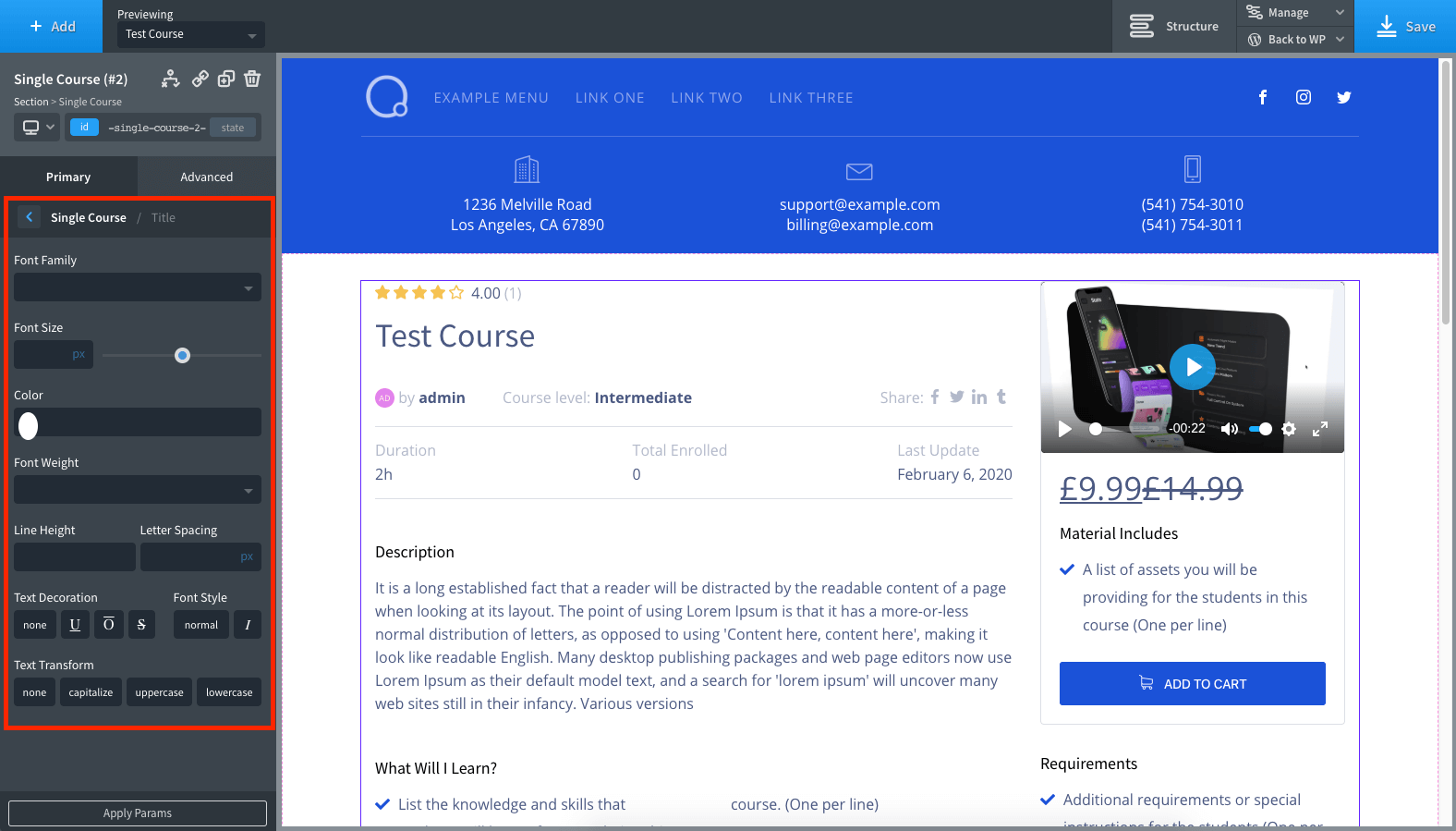
Font Family: Select the font type from this drop-down
Font Size: Select the font size of the text
Color: Select text color
Font Weight: Select the font-weight/thickness
Line Height: Select the vertical padding for the course text field
Letter Spacing: Select the spacing between each letter in the text text
Text Decoration: Select between no decoration, underline, overline, and strike-through text
Font Style: Select between no styling and italics.
Text Transformation: Use this field to set upper case, lower case, or auto-capitalization in one click